Remote Control for Roku TV All
2.9.1 by Tripti (0 Reviews) July 29, 2024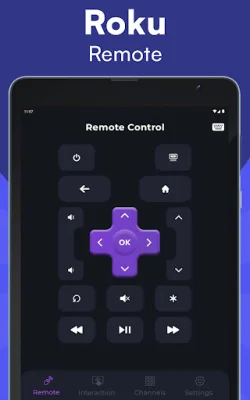
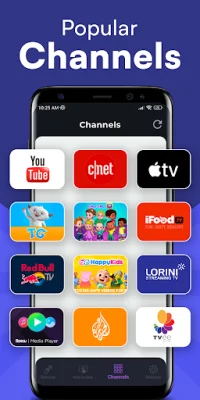
Latest Version
2.9.1
July 29, 2024
Tripti
Entertainment
Android
0
Free
com.nt.roku_remote
Report a Problem
More About Remote Control for Roku TV All
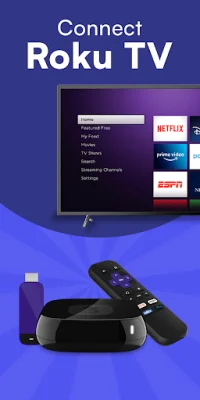
Remote Control for Roku TV is an app that allows you to control your Roku Smart TV with your Android phone. It's a convenient and easy solution for those who want to control their TV without using the physical remote. To use the app, all you need is to connect your phone and TV to the same Wi-Fi network.
The app has a variety of features that make it a great alternative to the traditional remote. First, there is no setup required. The app automatically scans your network to find your Roku device, making it easy to get started. It also works with all versions of Roku, so you don't have to worry about compatibility issues.
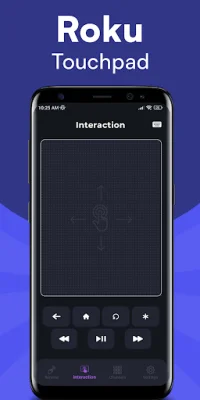
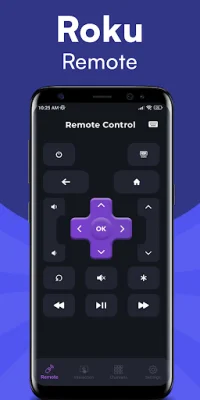
All the buttons on the Roku remote are supported by the app, including power on/off and volume adjustments. You can easily navigate through menus and content using the arrow keys on the app. There is also a large touchpad for more convenient navigation. And for those who prefer typing, the app has a fast and easy keyboard feature.
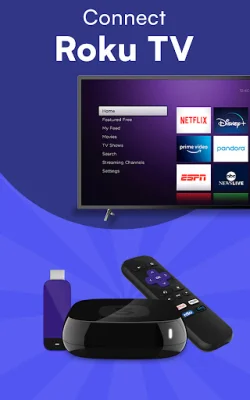
The app supports a variety of Roku devices, including the Streaming Stick Express, Express+, Premiere, Premiere+, and Ultra. It also works with Roku TVs from popular brands like Philips, TCL, Hisense, Sharp, Haier, Element, Insignia, Hitachi, and RCA. This makes it a versatile option for anyone with a Roku device.
Say goodbye to broken buttons and dead batteries on your physical remote. With Remote Control for Roku TV, you can turn your Android phone into a super smart TV controller. It's a convenient and easy-to-use app that allows you to control your TV from the palm of your hand. So why wait? Download the app now and start using it like a Roku Streaming Player! Just remember, this app is not affiliated with Roku, Inc. and is not an official product of the company.
Rate the App




Popular Apps









