
Remote control for Xiaom Mibox
9.4.47 by osApps (0 Reviews) October 28, 2025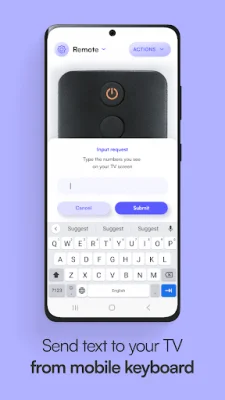
Latest Version
9.4.47
October 28, 2025
osApps
Tools
Android
0
Free
com.osfunapps.remoteformibox
Report a Problem
More About Remote control for Xiaom Mibox
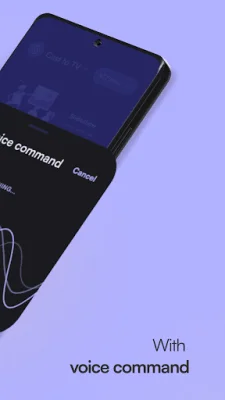
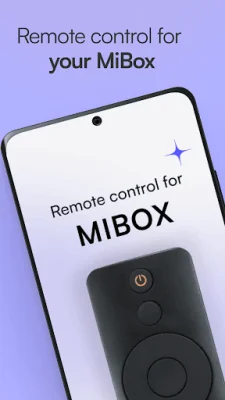
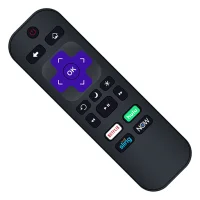
The Xiaomi MiBox remote control app is a convenient and innovative way to control all of your Xiaomi Mi Box devices with just your fingertips. With a variety of remote control options to choose from, you can easily navigate through your device's features and enhance your user experience. This app essentially turns your smartphone into a remote control for your Xiaomi MiBox, making it a must-have for any Mi Box owner.
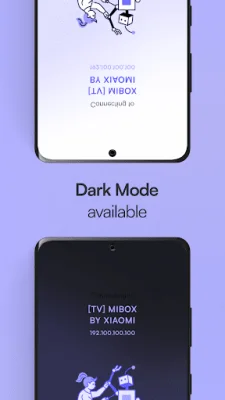
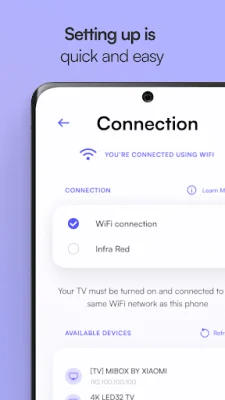
To use the Xiaomi MiBox remote control app, simply select a compatible remote control and connect your phone to the same WIFI network as your Mi Box. From there, you can easily change channels, adjust volume, and access additional options to enhance your streaming experience. You can even switch between night and dark mode for easier use.
It's important to note that the Xiaomi Mi TV Box remote control app only works with Android phones that have an IR sensor. However, if you choose to connect without WIFI, you can still use the app, but some features may not be available.
The app offers a variety of screen options for controlling your Xiaomi Mi Box device, including a touchpad screen, remote control screen, media screen, and apps screen. There are also contact and settings screens for additional help and customization options.
The Xiaomi MiBox remote control app boasts a smooth and user-friendly interface, making it easy to use and navigate. You can also become a Gold Member for exclusive perks, such as ad-free usage and lightning-fast connection speeds.
It's important to note that this app is not an official Xiaomi Mi Box app, but it is still highly efficient in controlling all Xiaomi Mi TV Box devices. So why wait? Try it out and experience the convenience and ease of controlling your Mi Box with just your smartphone!
Rate the App












Popular Apps









