Remote for Fire TV, FireStick
38.0 by Remote Control - TV Remote, TV Cast (0 Reviews) November 01, 2025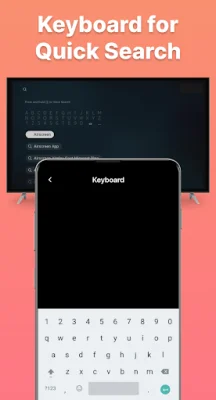

Latest Version
38.0
November 01, 2025
Remote Control - TV Remote, TV Cast
Entertainment
Android
0
Free
tv.remote.control.firetv.tvremote
Report a Problem
More About Remote for Fire TV, FireStick
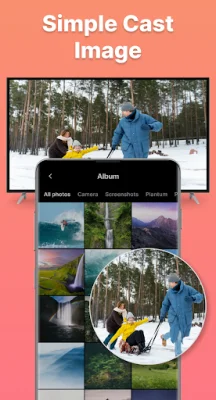
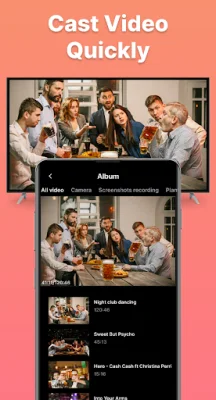
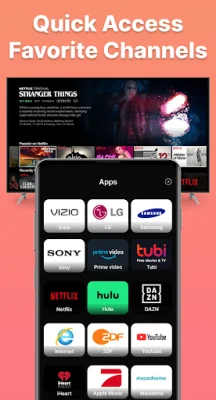
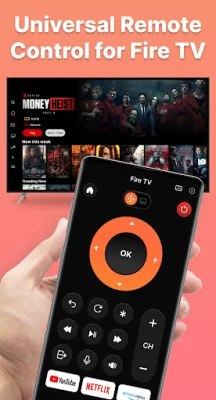
The Fire TV Remote - Firestick is an application that allows you to easily cast videos, photos, and movies from your phone to your Fire TV. It also serves as a universal remote control for your Fire TV and Fire Stick, giving you quick access to your favorite channels and a convenient touchpad for navigation. With its integrated keyboard and voice feature, you can easily search and input text on your Fire TV. The app has a user-friendly interface with clear setup instructions, making it easy to use. To connect the Fire TV Remote - Firestick to your TV, simply turn on your Fire TV and ensure that both your Fire TV and Android phone are connected to the same WiFi network. Then, tap to connect and the app will automatically search for available Fire devices. To start screen mirroring on your Fire TV, open the app and make sure it is connected to your Fire TV on the same network. Then, tap on "Mirror" and select your TV's name from the available devices to start casting your screen. This allows you to enjoy your favorite content on a larger screen. If you encounter any issues with connectivity, try reinstalling the app and rebooting your device. This can resolve most problems and bugs. Please note that the Fire TV Remote - Firestick app is not an official product of Amazon.com Inc. or its affiliates. We always welcome feedback to improve the app and if you have any queries, you can contact our support staff at [email protected]. In conclusion, the Fire TV Remote - Firestick is a convenient and versatile app that enhances your Fire TV experience by allowing you to easily cast and control your TV from your phone. So why wait? Start using it today and unlock the full potential of your Fire TV.
Rate the App











Popular Apps









