Remote for Roku TVs, TV Remote
1.0.10 by ZANKHANA PTE LTD (0 Reviews) August 07, 2024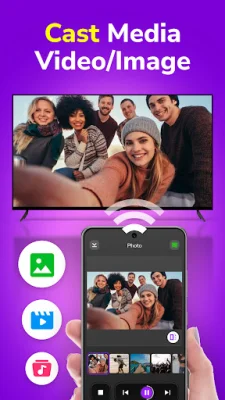
Latest Version
1.0.10
August 07, 2024
ZANKHANA PTE LTD
Tools
Android
0
Free
smart.tv.remote.control.roku
Report a Problem
More About Remote for Roku TVs, TV Remote
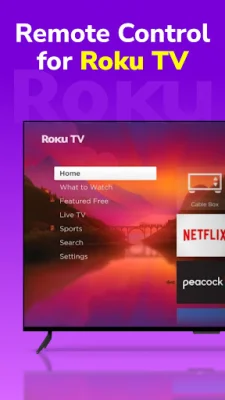
Are you tired of constantly losing your TV remote? Look no further! With this Roku control app, you can easily operate your Roku TV using your phone. Say goodbye to the frustration of searching for your remote and hello to convenient and fast TV control!
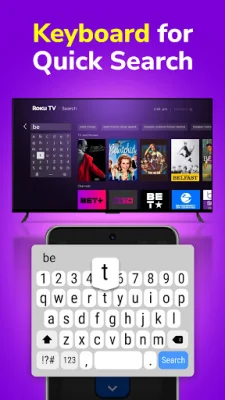
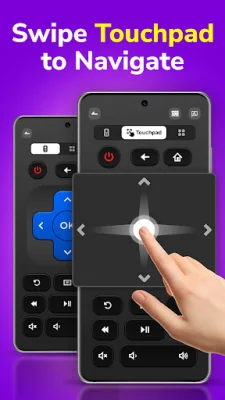
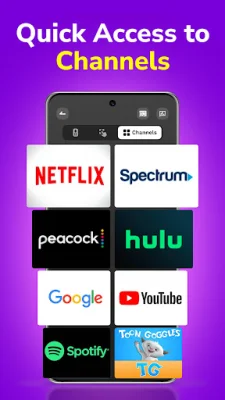
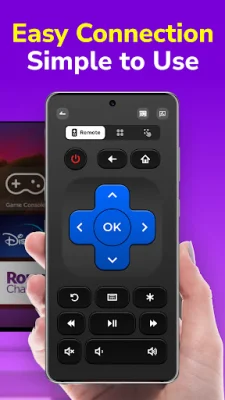
This app offers a variety of distinctive features to enhance your TV viewing experience. With just one click, you can quickly connect to your Roku TV. The flexible touchpad allows for easy navigation of the Roku TV interface through touch and swipe gestures. The virtual keyboard makes typing and searching on your TV a breeze. You can also create shortcuts for your favorite channels for quick access and even mirror and cast mobile content to your Roku TV.
Controlling your TV has never been easier with this app. You can power your TV on and off, adjust the volume, change channels, fast forward and rewind, play and pause, and use the numeric keypad and one-touch mute feature.
This app is compatible with a wide range of Roku TVs and streaming players, including TCL, Hisense, Philips, Sharp, Onn, JVC, RCA, Magnavox, Westinghouse, and various Roku streaming players. To use the app, simply ensure that your Roku TV and Android phone (V6.0 or later) are connected to the same WiFi network, install and open the app, and select your desired device for connection.
If you encounter any issues, such as TV connection failure, simply reinstall the app and restart your TV. Please note that this app is not affiliated with Roku, Inc. and is an independent party.
Say goodbye to the hassle of searching for your TV remote and hello to effortless TV control with the Roku TCL Remote app. Download it now and take full control of your TCL Roku TV!
Rate the App















Popular Apps









