Remote Gamepad
1.7.0 by SmartFusionLabs (0 Reviews) August 21, 2024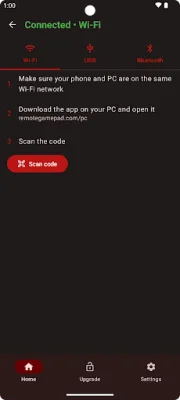


Latest Version
1.7.0
August 21, 2024
SmartFusionLabs
Entertainment
Android
0
Free
com.remotegamepad
Report a Problem
More About Remote Gamepad
This app is designed to enhance your gaming experience by allowing you to use a variety of devices as game controllers. It is compatible with Windows 10/11, Linux, Android phones and tablets, Google TV/Android TV, and even generic Bluetooth controllers (in beta). This means that no matter what device you have, you can use it to control your PC games.
The app offers multiple connection options, including Wi-Fi, USB, and Bluetooth. This means that you can easily connect your device to your PC without needing any additional hardware. This makes it convenient and hassle-free to use.
One of the key features of this app is the ability to forward button presses from your connected device to your PC. This means that you can use your mobile game controllers to play PC games. This opens up a whole new world of possibilities and allows you to have a more immersive gaming experience.
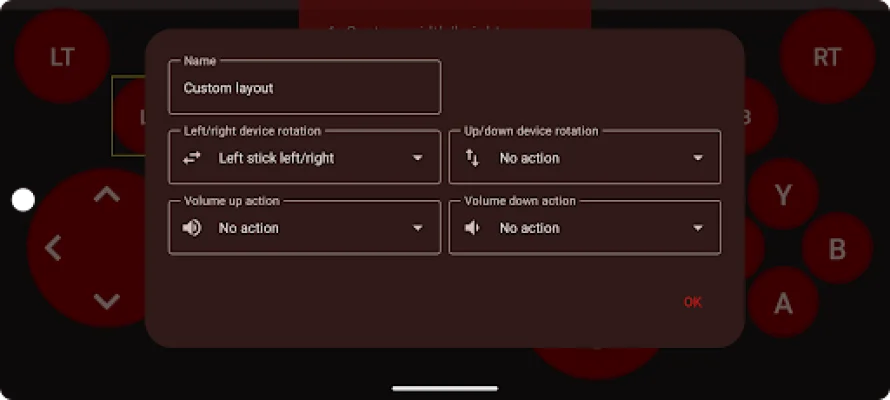
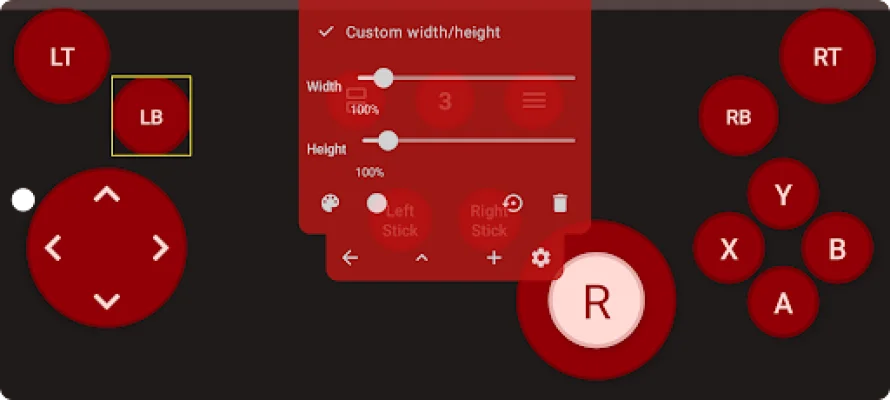
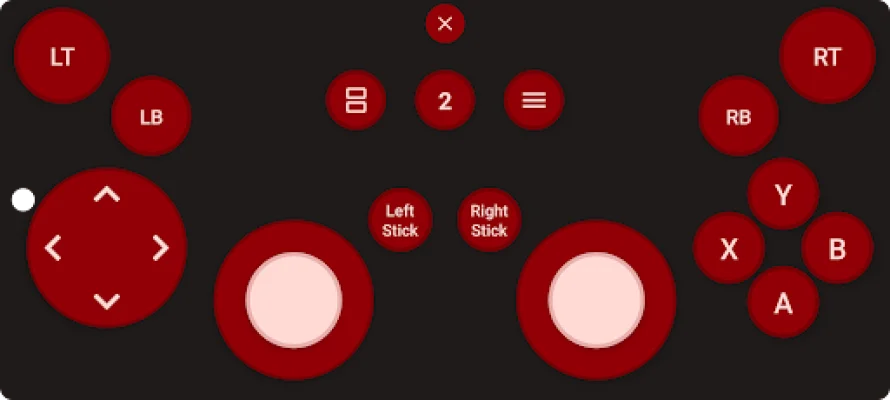
The app also comes with a layout editor, which allows you to create and customize your own game controller layouts. You can adjust the button position, size, color, and shape to suit your preferences. These layouts can also be shared with other users through a link, making it easy to collaborate and exchange ideas.
If you're not sure about purchasing the app, you can try it out with the available trial. Once the time limit is up, you can choose to upgrade to the premium version or watch ads to continue using the app. This gives you the flexibility to decide which option works best for you. With its compatibility with a wide range of devices and customizable features, this app is a must-have for any avid gamer looking to enhance their gaming experience.
Rate the App









Popular Apps









