

Samsung Internet Browser
by Samsung Electronics Co., Ltd. (0 Reviews) July 24, 2024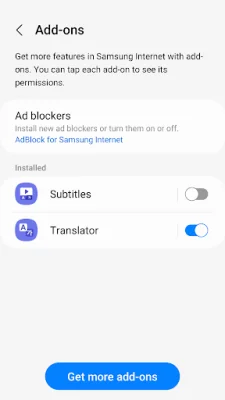



Latest Version
July 24, 2024
Samsung Electronics Co., Ltd.
Communication
Android
0
Free
com.sec.android.app.sbrowser
Report a Problem
More About Samsung Internet Browser
Samsung Internet with tiles and complication feature is a web browser that is available on Galaxy Watch devices that support Wear OS. This includes the Galaxy Watch4 series and models released later. The browser has new features such as the ability to show menu bars while scrolling and improved stability. It also helps protect the user's security and privacy while browsing the internet.
The new feature of showing menu bars while scrolling allows the user to always have access to the menu bars, even when scrolling through a webpage. This can be selected by the user as an option. The browser also has fixed bugs and improved stability, making it a smoother and more efficient browsing experience.
When it comes to security and privacy, Samsung Internet has several features to protect the user. The Smart Anti-Tracking feature identifies domains that have cross-site tracking ability and blocks storage access. This helps prevent websites from tracking the user's online activity. The browser also has a Protected Browsing feature that warns the user before accessing known malicious sites, preventing potential data theft.
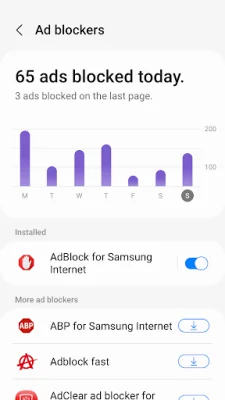
Samsung Internet also allows for content blockers, which are filters provided by third-party apps to block certain content and make browsing safer and more streamlined. The app requires certain permissions for its services, but the default functionality is turned on and optional permissions are not allowed. These permissions include location, camera, microphone, phone, nearby devices, music and audio, photos and videos, files and media, storage, and notifications.
The location permission is used to provide location-based content and information requested by the user or webpage. The camera permission is used for webpage shooting and QR code scanning. The microphone permission is used for recording on webpages. The phone permission is required for Android 11 to check mobile phone information for country-specific feature optimization. The nearby devices permission is used for Android 12 or higher to find and connect to nearby Bluetooth devices when requested by a website. The music and audio permission is used for Android 13 or higher to upload audio files on webpages. The photos and videos permission is used for Android 13 or higher to upload photos and videos on webpages. The files and media permission is used for Android 12 to upload files stored in storage spaces on webpages. The storage permission is used for Android 11 or lower to upload files stored in storage spaces on webpages. Lastly, the notifications permission is used for Android 13 or higher to display download progress and website notifications. Overall, Samsung Internet is a secure and user-friendly web browser for Galaxy Watch devices.
Rate the App















Popular Apps









