

Samsung Internet Browser Beta
26.0.0.42 by Samsung Electronics Co., Ltd. (0 Reviews) July 24, 2024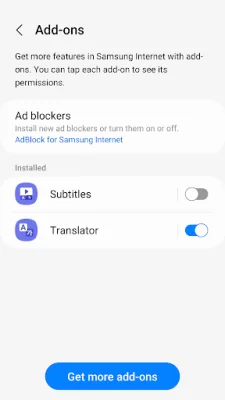




Latest Version
26.0.0.42
July 24, 2024
Samsung Electronics Co., Ltd.
Communication
Android
0
Free
com.sec.android.app.sbrowser.beta
Report a Problem
More About Samsung Internet Browser Beta
Samsung Internet is a web browser that offers a superior browsing experience with its various features such as Video Assistant, Dark Mode, Customize menu, and Extensions like Translator. It also prioritizes your privacy by providing features like Secret mode, Smart Anti-Tracking, and Smart Protection. These features make Samsung Internet a reliable and secure option for browsing the internet.
The latest version of Samsung Internet offers new features like the ability to take screenshots in Secret Mode. This can be enabled by going to the Secret Mode settings and activating the "Allow screenshots in Secret Mode" option. This feature allows for more convenience and flexibility while using the Secret Mode.
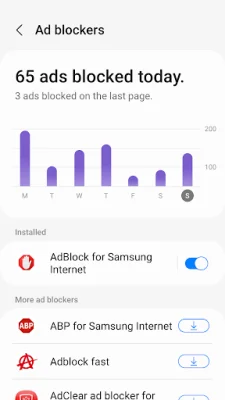
Security and privacy are top priorities for Samsung Internet. The browser offers Smart Anti-Tracking, which identifies and blocks domains with cross-site tracking abilities. It also has a Protected Browsing feature that warns users before accessing known malicious sites to prevent data theft. Additionally, Samsung Internet allows third-party apps to provide content blocking filters, making browsing safer and more streamlined.
To improve user experience, Samsung Internet may conduct A/B testing on versions 21.0 or later. This testing collects data on feature usage rates, but does not collect any personal information from users. The app also requires certain permissions for its services, but optional permissions are not allowed by default.
The required permissions for the app include none, while optional permissions include location, camera, microphone, phone, nearby devices, music and audio, photos and videos, files and media, storage, and notifications. These permissions are used to provide location-based content, webpage shooting and recording functions, and to optimize features for specific countries. They are also used to upload audio, photos, videos, and files on webpages, and to display download progress and website notifications.
Rate the App















Popular Apps









