Samsung Smart TV Remote
by Quanticapps FZ LLE (0 Reviews) August 04, 2024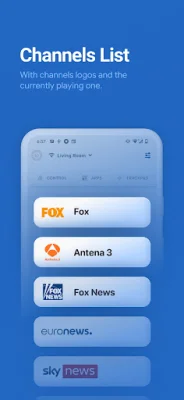
Latest Version
August 04, 2024
Quanticapps FZ LLE
Tools
Android
0
Free
com.quanticapps.remotetvs
Report a Problem
More About Samsung Smart TV Remote
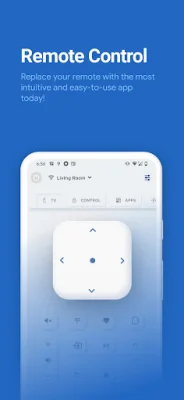
Are you tired of constantly searching for your lost remote or having to change batteries? Look no further than Samsung's Smart Remote Control app. This user-friendly and intuitive app allows you to control your Samsung Smart TV with ease, eliminating the need for a physical remote.
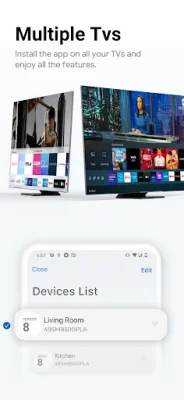
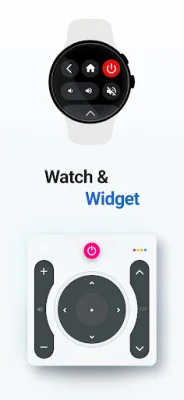
With a variety of features, this app is the perfect companion for your smart television. You can control your TV from your wrist with the Wear OS app, turn your TV on and off (supported models only), change channels by scrolling or entering numbers, adjust the volume, and mute the sound with just one tap. You can also change the input source, control multiple Smart TVs from one app, and navigate through all of the Samsung remote features.
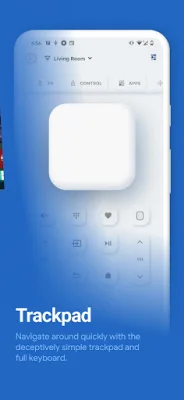
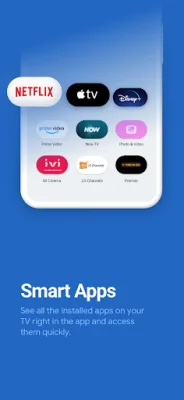
But that's not all - the Smart Remote Control app also allows you to add a widget to your home screen, use the trackpad while browsing the web, and quickly access built-in smart apps like Netflix. You can even customize the app by adding your favorite channels and applications. Plus, it supports the Frame series with art mode through Samsung's SmartThings.
At Samsung, we are constantly striving to improve and add more features to our Smart Remote Control app. We value your feedback and would love to hear how we can make your experience even better. Please leave us a review and rating to let us know how we can continue to enhance our app.
It's important to note that this controller is not an official Samsung application and we are not affiliated with Samsung Electronics in any way. We simply want to provide our customers with the best possible experience when using our products. So why wait? Download the Smart Remote Control app today and take control of your Samsung Smart TV like never before.
Rate the App















Popular Apps









