Samsung TV Remote Control
by FFTools (0 Reviews) November 19, 2025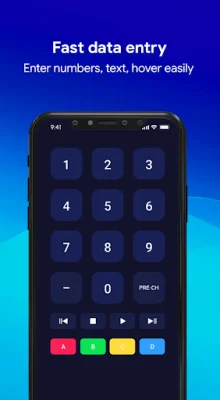
Latest Version
November 19, 2025
FFTools
Tools
Android
0
Free
com.fftools.samsungtv.remotecontrol
Report a Problem
More About Samsung TV Remote Control
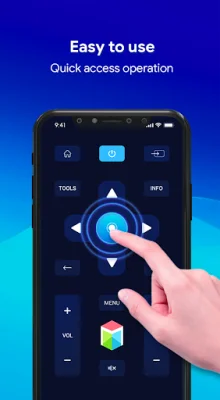
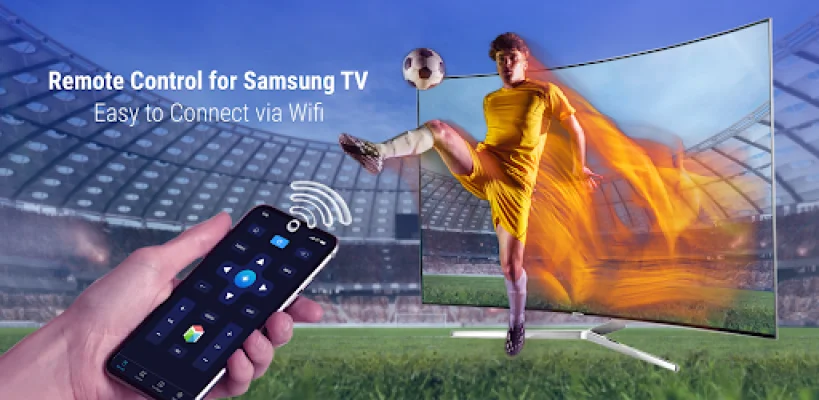
This Samsung TV Remote Control app allows you to use your smartphone as a virtual remote control for your Samsung TV. It is a free and convenient way to control your TV without having to use the physical remote.
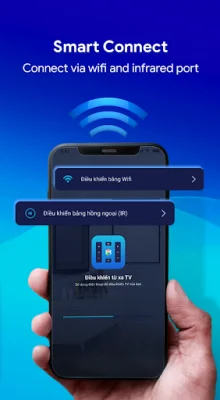
The app is compatible with all Samsung Smart TVs from Series F onwards, including models from 2013 to 2017. For older TV models, your phone must have an IR Blaster in order for the app to work.
If you have a K-Series (2016+) Samsung Tizen model with MultiScreen Smart TV control feature, you will need to set your phone as an allowed device in the Mobile Device Manager. When connecting to your TV for the first time, you will need to accept a message that appears on your TV. If you initially declined the message, you can change your selection later by going to Menu -> Network -> Expert Settings -> Mobile Device Manager.
In order for the app to work, your TV and phone or tablet must be connected to the same local network. This ensures a seamless connection between the two devices.
The app has several useful features, including a time-saving debugging remote button and the ability to easily add and switch between multiple remote controls. It is a convenient and efficient way to control your Samsung TV.
One of the standout features of this app is its ability to automatically restore the connection to your TV if you get distracted by a phone call. This eliminates the need to constantly reconnect to your TV.
It is important to note that text input is only available in Smart Hub apps that support the Samsung keyboard. The keyboard will appear on your mobile device screen when you activate the input field on your TV or Blu-ray screen. Some services, such as Netflix and YouTube, have their own keyboards and are not supported by the app.
It is also worth mentioning that this app is not affiliated with or endorsed by Samsung Group. Samsung is a trademark of Samsung Group. The developers of this app strive to be original and SEO-oriented in their approach. Thank you for downloading the Remote control for Samsung TV app.
Rate the App









Popular Apps









