
Samsung TV Remote SmartThings
6.2 by Vulcan Labs (0 Reviews) August 19, 2024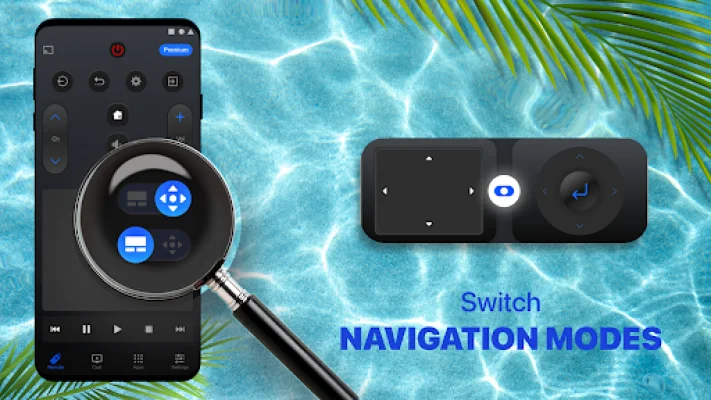
Latest Version
6.2
August 19, 2024
Vulcan Labs
Tools
Android
0
Free
co.vulcanlabs.samsungremote
Report a Problem
More About Samsung TV Remote SmartThings
The Samsung Smart TV Remote is an app that allows you to control your Samsung K-series Tizen TVs (2016 and later), Smart TV series C, D, E, F, K (manufactured between 2010 - 2015) and M models. It supports features such as Internet TV, Allshare Smart TV, and Tizen. To use this app, both your TV and phone must be connected to the same WiFi network. Once connected, you can select your TV in the app and allow the Smartthings Samsung TV Remote on your TV.
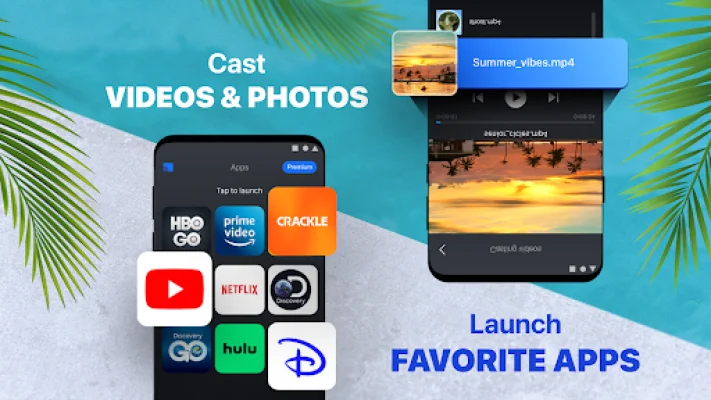
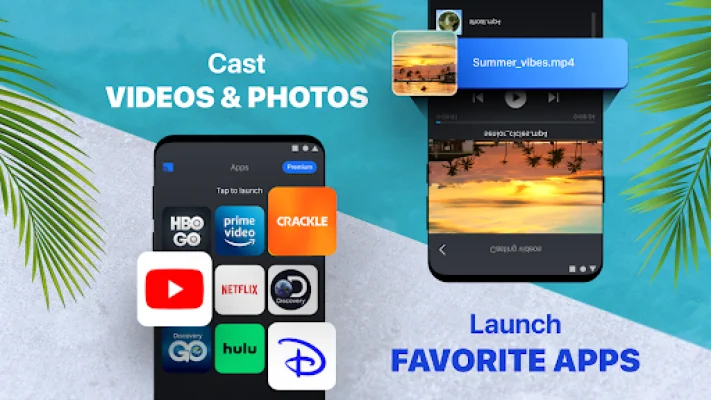
This app also allows you to quickly cast and view photos and videos in high-definition from your Gallery directly onto your TV with the tap of a button on the dedicated "Cast" Smart things tab. You can also access your favorite programming and media apps like Prime Video, Netflix, Hulu, YouTube, HBO, Fite, and more with the dedicated "Apps" Smart things tab. Searching for content is made easy with the use of a keyboard.
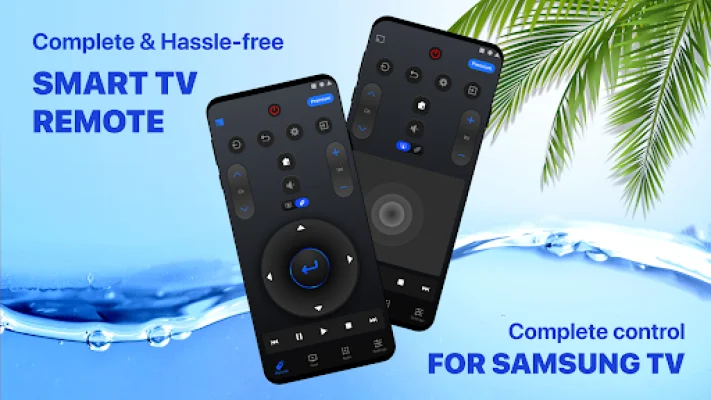
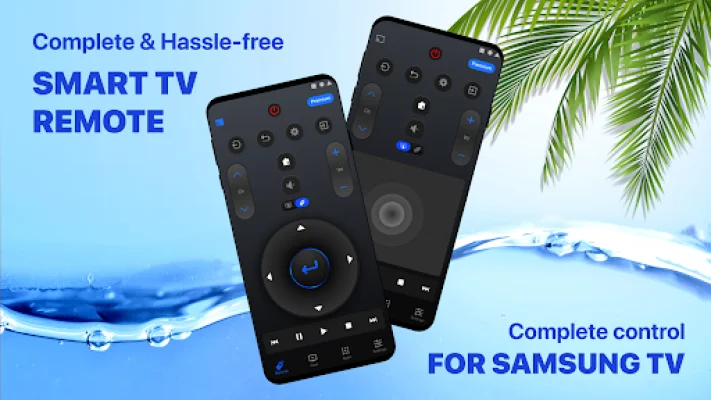
The Samsung Smart TV Remote also allows you to control your TV directly from your phone, eliminating the need for a separate remote. This means you no longer have to worry about buying new batteries or searching for a lost remote. This app has all the buttons you need for full control of your TV, including the ability to switch channels, adjust volume, and access settings.
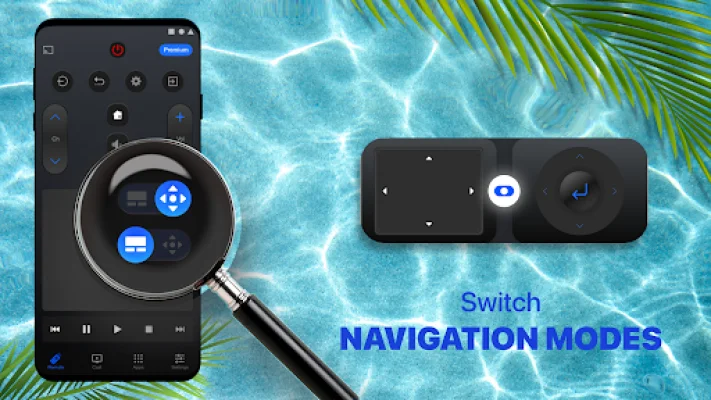
The app also offers a swipe gesture navigation remote controller, making it even easier to control your TV. It can be used from any distance as long as there is an online connection through your local network. However, weak network strength may slightly affect the app's performance. Please note that only one source device can be connected at a time.
If you have any questions or concerns, you can leave a review or email the support team at [email protected]. It's important to note that this app is not affiliated with or endorsed by Samsung Electronics Co., Ltd. It is not an official product of Samsung or its affiliates. If you're looking for a convenient and easy way to control your Samsung Smart TV, this app is the perfect solution.
Rate the App















Popular Apps









