

Santander Mobile Banking
5.6.0 by Santander UK plc (0 Reviews) August 13, 2024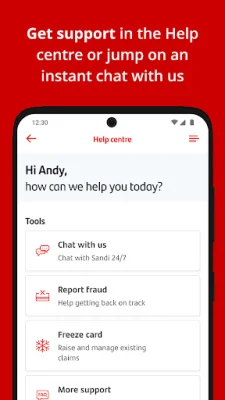
Latest Version
5.6.0
August 13, 2024
Santander UK plc
Finance
Android
0
Free
uk.co.santander.santanderUK
Report a Problem
More About Santander Mobile Banking
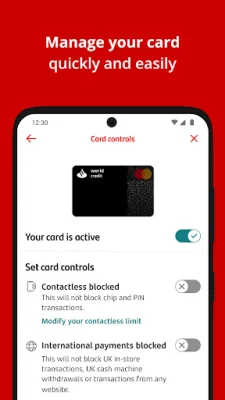
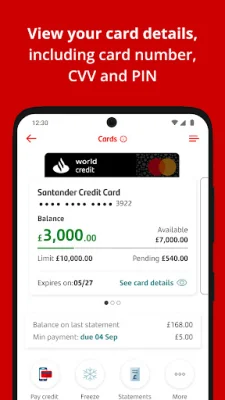
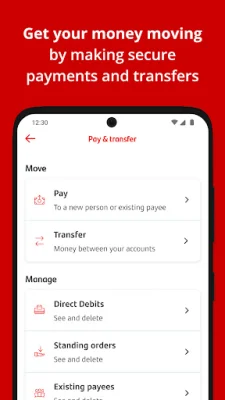
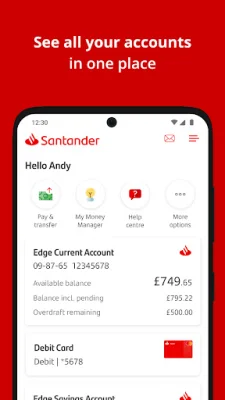
Santander Mobile Banking is a convenient and easy-to-use application that allows customers to manage their finances on the go. Whether you are an existing customer or new to Santander, you can quickly and securely access your accounts and perform various banking tasks right from your mobile device. The app is available for download on the Google Play Store and can be set up in just a few minutes.
If you are already a Santander customer, all you need to get started with the mobile banking app is your Personal ID, registered phone number and/or email address, and Security Number. Once you have these details, simply open the app and select 'Logon' to follow the on-screen instructions. It's that easy!
For existing customers, the app also allows you to receive important messages from Santander through push notifications. Make sure to enable this feature so you can stay updated on your account activity and any important information from the bank.
If you are new to Santander, you can now open a Personal Current Account using the app. Just select 'New to Santander' and the app will guide you through the application process to set up your account immediately. It's a quick and convenient way to become a Santander customer.
It's important to note that Santander will never ask for your One Time Passcode (OTP) or Security Number, even if the person claiming to be from the bank is an employee. Additionally, the app will not run on rooted devices for security reasons. To ensure the app runs smoothly, make sure your device is running on Android version 8 or above. If not, you can still access your accounts through Santander Online Banking.
Overall, Santander Mobile Banking is a reliable and secure way to manage your finances on the go. With its user-friendly interface and various features, it's a must-have for Santander customers. So why wait? Download the app now and experience the convenience of mobile banking with Santander.
Rate the App















Popular Apps









