

Screen mirroring: Cast to TV
1.50 by Appify Technology (0 Reviews) May 11, 2026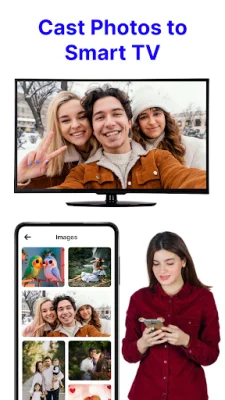


Latest Version
1.50
May 11, 2026
Appify Technology
Tools
Android
0
Free
com.screenmirroring.tv.casting.mirror.screen.mirroring
Report a Problem
More About Screen mirroring: Cast to TV
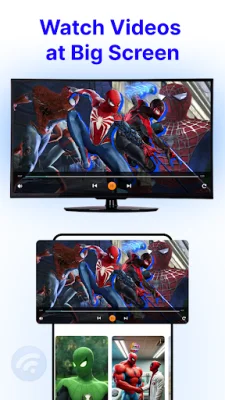
The Cast to TV application allows users to easily watch videos, movies, photos, songs, and documentaries from their smartphone or tablet on a larger TV screen. This is made possible through the use of screen mirroring technology, which allows for the sharing of a device's screen with a TV. The app is designed for all types of media, including videos, music, and photo slideshows, making it a versatile tool for entertainment and presentations.
The app features an auto search function to quickly find available cast devices, as well as the ability to add local media files to a play queue for easy access. Users can also choose to play media in shuffle, loop, or repeat mode for a customized viewing experience. The app is optimized for video, music, and photo casting, making it a comprehensive solution for all types of media.
One of the main features of the Cast to TV app is its screen mirroring capabilities, which allow users to display their phone screen on a larger TV screen. This is useful for accessing all types of media files, including games, photos, music, videos, and e-books, on a bigger screen. It is also a great tool for business meetings, as users can easily cast presentations and demonstrations to a TV screen for a more professional and impactful display.
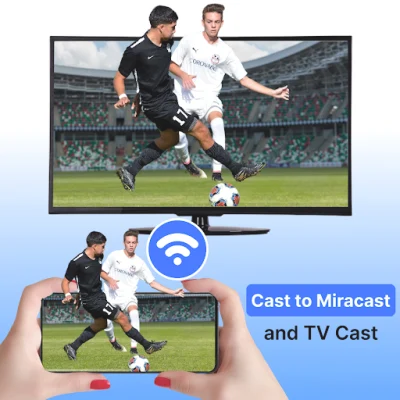
The app also offers a smart view option, which allows users to watch movies and videos with friends or family on a big TV screen. This is perfect for those who want to share their entertainment experience with others and enjoy a more immersive viewing experience. Additionally, the app supports casting for sports matches and other videos, making it a great tool for streaming content on a TV screen.
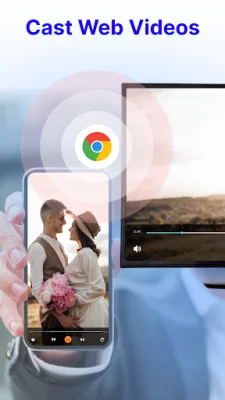
To use the Cast to TV app, users simply need to connect their mobile device and smart TV to the same WIFI network and open the app to search for available devices. From there, they can select the media they want to cast and enjoy it on a bigger screen. The app is user-friendly and offers a seamless casting experience for all types of media.
Rate the App












Popular Apps









