Screen Mirroring & Cast to TV
1.371 by iKame Applications - Begamob Apps (0 Reviews) August 23, 2024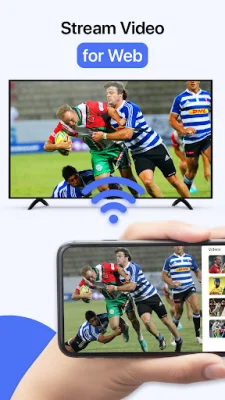
Latest Version
1.371
August 23, 2024
iKame Applications - Begamob Apps
Tools
Android
0
Free
com.casttotv.screenmirroring.smarttv.castvideo
Report a Problem
More About Screen Mirroring & Cast to TV
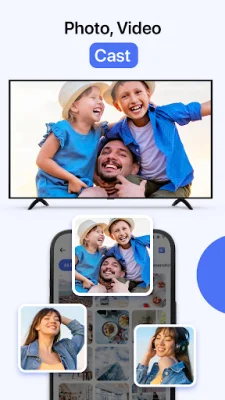
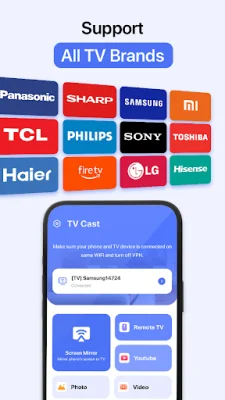
Cast to TV is an application that allows you to easily cast online videos and all local videos, music, and images to your TV. It is compatible with various devices such as Chromecast, Roku, Amazon Fire Stick, Xbox, Apple TV, and other DLNA devices. With this app, you can screen mirror and stream videos and movies on your TV in real-time.
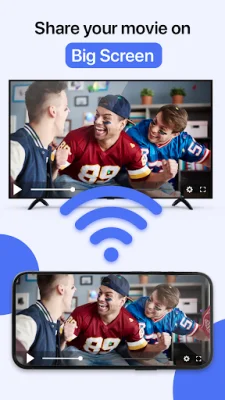
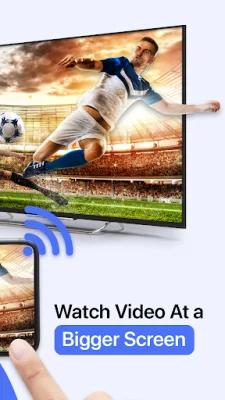
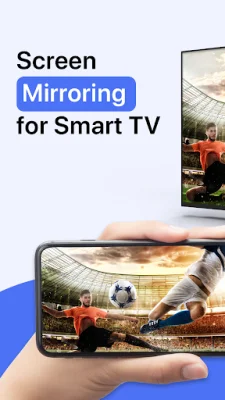
The screen mirroring feature allows you to share your phone screen on a bigger TV screen in high quality and with no delay. This is perfect for those who want a bigger screen experience without straining their eyes on their small phone screens. You can connect your phone to a TV, Chromecast, Firestick, Roku stick, Samsung screen mirroring, or Anycast using this app.
Using the screen mirroring feature, you can easily access all your games, photos, videos, and other applications on a bigger screen. This makes it a great tool for group activities and sharing content with friends and family.
If you are looking for a stable screen mirroring app, Cast to TV is the perfect choice. It allows you to view your phone screen on a larger one anytime and anywhere. You can even play games on the big screen using this app.
Cast to TV is a smart tool that helps you control all your devices easily and quickly. It provides a secure connection to protect your data, files, and applications. You can use it to cast local videos, pictures, and music to your TV effortlessly. This app is compatible with multiple devices such as Chromecast, Roku, Xbox, Fire TV, LG TV, and Samsung screen mirroring.
With Cast to TV, you can stream or browse any video or content on your Cast Player. You can also control and select what you want to watch on your TV using your phone through this app. It supports various devices including Chromecast, Roku, smart TVs, Xbox, FireTV, and other DLNA receivers. You can easily connect your phone and device to the same Wi-Fi and enjoy all the features of this app.
Rate the App











Popular Apps









