Screen Mirroring for Roku
by ImsaTools LTD (0 Reviews) March 30, 2026
Latest Version
March 30, 2026
ImsaTools LTD
Tools
Android
0
Free
screen.mirroring.roku.miracast.airplay
Report a Problem
More About Screen Mirroring for Roku
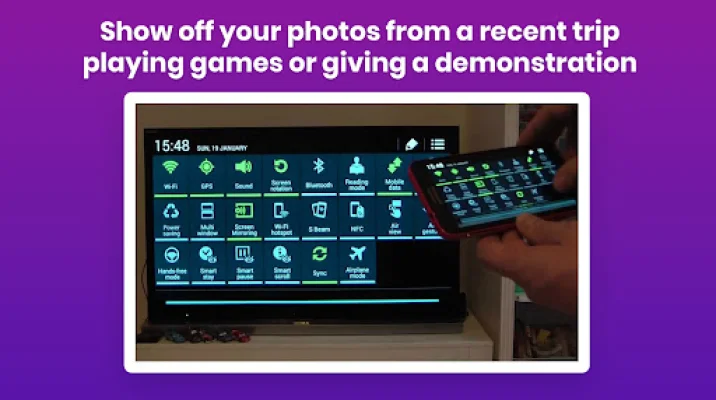
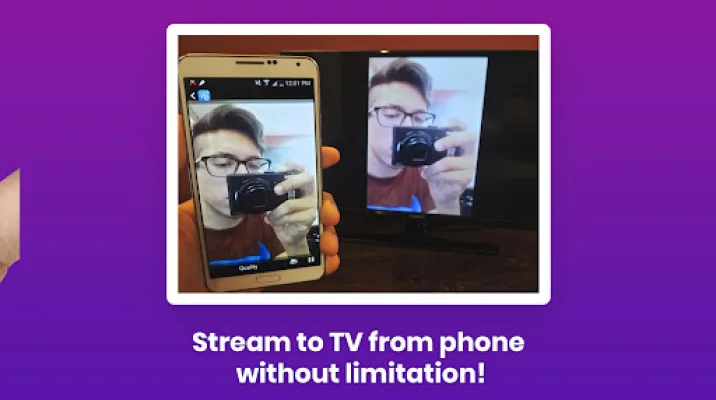
The Roku Screen Mirroring App is a convenient and user-friendly tool that allows you to easily cast your phone to your Roku device. This means that you can stream videos, photos, music, and apps directly from your Android or iPhone to your Roku, making it a versatile and powerful addition to your entertainment setup. With this app, you can enjoy all your favorite content on a bigger screen with just a few taps.
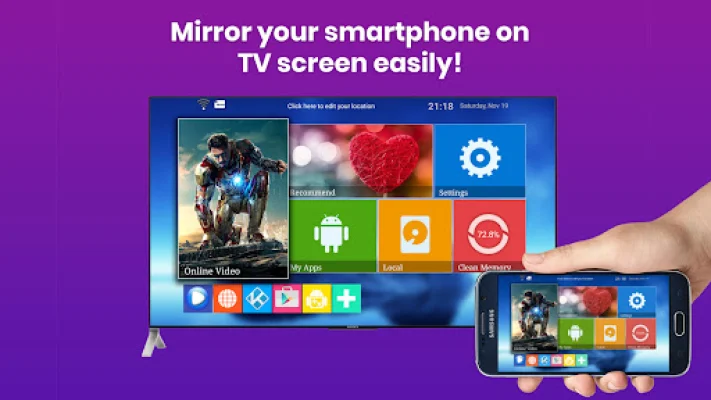
One of the key features of this app is its ability to mirror your phone's screen in full HD quality on your Roku TV. This means that you can enjoy your content in high definition, providing a more immersive viewing experience. Additionally, the app allows you to cast content from your Android or iPhone to your Roku TV, making it easy to share videos, photos, presentations, and games with friends and family.
The setup process for this app is simple and hassle-free. All you need to do is ensure that your phone and Roku are connected to the same Wi-Fi network, open the app, and select your Roku TV. From there, you can tap "Start Mirroring" to share your screen on your Roku TV. This makes it easy for anyone to use, regardless of their technical expertise.
The Roku Screen Mirroring App is compatible with all Roku devices and Roku-enabled TVs, making it a versatile option for anyone who owns a Roku. It also supports popular features such as Apple AirPlay for iOS users, allowing you to mirror your iPhone to your Roku TV. This opens up a world of possibilities for entertainment, from watching movies and YouTube videos to streaming music and photos with friends.
Overall, the Roku Screen Mirroring App is a powerful tool that can turn your Roku TV into a big-screen experience. It offers a range of features and supports various devices, making it a must-have for anyone looking to enhance their entertainment setup. So why wait? Download the app now and enjoy unlimited screen mirroring for Roku!
Rate the App

Popular Apps









