Screen Mirroring - Miracast
by nicetomorrow (0 Reviews) December 04, 2025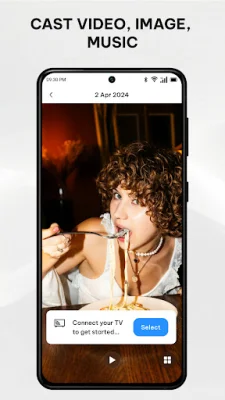
Latest Version
December 04, 2025
nicetomorrow
Entertainment
Android
0
Free
com.smarttv.screenmirroring.miracast
Report a Problem
More About Screen Mirroring - Miracast
No more straining your eyes on small screens! This app, called Screen Mirroring - Miracast, offers a solution for easy screen sharing of all media types. Whether you're relaxing with family or presenting at work, this app makes it smooth and efficient. It brings a new level of entertainment and productivity to your devices.
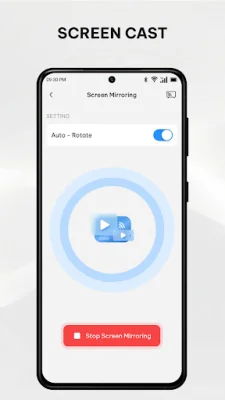
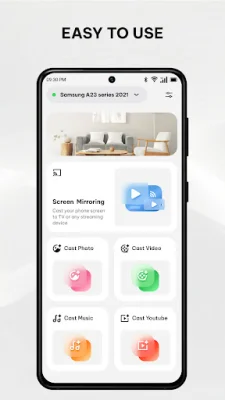
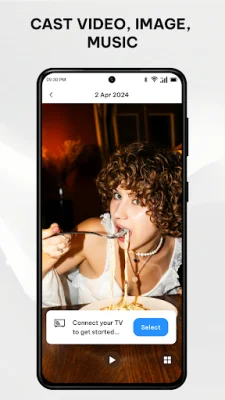
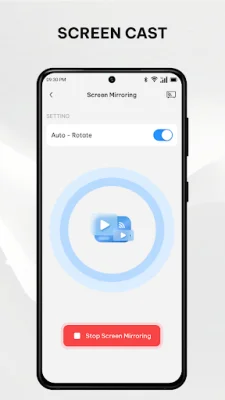
The key features of this app include the ability to mirror your phone screen to your TV, stable and lag-free casting, compatibility with multiple devices such as Roku, Samsung, LG, Chromecast, FireTV, and Vizio, and support for all media formats including photos, videos, music, E-books, PDFs, and games. It is also ideal for presentations, with the ability to cast slideshows, demonstrations, and business presentations effortlessly. The app offers real-time screen sharing with minimal delay and has a user-friendly interface designed for simplicity and ease of use.
To use Screen Mirroring - Miracast, you simply need to ensure that your phone and TV are connected to the same Wi-Fi network, enable "Wireless display" or "Cast" on your phone, activate "Miracast" or a similar feature on your TV, and select and pair your TV using the app. Then, you can instantly stream your content on the big screen.
There are many reasons to choose Screen Mirroring - Miracast. It offers an intuitive and reliable solution for all your casting needs, whether for work or entertainment. You can stream movies for an enhanced viewing experience, play mobile games on your TV for added fun, share photos and videos with loved ones, and even deliver presentations and showcase ideas directly from your phone.
This app supports popular brands such as Roku, Samsung, LG, Chromecast, FireTV, and Vizio, ensuring compatibility with a wide range of devices. To ensure optimal performance, it is recommended to use devices that support screen mirroring or Miracast, have a strong and stable Wi-Fi connection, and have any VPN or proxy services disabled.
If you need any support or have feedback, the app offers assistance. However, it is important to note that this app is not affiliated with or endorsed by Google, Roku, Samsung, LG, Vizio, or any of the other mentioned brands. So, if you're tired of straining your eyes on small screens and want to elevate your entertainment experience, download Screen Mirroring - Miracast today!
Rate the App






Popular Apps









