

ShockPad: PC Remote Play
1.1.2 by Stream Game Dev (0 Reviews) November 19, 2025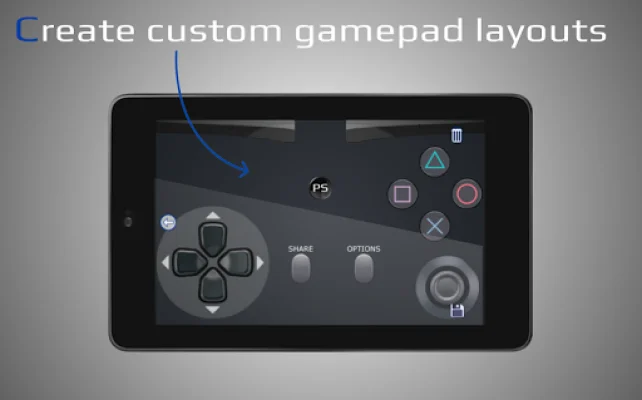
Latest Version
1.1.2
November 19, 2025
Stream Game Dev
Tools
Android
0
Free
com.grill.shockpad
Report a Problem
More About ShockPad: PC Remote Play
If you're tired of using a PC to connect to your PlayStation, check out PSPad - the new app that allows you to connect directly to your PS. PSPad is the successor of ShockPad, but if you still prefer to connect via your PC, you can continue using ShockPad.
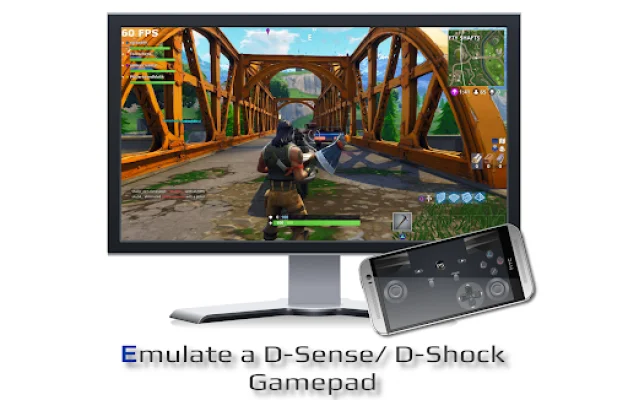
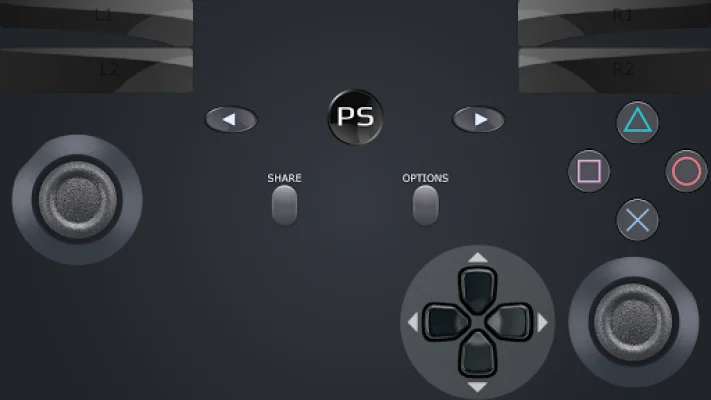
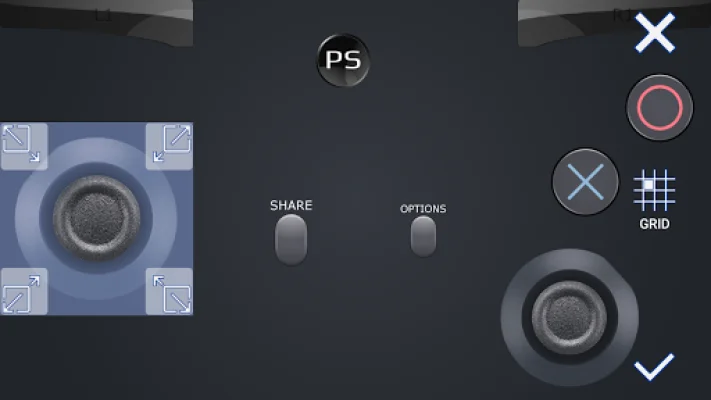
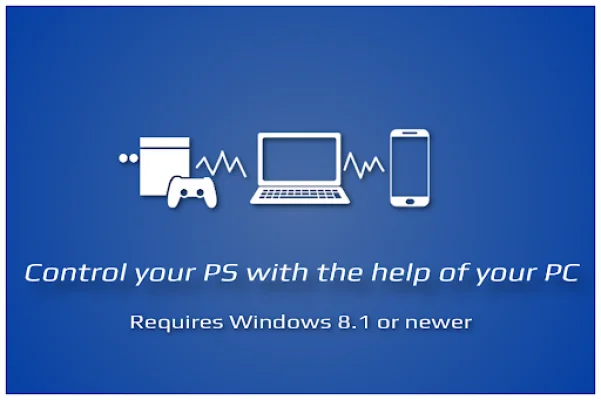
With ShockPad, PSJoy server, and the official PS Remote Play program on your Windows PC, you can use your smartphone as a D-Shock gamepad. This means you can play your favorite games with your smartphone acting as a controller.
However, before using ShockPad, you need to download and install the PSJoy server on your Windows PC. This is a necessary step as a connection to the PSJoy server is always required. Please note that ShockPad cannot connect directly to your PS, so if that's what you're looking for, this app is not for you.
To download the PSJoy server, visit https://grill2010.github.io/psJoy.html. Keep in mind that ShockPad requires a PC with Windows 8.1 or newer, the PSJoy server, and the official PS Remote Play program. Your PC should also have an Intel® Core™ i5-560M Processor 2.67 GHz or faster (Quad core highly recommended), at least 2 GB of RAM, and a display resolution of 1024 × 768 or higher. A wired internet connection for both your PS and PC is recommended, but a 5GHz WiFi can also work with minimal delays.
The PSJoy server works by intercepting the official PS Remote Play program on your PC, which is why Windows 8.1 or newer is required. Once everything is set up, you can use your smartphone to control games like GTA V, Crash Bandicoot, The Last of Us, FIFA, and many more.
Some features of ShockPad include D-Shock emulation, D-Shock layout configuration, customization of template layouts, easy connection setup, real D-Shock gamepad support, and Bluetooth connection. For a detailed setup tutorial, you can watch a video on YouTube by clicking the link https://www.youtube.com/watch?v=70JT6mNUmCU&feature=youtu.be. You can also visit the wiki page at https://github.com/grill2010/PSJoy_Server/wiki for more information.
Disclaimer: All trademarks mentioned in this app belong to their respective owners. Be original and SEO-oriented when using this app.
Rate the App















Popular Apps









