
SIM Dashboard
3.24.0.0 by stryder-it (0 Reviews) April 30, 2026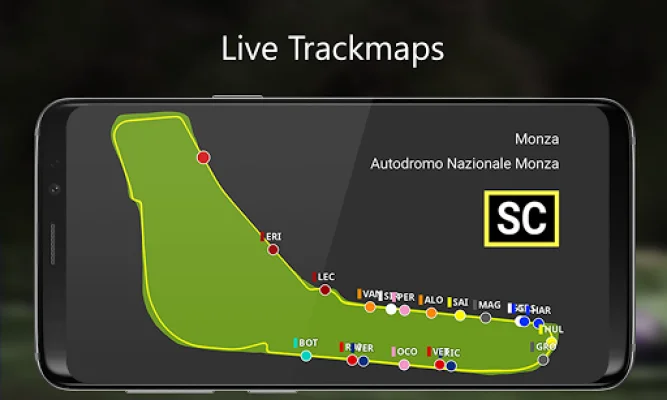
Latest Version
3.24.0.0
April 30, 2026
stryder-it
Entertainment
Android
0
Free
de.stryder_it.simdashboard
Report a Problem
More About SIM Dashboard
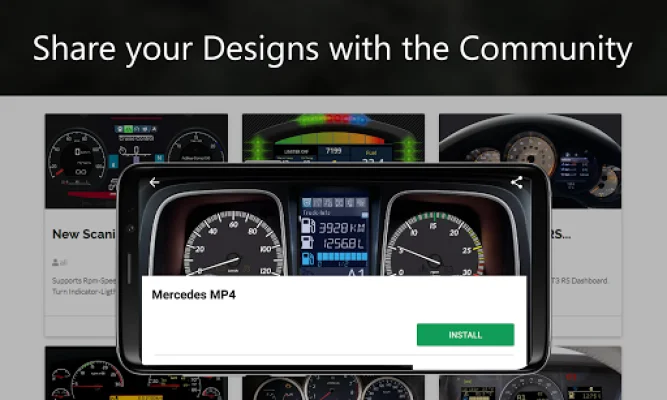
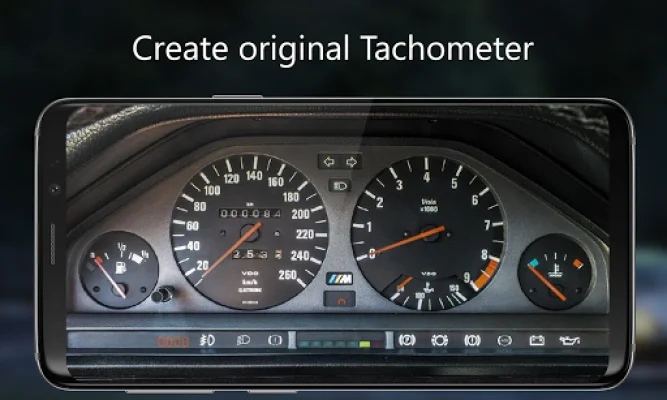
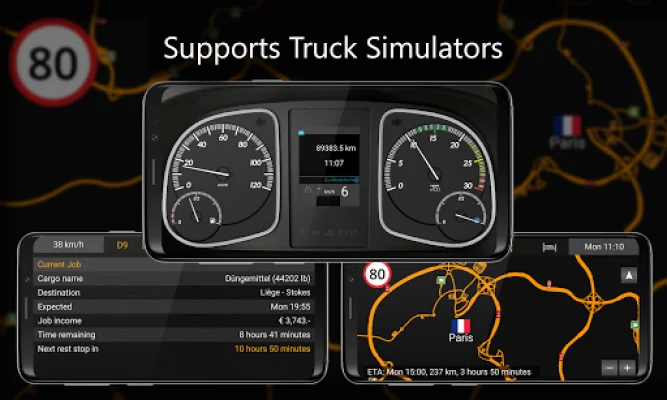
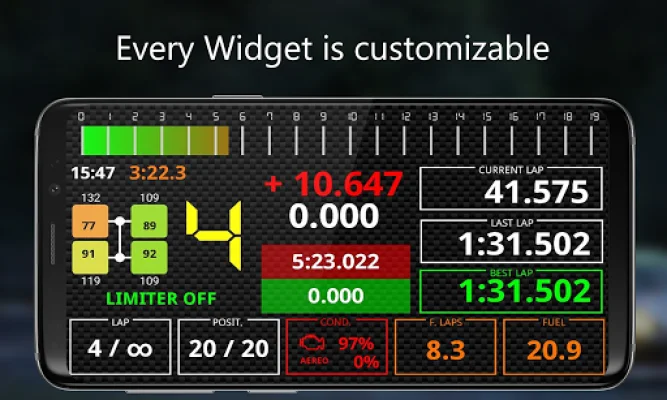
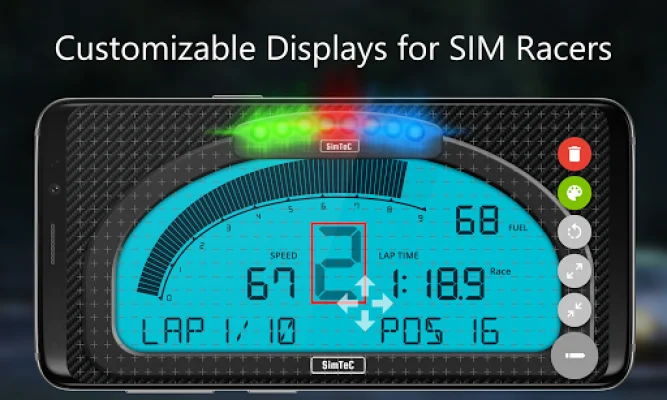
This application allows you to use your Android smartphone or tablet as an auxiliary display for your PC or gaming console. With a user-friendly editor, you can create your own personalized dashboard with various widgets such as analog displays, gear indicators, fuel usage, lap times, and more. You can also download and share your designs with the community. Additionally, the app offers a button box feature for PC users, allowing you to use virtual buttons to execute keystrokes on your computer. The app supports over 40 games on PC, PS5, PS4, and Xbox, including popular titles like American Truck Simulator, Assetto Corsa, Forza Horizon, F1, and more. You can easily check the complete and up-to-date list of supported games within the app. One of the most notable features of this app is the ability to create your own layouts and customize them according to your preferences. You can move and scale widgets, change colors, and even use your own graphics. The app also offers a wide variety of widgets, with over 200 options to choose from. These include RPM, speed, gear indicators, shift lights, lap times, G-force, and more, depending on the game you are playing. For racing games, the app also offers live trackmaps, allowing you to capture and display track maps, show your current position, and even have the camera automatically follow your driver. Another unique feature is the RPM LED bars, which come in multiple designs and allow you to customize the colors, LED count, and running direction. The app supports different units of measurement, including kph/mph, °C/°F/Kelvin, bar/kPa/psi, and l/gal/kg. You can test the free version of the app without any time limit, but it only allows one layout and up to three widgets per game. To unlock all features and remove restrictions, you can make in-app purchases. To connect your device, you can use an active WiFi connection or a USB tethering connection between your PC and Android device. However, the variety of widgets may differ depending on the game you are playing. If you encounter any problems or have questions, the app provides helpful resources on their website, and you can also contact the developer for support. The app requires certain permissions, such as internet access, network state, WiFi state, billing, camera, and storage, to function properly. In conclusion, this app offers a convenient and customizable way to use your Android device as an auxiliary display for your gaming experience. With its wide range of supported games and extensive customization options, it is a must-have for any avid gamer.
Rate the App














Popular Apps









