
SMS Texting from Tablet & Sync
4.5.1 by mysms - SMS App - SMS Texting from Computer (0 Reviews) July 29, 2024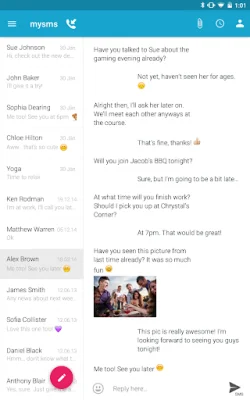
Latest Version
4.5.1
July 29, 2024
mysms - SMS App - SMS Texting from Computer
Communication
Android
0
Free
com.mysms.android.tablet
Report a Problem
More About SMS Texting from Tablet & Sync
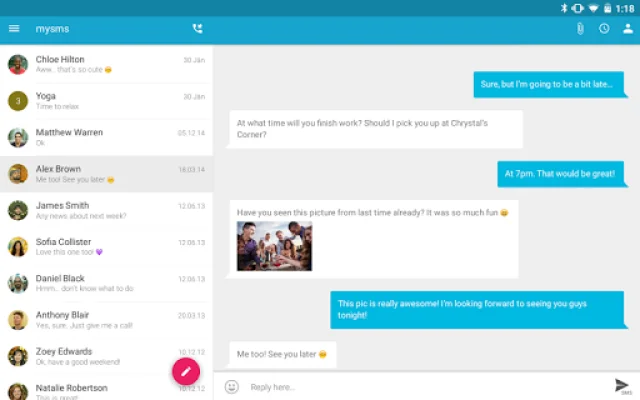
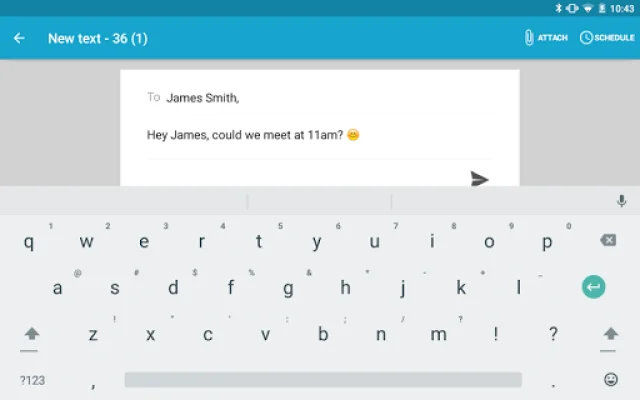
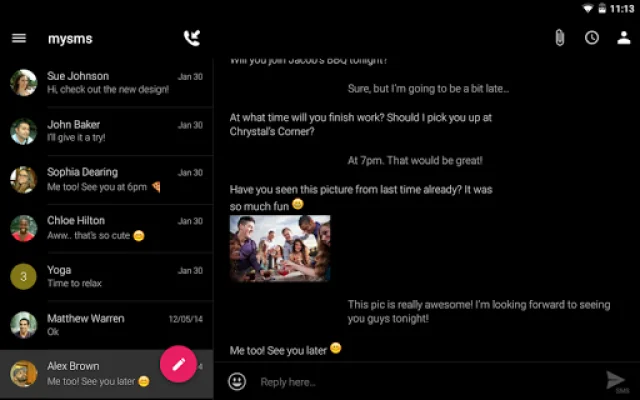
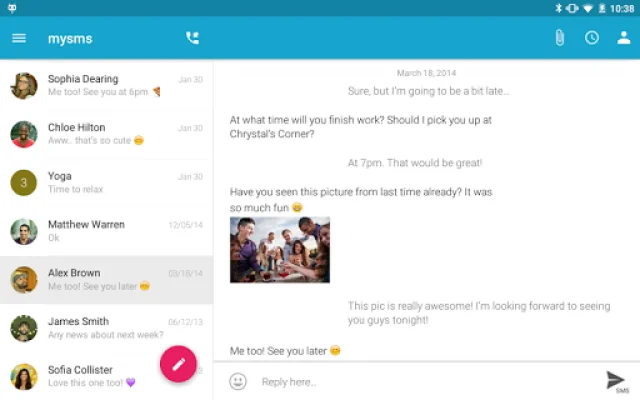
This application allows you to send and receive SMS text messages on your tablet without having to take your phone out of your pocket. Your SMS inbox will be synced with your phone, making it easy to access your messages on both devices.
With the mysms Tablet Texting App, you can not only send and receive text messages on your tablet, but also sync your SMS and MMS between your smartphone, tablet, and computer. This means you can access your messages from any of these devices, making it convenient and efficient.
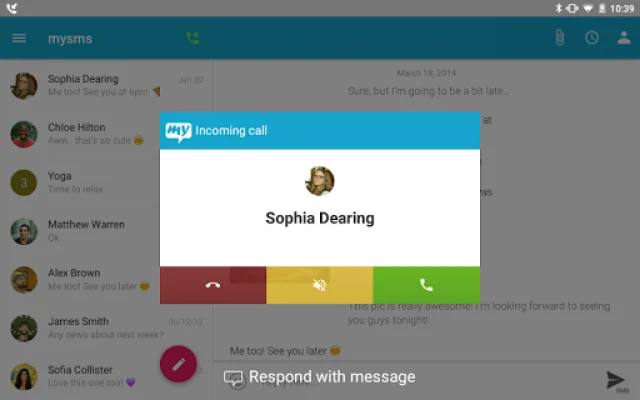
In addition, you can also answer, dismiss, mute, or dial a call on your tablet, although you will still need to talk on your phone. This app also allows you to send free texts to other mysms users, making it a cost-effective option for communication.
It's important to note that this app is not self-contained and requires you to have mysms installed on your Android smartphone in order to use it on your tablet.
To get started, simply install mysms on your Android smartphone and register. Then, log in to the mysms Tablet Texting App on your tablet using your number and password.
This app has been praised by AndroidCommunity.com for its ability to sync all text messages between your smartphone, tablet, and computer. It also allows for unlimited free messaging to other mysms users.
Some of the features of mysms Tablet Texting App include tablet texting, receiving text messages directly on your tablet, syncing messages between devices, and the ability to make voice calls on your tablet with a Bluetooth headset. You can also connect mysms with other apps such as Evernote, Dropbox, and Google Drive for added convenience and organization.
If you have any suggestions, questions, or comments, you can contact the mysms team through their support page or on social media. They strive to respond within 24 hours during weekdays and can be reached on Facebook, Twitter, and Google+.
Rate the App















Popular Apps









