

Speed dial for Phone/Mail/SMS
2.9.11 by skelabo (0 Reviews) July 29, 2024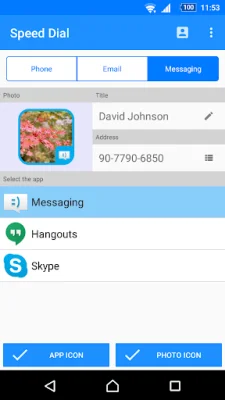
Latest Version
2.9.11
July 29, 2024
skelabo
Communication
Android
0
Free
com.skelabo.speeddial
Report a Problem
More About Speed dial for Phone/Mail/SMS
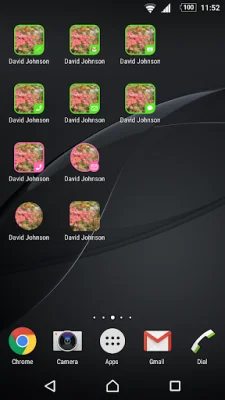
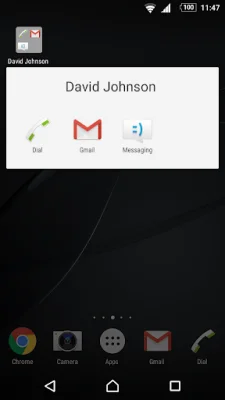
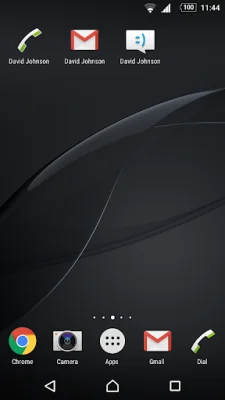
This application is not a widget, but rather a shortcut creator for Android devices. In the latest version of Android, square icons cannot be created due to the unified shape of icons. However, this app allows users to create shortcuts on their home screen that can directly launch the desired app with just one touch.
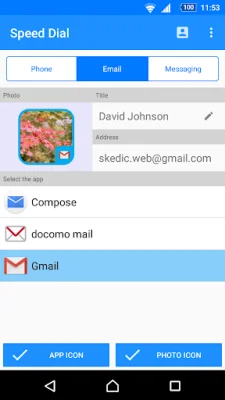
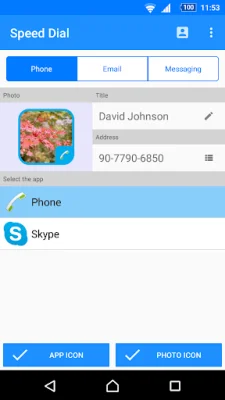
Users can also organize their shortcuts into folders for easier access and management. To use the app, simply launch the speed dial and select a contact from the displayed list. If the contact has multiple phone numbers or email addresses, the user can choose which one to use for the shortcut.
After selecting the contact, the user can then choose the type of shortcut they want to create and edit the title if needed. Once everything is set, tapping the OK button will create an icon with the chosen title and app icon on the home screen.
It is important to note that if the user edits the phone number or email address of a contact, it will not be reflected in the shortcut. In this case, the user will need to delete the shortcut and create a new one. Deleting the shortcut will not remove the app or contact from the device.
Lastly, if the user uninstalls the app, any shortcuts created will not be automatically deleted. The user will need to manually delete the shortcuts they created. This app is a convenient and efficient way to create shortcuts for frequently used apps and contacts on the home screen of an Android device.
Rate the App















Popular Apps









