

Sphero Edu
7.1.0 by Sphero Inc. (0 Reviews) October 20, 2024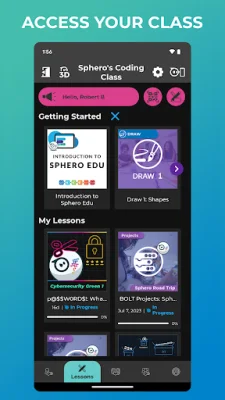
Latest Version
7.1.0
October 20, 2024
Sphero Inc.
Education
Android
0
Free
com.sphero.sprk
Report a Problem
More About Sphero Edu
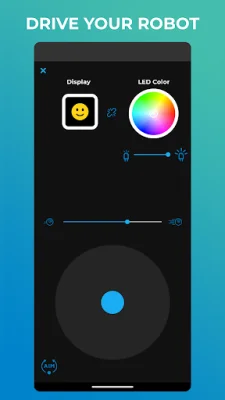
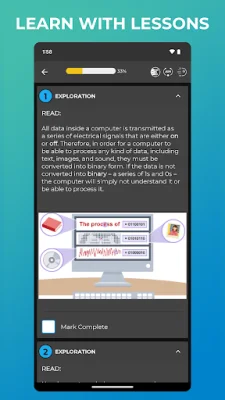
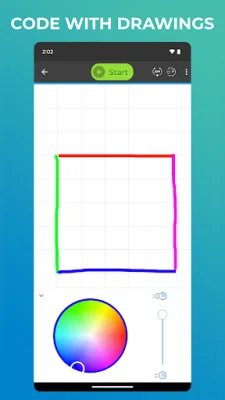
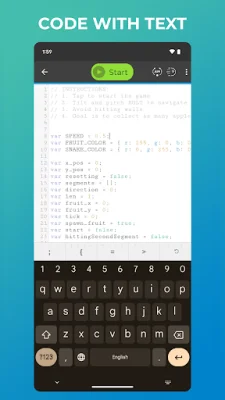
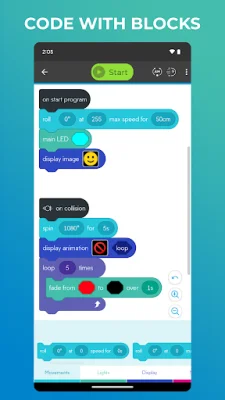
Sphero Edu is an interactive platform designed for makers, learners, educators, and parents. It offers a variety of features to help users progress in their coding skills, from beginners to pros. The app allows users to give commands to their robots by drawing a path, using Scratch blocks, or writing their own JavaScript. This makes it accessible for all levels of coders. One of the key features of Sphero Edu is the ability to track progress and continue learning from any device. This makes it convenient for users to pick up where they left off and continue their discovery of coding. The app also offers a variety of programs, lessons, and assignments to keep users engaged and learning. From programming a painting to navigating a maze, the possibilities are endless. For teachers, Sphero Edu offers the ability to monitor student progress by creating and assigning lessons. This makes it a valuable tool for classroom use. The app also integrates with Google and Clever accounts, making it easier for teachers to manage their classrooms. Sphero Edu is compatible with a variety of robots, including Sphero BOLT+, Sphero BOLT, Sphero RVR/RVR+, Sphero SPRK+, Sphero SPRK Edition, Sphero 2.0, Sphero Mini, Ollie, BB-8, BB-9E, R2-D2, and R2-Q5. However, some robots, such as Sphero Original, Force Band, Lightning McQueen, Spider-Man, and indi, are not supported. In summary, Sphero Edu is a versatile and user-friendly app that offers a fun and interactive way to learn coding. With its various features and compatibility with a wide range of robots, it is a valuable tool for learners of all levels and educators alike. So why not give it a try and start your coding journey today?
Rate the App











Popular Apps









