

Sphero Play
2.5.0 by Sphero, Inc. (0 Reviews) November 15, 2025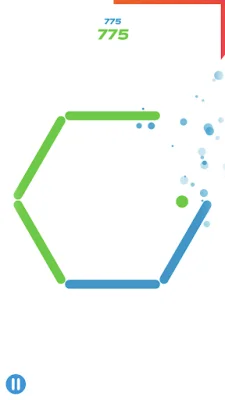
Latest Version
2.5.0
November 15, 2025
Sphero, Inc.
Entertainment
Android
0
Free
com.sphero.spheromini
Report a Problem
More About Sphero Play
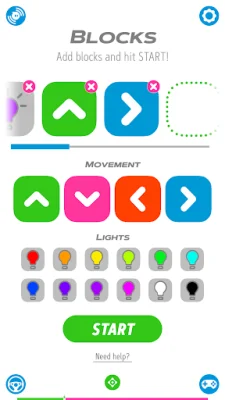
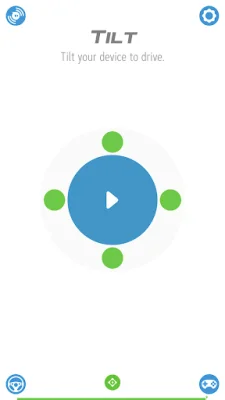
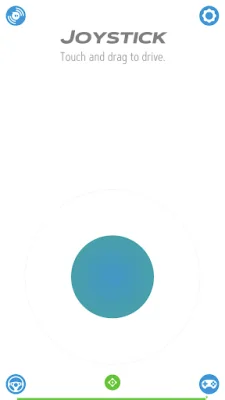
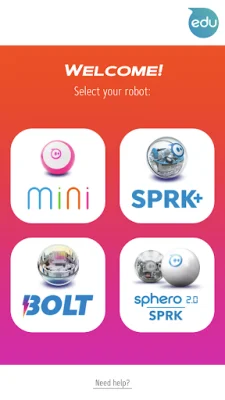
The Sphero Play app allows you to drive and play games with your Sphero Mini, Sphero 2.0, SPRK, SPRK+, BOLT, and BOLT+ robots all in one convenient place. With a variety of exciting drive modes, you can control your robots using a joystick, slingshot, tilt, or even your voice. Plus, the app offers a fun and interactive way to learn programming through colorful blocks.
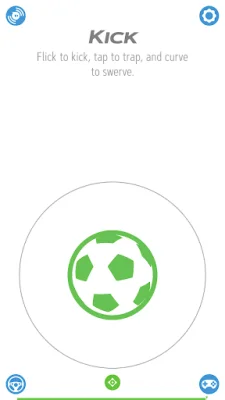
One of the key features of the app is the different drive modes available. These include sports-themed modes where you can swing your device to "golf" or flick to "kick" your robot. This adds an extra level of fun and engagement to the driving experience. Additionally, the app offers a Block Drive programming feature, which allows you to learn the basics of programming by controlling your robot with colorful blocks.
But the fun doesn't stop there. The Sphero Play app also offers a variety of games that you can play with your robot as a controller. You can shoot your way through space, race through a tunnel while avoiding obstacles and scoring points, or even rotate your ball to destroy a polygon of bricks. These games provide endless entertainment and a unique way to interact with your robot.
If you don't have a Sphero robot yet, don't worry. The app provides a convenient link to the Sphero website where you can order one and start playing right away. It's a one-stop-shop for all your Sphero needs.
It's worth noting that the "golf" drive mode is only available on devices with a gyroscope and is not available on tablets. However, there are still plenty of other drive modes and games to enjoy on all devices. So whether you're a beginner or an experienced Sphero user, the Sphero Play app has something for everyone.
Rate the App













Popular Apps









