

SSH Server
0.11.25 by Banana Studio (0 Reviews) April 25, 2026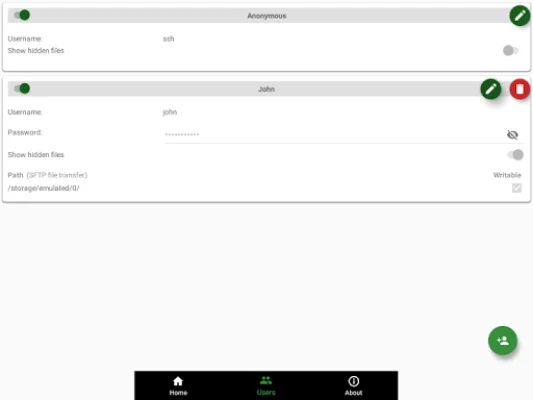
Latest Version
0.11.25
April 25, 2026
Banana Studio
Tools
Android
0
$1.99
net.xnano.android.sshserver.tv
Report a Problem
More About SSH Server
This application allows users to easily set up and manage an SSH/SFTP server on their device. It supports various network interfaces, including Wi-Fi, Ethernet, and Tethering. Users can tap on addresses to generate a QR code for easy access. The application also allows for multiple users, including an anonymous user with the username "ssh" and no password required. Public key authentication is supported, and users can choose to show hidden files or not when using the SFTP feature.
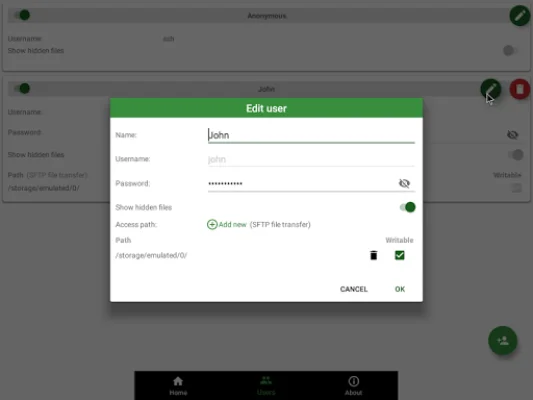
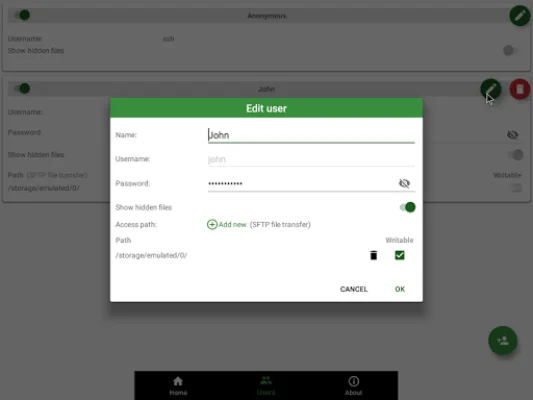
Users can also set up multiple access paths for each user, including folders in internal storage or external SD cards. They can also choose to set read-only or full write access for each path. The application has the option to automatically start the SSH/SFTP server when a specific Wi-Fi network is connected, as well as on boot.
The application also has public intents to support scripting, making it easy to integrate with Tasker. Users can add a new Task Action and choose the appropriate package and class to start or stop the server using specific actions.
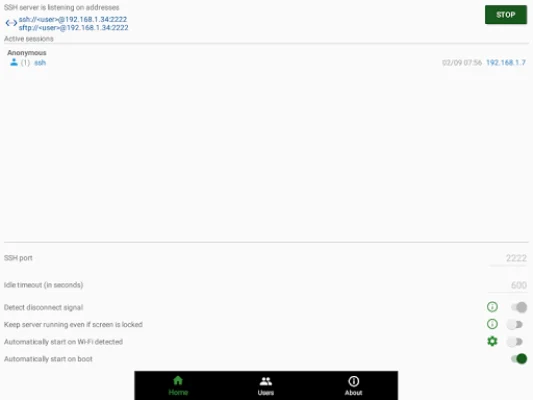
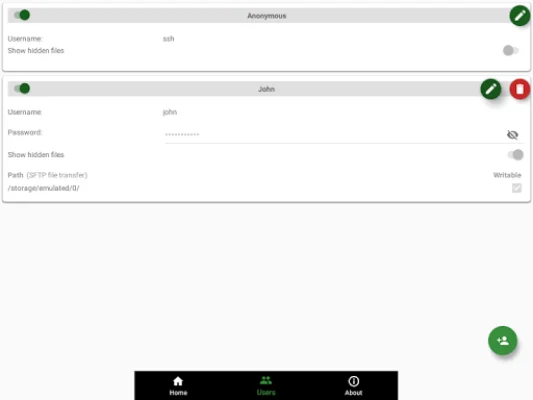
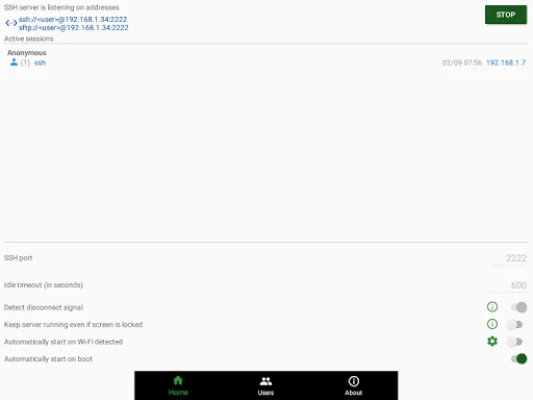
The application has three main screens: Home, User Management, and About. The Home screen allows users to control server configurations, monitor connected clients, change the port, and enable automatic start on boot. The User Management screen allows for managing users, access paths, and adding public key authentication. The About screen provides information about the SSH/SFTP server.
Users should note that the application may not work as expected if doze mode is activated. They can add the application to the white list in the device's settings to avoid this issue. The application requires certain permissions, including WRITE_EXTERNAL_STORAGE and MANAGE_EXTERNAL_STORAGE for accessing files, INTERNET, ACCESS_NETWORK_STATE, and ACCESS_WIFI_STATE for connecting to the server, and location permission for automatically starting the server on Wi-Fi detect on Android P and above.
Users can use any SSH/SFTP clients on Windows, Mac OS, Linux, or even a browser to access the server. Some tested clients include FileZilla, WinSCP, Bitvise SSH client, Finder (MAC OS), any terminal/File manager on Linux, Total Commander (Android), and ES File Explorer (Android).
If users encounter any problems or have feedback to improve the application, they can contact the developer via the support email provided. Negative comments will not help solve any issues. The application also has a privacy policy that users can read for more information.
Rate the App















Popular Apps









