

TapDex: Auto Clicker & Tap Pro
by Toti Games (0 Reviews) November 16, 2025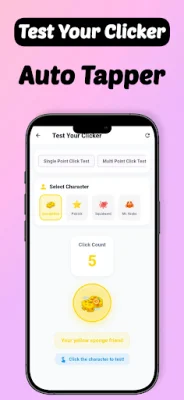
Latest Version
November 16, 2025
Toti Games
Tools
Android
0
Free
com.autoclicker.opautomatictapper
Report a Problem
More About TapDex: Auto Clicker & Tap Pro
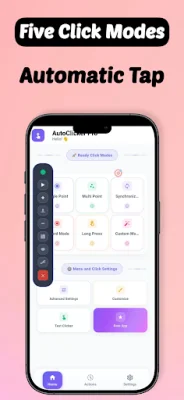
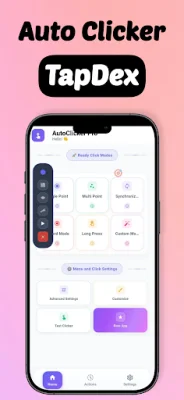
This application is a smart tool that helps users automate repetitive screen interactions with precision, making it perfect for increasing productivity and saving time in daily use. With TapDex, users can set custom points, adjust speed, and let the app handle their repeated touch actions automatically. It is designed to assist users who need help with repetitive tapping or accessibility-related tasks.
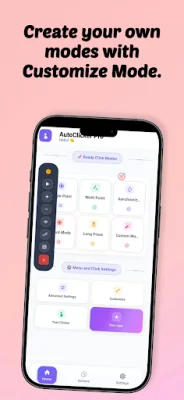
One of the key features of TapDex is its automatic tapping function, which allows users to perform repeated taps automatically at their chosen speed. The app also includes a touch recorder, which enables users to record and replay custom tap sequences. Additionally, TapDex is built to assist users in performing repetitive on-screen actions easily, making it a great accessibility-based automation tool. It also supports multiple languages, making it accessible to users worldwide.
This app is suitable for a variety of users, including those who perform repetitive tapping or swiping actions on their device, people seeking an accessibility aid to simplify interaction with their device, and productivity lovers who use automation tools for daily efficiency.
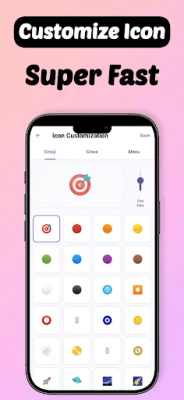
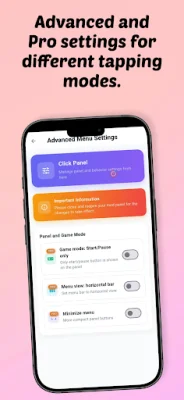
There are several reasons why users should choose TapDex. Firstly, it is easy to use with a simple setup and no root required. It is also highly customizable, allowing users to control the speed, duration, and tap locations. Additionally, it offers a fast and lightweight experience with no lag. Users can also try the basic version for free before deciding to upgrade.
It is important to note that this app requires Accessibility Service permission to work properly. This permission is used to assist users who need help performing repetitive on-screen actions, such as tapping or swiping. However, the app does not collect or share any personal data through this permission, and it is used strictly to help users interact with their devices more easily.
Rate the App














Popular Apps









