

Termux
googleplay.2025.10.05 by Fredrik Fornwall (0 Reviews) December 10, 2025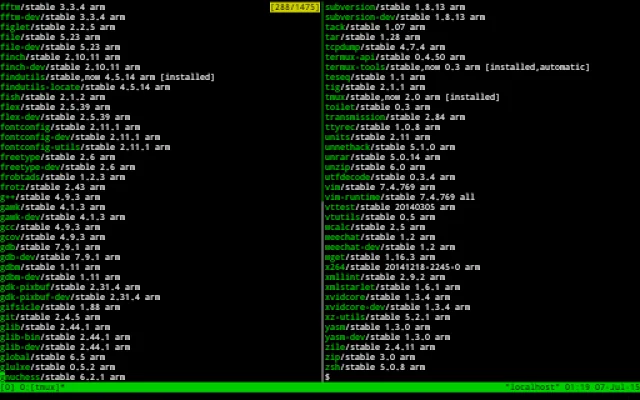
Latest Version
googleplay.2025.10.05
December 10, 2025
Fredrik Fornwall
Tools
Android
0
Free
com.termux
Report a Problem
More About Termux
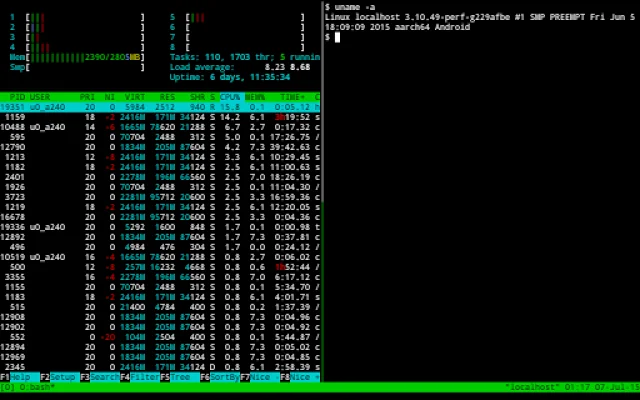
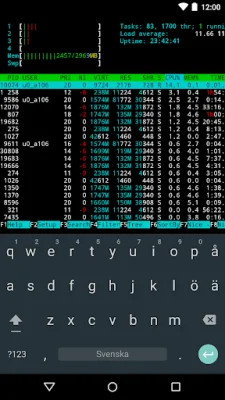
This application allows users to enjoy the bash and zsh shells, which are command line interfaces for interacting with a computer's operating system. These shells provide a powerful and efficient way to navigate and manage files on a device. Users can also use the nnn file manager to organize and edit their files using popular text editors such as nano, vim, and emacs.
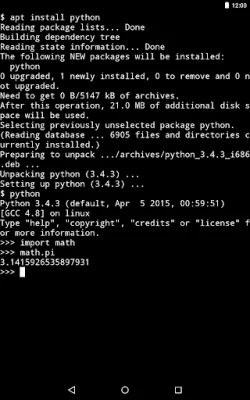
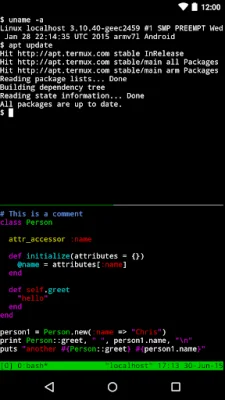
Additionally, this application allows users to access servers over ssh, providing a secure way to remotely connect to and manage other devices. For developers, this application offers the ability to develop in the C programming language using tools like clang, make, and gdb. Users can also use the python console as a pocket calculator, making quick calculations and computations on the go.
For those interested in version control, this application also includes the ability to check out projects using git. This allows users to collaborate with others and track changes made to their code. And for some entertainment, users can even run text-based games with frotz, providing a fun and nostalgic experience.
Upon first starting the application, a small base system is installed. Users can then use the apt package manager to install additional desired packages. For more information and guidance on using the application, users can access the built-in help menu by long-pressing anywhere on the terminal. They can also visit the wiki for further resources, report bugs, and interact with a community of users on Reddit.
Rate the App














Popular Apps









