Translate On Screen
by Happyseasonapps (0 Reviews) November 02, 2025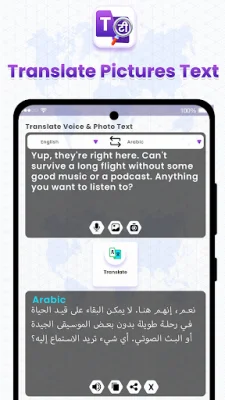
Latest Version
November 02, 2025
Happyseasonapps
Communication
Android
0
Free
com.translatepost.voicetranslator.cameratranslator
Report a Problem
More About Translate On Screen
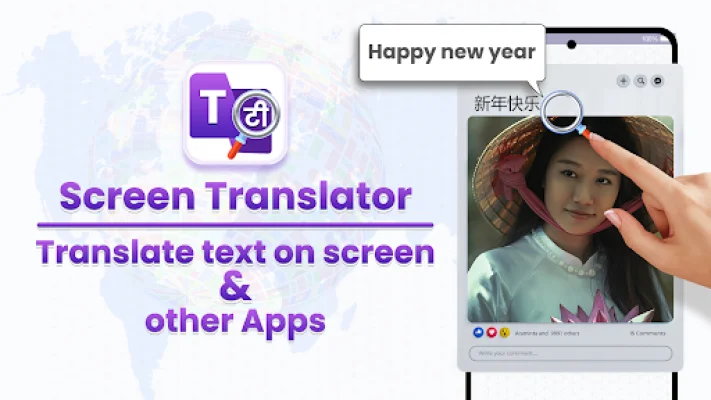
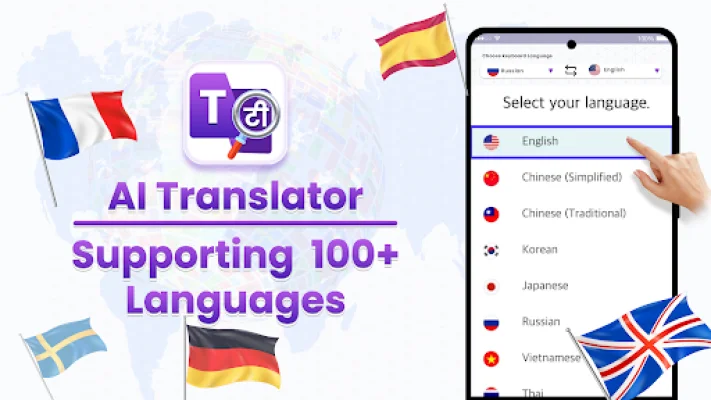
Screen Translator is a convenient and efficient application that allows users to translate any text on their screen into over 100 languages with accuracy and speed. This includes social media posts, webpages, games, comics, chat messages, and more. With the Translate on Screen app, users can easily translate any language text on their screen.
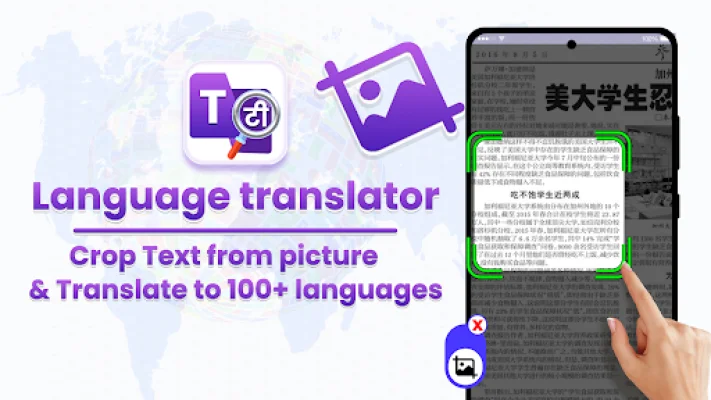
The Image Translator feature allows users to select an image from their gallery or take a photo with their phone camera and extract text from the image. This text can then be translated into over 100 languages in real time with the Image to Text Translator.
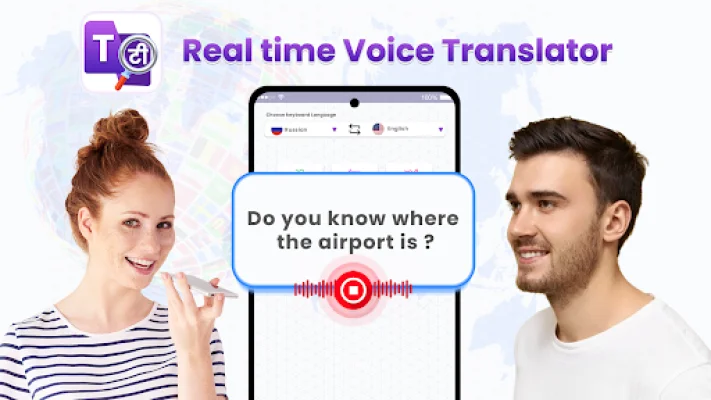
The Voice Translator App is a useful tool for converting spoken language into written text and translating it into over 100 languages. This feature is particularly helpful for deaf individuals, live dictation, note-taking, transcription tasks, or for those who prefer speaking over typing.
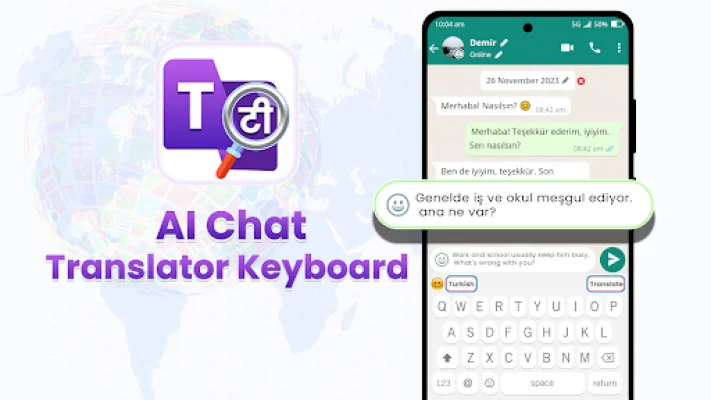
The Keyboard Translator is a multi-functional app that integrates with the device's keyboard, allowing for real-time translation while typing in various applications such as messaging, email, and social media. This feature supports chat translation in over 100 languages.
The main features of Screen Translator include real-time transcription, screen scanning and translation, camera image translation, automatic translation of selected regions on the screen, high-accuracy OCR scanning, and the ability to copy, share, and delete translated text. The app also offers various translation keyboards for languages such as English, Spanish, Arabic, Portuguese, Korean, Norwegian, Vietnamese, and Hindi.
It is important to note that the Translate on Screen app uses accessibility services API to retrieve text from any app and provide translations in the user's native language. The app does not collect or share personal or sensitive data with third parties, ensuring user privacy. If users encounter any issues or have suggestions for the app, they can contact the developers at [email protected].
Rate the App















Popular Apps









