

TV Cast for Hisense VIDAA VEWD
1.38 by 2kit consulting (0 Reviews) August 11, 2024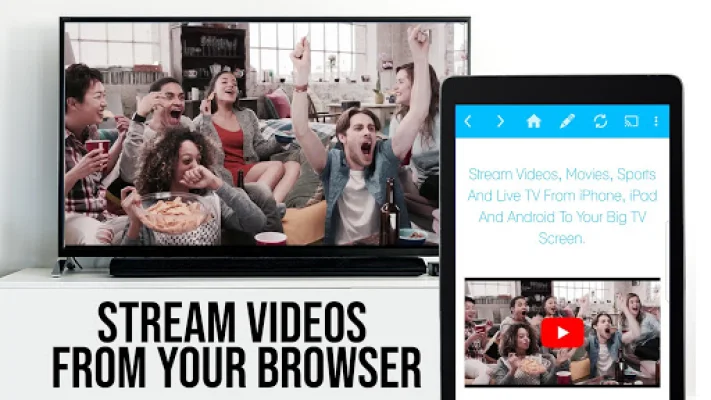
Latest Version
1.38
August 11, 2024
2kit consulting
Entertainment
Android
0
Free
de.twokit.video.tv.cast.browser.tivo
Report a Problem
More About TV Cast for Hisense VIDAA VEWD
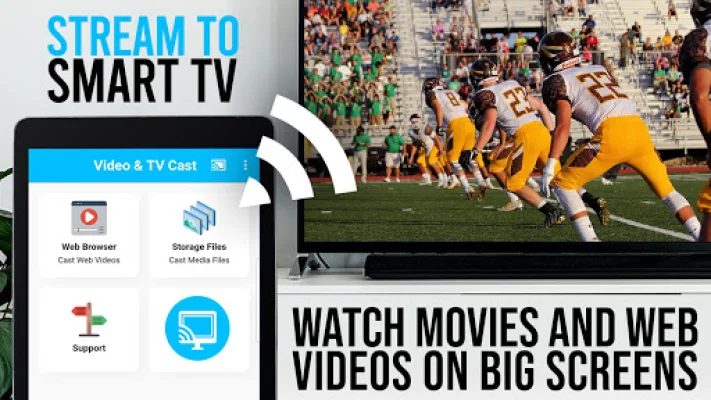
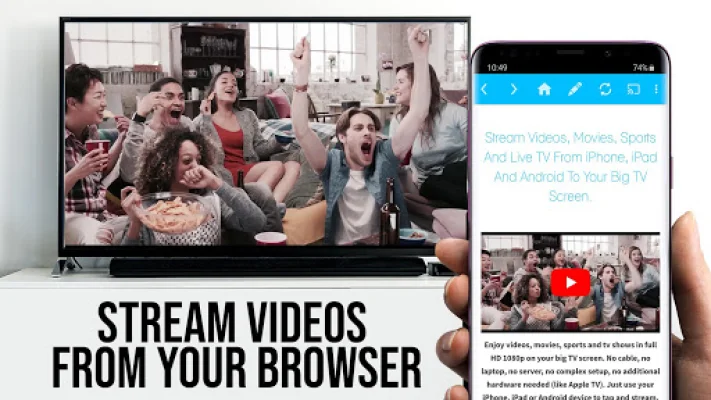
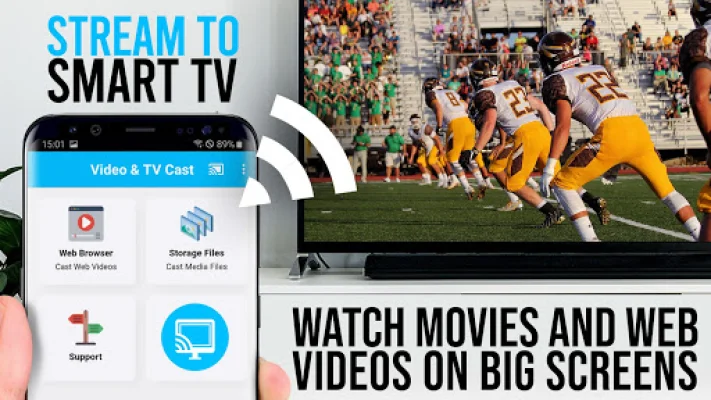
This app is designed to work specifically with TVs made by Hisense or those with integrated VIDAA and VEWD (formerly Opera TV). It allows users to browse the web and stream or cast any video they want directly onto their TV. All they have to do is navigate to their desired website and with a single tap, the embedded video will be sent to their Hisense or Sharp TV. The video will then be displayed below the browser and can be easily accessed by tapping on the link.
However, in order to enable video casting, users must first open VIDAA or VEWD on their Hisense or Sharp TV and search for the 'TV CAST' app. Once found, they can install the free receiver app and begin streaming videos. This app also supports other TV brands such as Loewe, HKC, Sharp, Skyworth, and more.
It is important to note that this app does not support certain videos such as Flash video, Google Play movies, Netflix, Amazon, and HBO, as well as other DRM protected videos. It also does not support certain cable providers, including Armstrong, Astound, Atlantic, and more.
If a specific video does not cast, users can check the FAQ section for assistance. The developers are constantly working to add support for more videos and appreciate feedback from users. However, leaving negative reviews without providing any information about the issue will not help the developers improve the app.
For those who enjoy using the app, the developers ask for support by giving a 5-star rating on Google Play or purchasing one of the addons. They also welcome any suggestions or reports of problems at [email protected]. The developers are not affiliated with Hisense, Sharp, or any other mentioned trademarks.
Rate the App














Popular Apps









