

TV Cast for LG webOS
2.51 by 2kit consulting (0 Reviews) August 01, 2024


Latest Version
2.51
August 01, 2024
2kit consulting
Entertainment
Android
0
Free
de.twokit.video.tv.cast.browser.lg
Report a Problem
More About TV Cast for LG webOS
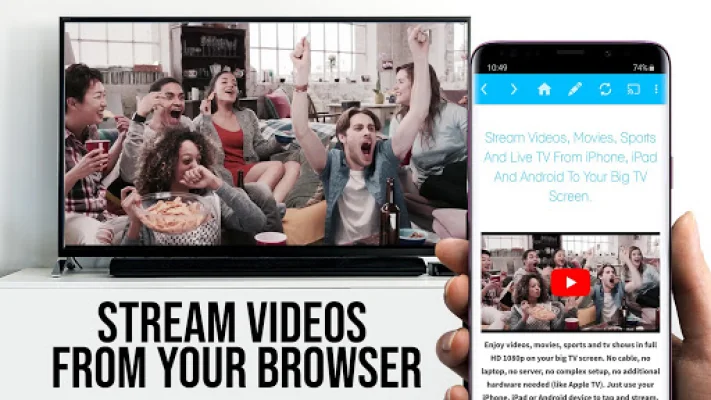
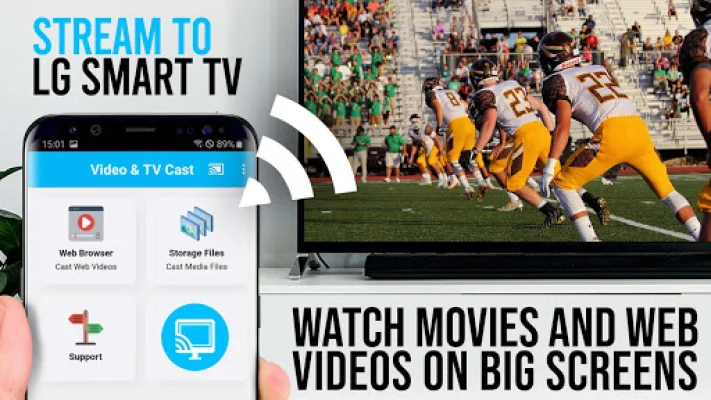
Video & TV Cast is an application that allows you to stream web-videos, online-movies, livestreams, and live-tv shows directly to your LG Smart TV. It has several advantages over Miracast screen mirroring, including the ability to multitask while casting, support for Full HD resolution on low-resolution Android devices, and less WiFi usage. Additionally, Video & TV Cast works on all Android devices, while Miracast does not. To use Video & TV Cast, you simply need to navigate to your desired website and tap on the embedded video. The video will then be displayed on your LG TV, allowing you to continue browsing the web or even shut down your phone while casting. To enable video casting, you will need to download the free companion app from the LG App Store and connect your TV to your Android device using a QR code or IP address. It's important to note that Video & TV Cast does not support third-party apps, Flash video, or DRM-protected videos from sources like Google Play, Netflix, Amazon, and HBO. If you encounter any issues while using the app, you can contact support for assistance. However, please note that refunds are only available within 24 hours of purchase and the camera permission is required for easy connecting via QR code. In summary, Video & TV Cast is a convenient and versatile app that allows you to easily stream videos from your Android device to your LG Smart TV. With its ability to multitask, support for Full HD resolution, and compatibility with all Android devices, it offers several advantages over Miracast screen mirroring. Just be sure to check the list of supported videos and websites before purchasing and contact support if you encounter any issues.
Rate the App













Popular Apps









