TV Cast for Roku
2.39 by 2kit consulting (0 Reviews) July 30, 2024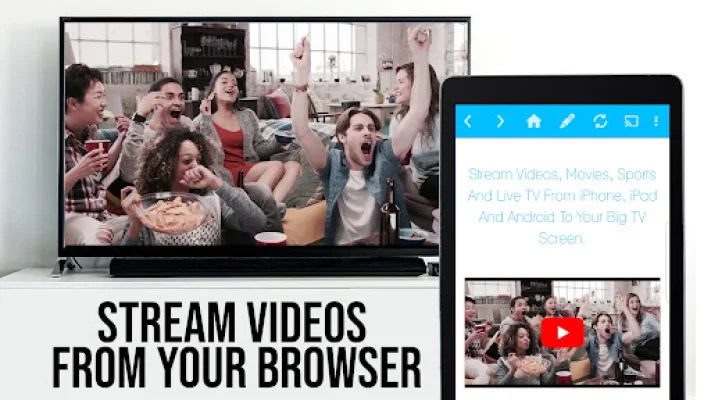


Latest Version
2.39
July 30, 2024
2kit consulting
Entertainment
Android
0
Free
de.twokit.video.tv.cast.browser.roku
Report a Problem
More About TV Cast for Roku
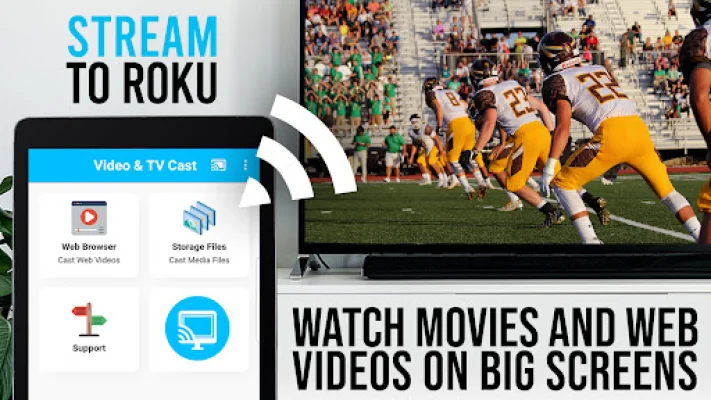
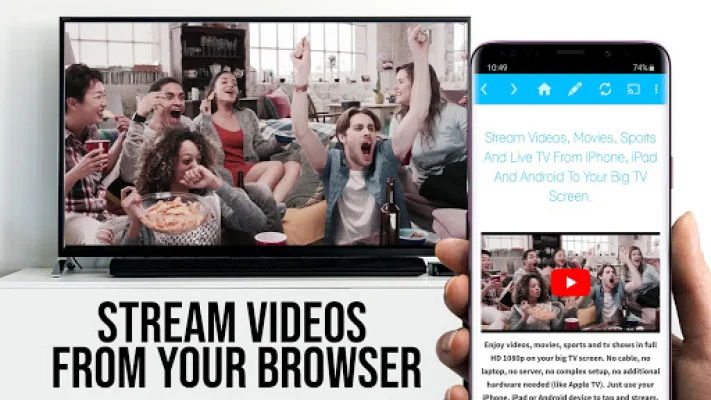
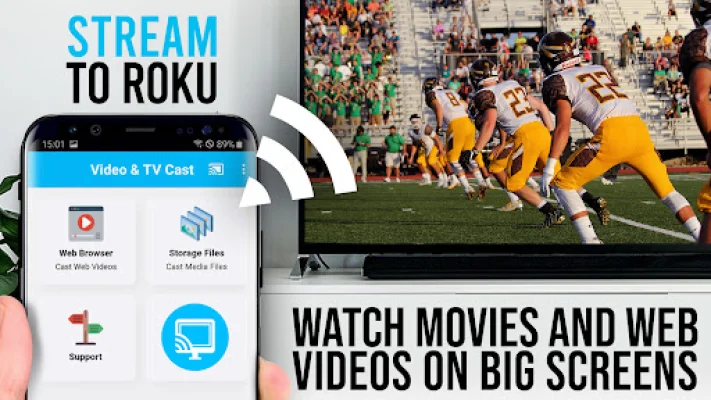
This app allows you to control your Roku streaming device with an integrated remote. It is important to note that this app only works with Roku devices and not with other streaming devices. With Video & TV Cast, you can browse the web and stream or cast any video you want on your Roku. Simply go to your favorite website and with a single tap, send the embedded video to your Roku. The video will be displayed below the browser and tapping on the link will immediately send it to your Roku.
It is important to note that this app only supports certain Roku players, such as Roku TV, Roku Streaming Stick, Roku Express, and more. It is also necessary to have firmware 5.1 or later installed on your Roku device. Some Roku models, such as the classic models and Now TV Stick & Box, are not supported by this app. Additionally, certain videos, such as Flash video, Google Play movies, and DRM protected videos, are not supported by this app. It is recommended to test your websites and videos in the free edition before upgrading to the paid version.
This app does not mirror your entire Android device, but rather only pushes the video portion of a website to your Roku. To play mp4, m3u8, or other video files directly on your Roku, you can enter or paste the full video URL into the browser address bar. Sometimes, it may be necessary to play the video on your Android device before it can be detected for casting. If you experience connection issues, it is recommended to restart your Android device, Roku, and wifi router.
The developers of this app prioritize user safety and only require minimal Android permissions to function. They do not access any personal data or information. However, it is always important to check the required app permissions before installing any app on your device. Refunds are only available within 24 hours of purchase and a Google Purchase ID must be submitted.
To get started with this app, simply wait a few seconds for the red icon in the menu bar to change to a filled white icon. If your Roku is not found, you can restart the app. Then, you can either search for your favorite video on Google or enter the video URL directly into the browser address bar. After a few seconds, the video link will be displayed below the browser. If it says "No videolink found to cast," try playing the video locally in the browser first and then opening it in fullscreen mode. Finally, tap on "Tap here to cast" and the video will start casting to your Roku.
If you have any suggestions or encounter any problems with this app, you can contact the developers at [email protected]. It is important to note that this app is not affiliated with Roku or any other mentioned trademarks. The developers strive to be original and SEO-oriented in their approach.
Rate the App











Popular Apps









