
TV Cast for Samsung TV
2.59 by 2kit consulting (0 Reviews) August 01, 2024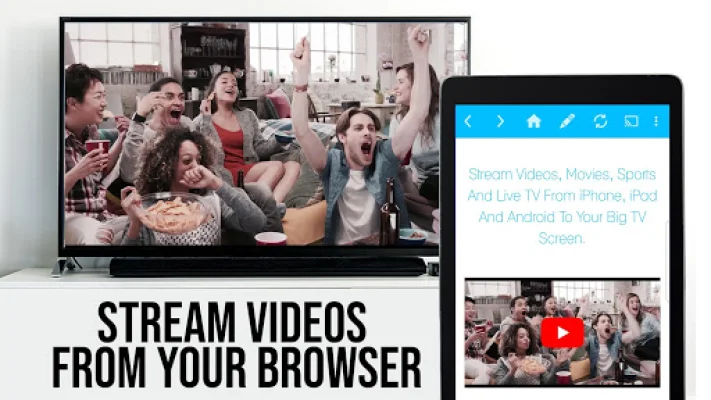
Latest Version
2.59
August 01, 2024
2kit consulting
Entertainment
Android
0
Free
de.twokit.video.tv.cast.browser.samsung
Report a Problem
More About TV Cast for Samsung TV
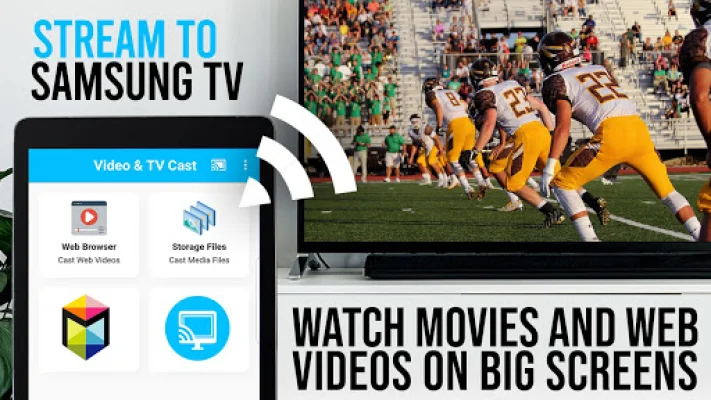
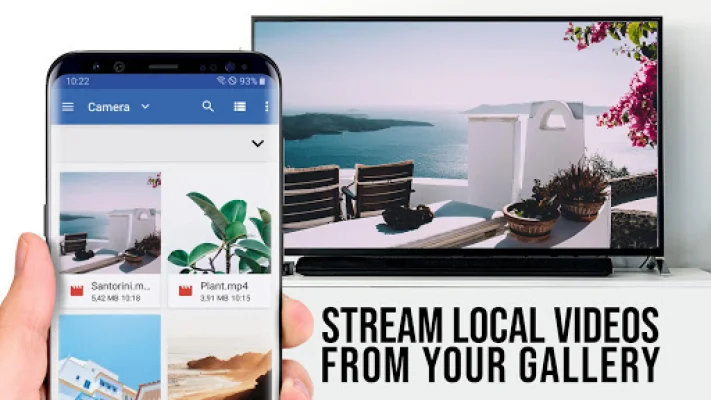
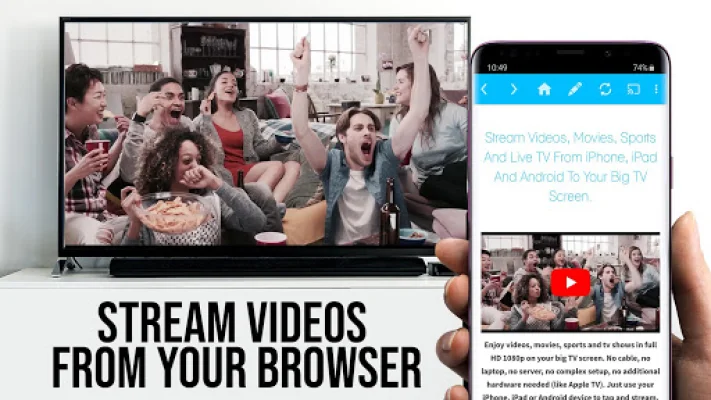
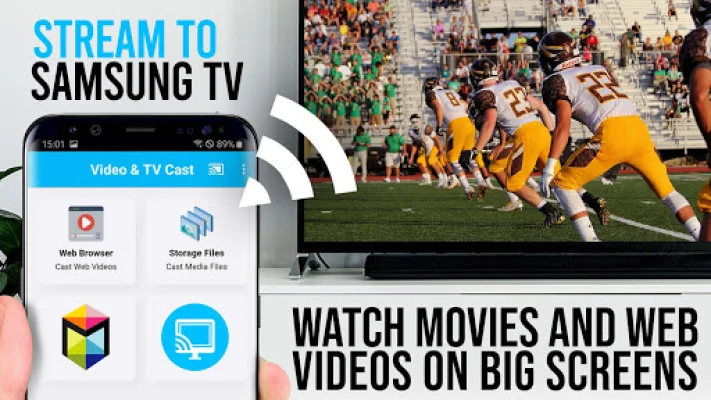
This app is designed to work with Samsung Smart TVs and Blu-ray Players from 2010 to 2017. It allows users to browse the internet and stream or cast videos directly onto their TV or Blu-ray Player. All they have to do is navigate to their desired website and with a single tap, the embedded video will be sent to their Samsung device. The video will appear below the browser and can be played immediately by tapping on the link.
In order to enable video casting, users must first download the free 'TV Cast' companion app from the Samsung App Store. They can then enter the IP address of their Android device using the number pad and directional keys on their Samsung remote. It's important to note that this app does not support certain videos such as Flash, Google Play movies, Netflix, Amazon, and HBO, as well as DRM protected videos, web-videos, online-movies, livestreams, and live-tv shows.
Users can test their websites and videos in the free edition of the app before upgrading to the full version. It's also important to note that this app does not mirror the entire Android device, only the video portion of a website. To play specific video files directly on the Samsung device, users can enter or paste the full video URL into the browser address bar. Sometimes, it may be necessary to play the video on the Android device before it can be detected for casting.
If there are any connection issues, users can try restarting their Android device, Samsung TV or Blu-ray Player, and wifi router. If a specific video is not supported, users can check the FAQ or report the issue to the developers for possible future support. It's important to provide information about the issue rather than leaving negative reviews on the app store. The app only requires minimal Android permissions and does not access any personal data.
To get started, users must launch the free receiver app 'TV Cast' on their Samsung Smart Hub or VEWD (formerly Opera TV). They can then open Video & TV Cast on their Android device, tap on the connect button, and enter the IP address provided by the TV app. Once connected, users can start casting by pressing "tap here to cast". If they enjoy the app, they can support the developers by giving a 5-star rating on the app store or purchasing add-ons.
The developers welcome any suggestions or feedback and can be contacted at [email protected]. They also remind users that this app is not affiliated with Samsung or any other mentioned trademarks.
Rate the App














Popular Apps









