

TV Cast Pro for Chromecast
2.63 by 2kit consulting (0 Reviews) August 04, 2024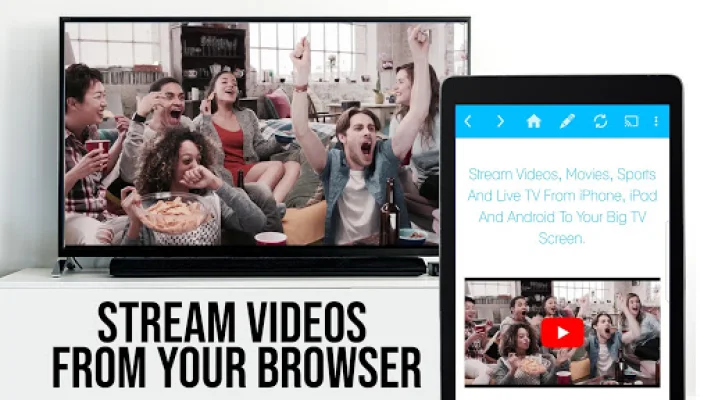

Latest Version
2.63
August 04, 2024
2kit consulting
Entertainment
Android
0
$6.99
de.twokit.castbrowser.pro
Report a Problem
More About TV Cast Pro for Chromecast
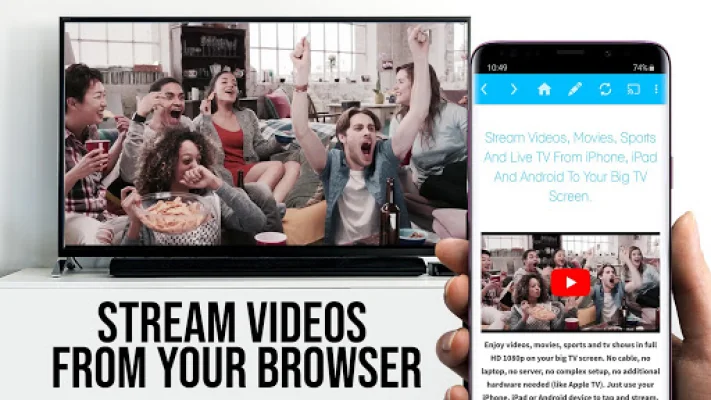
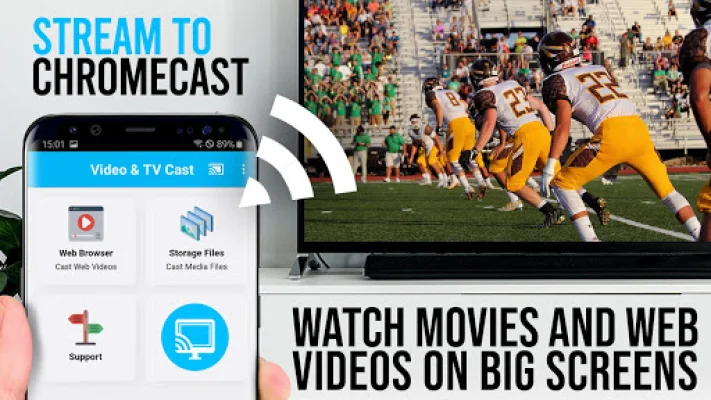
Upgrade your Chromecast Player with the #1 web video streamer app to watch webvideos, online movies, IPTV, livestreams, and live TV shows directly on your biggest screen. This PRO edition includes all premium features unlocked, allowing you to test the basic features in the FREE edition. Please note that this app only works with Chromecast devices from Google and Google Cast/Android TV powered devices. With Video & TV Cast, you can easily browse the web and stream or cast any video you want on your Chromecast Player. Simply navigate to your favorite website and with a single tap, send the embedded video to your Chromecast. The video will be displayed below the browser and can be sent to your Chromecast Player immediately by tapping on the video link.
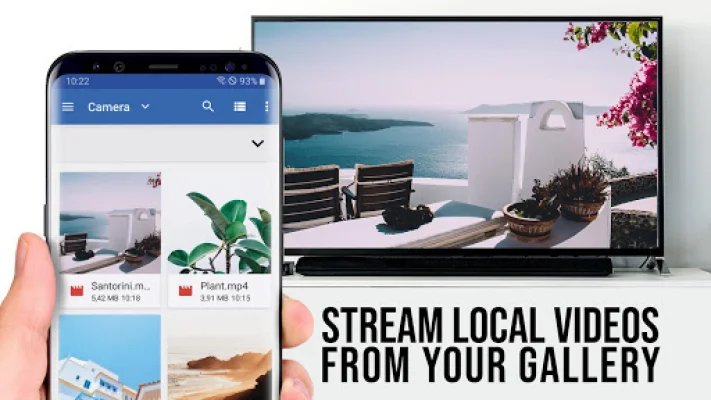
IMPORTANT NOTES, PLEASE READ: - This app does not support Flash video, Google Play movies, Netflix, Amazon, HBO, or other DRM protected videos. - Please test your websites and videos in the free edition before upgrading, as upgrading will not magically make casting work if it fails in the free edition. - The app does not mirror your entire Android device, only the video portion of a website is pushed to your Chromecast. - To play mp4, m3u8, or other video files directly on Chromecast, simply enter or paste the full video URL into the browser address bar. - Sometimes, playing the video on your Android device before attempting to cast may be necessary. - If the connection does not work, try restarting your Android device, Chromecast, and wifi router. - If a specific web video, online movie, IPTV, livestream, or live TV show does not cast, please check the FAQ or report the website and video link to [email protected]. Leaving negative reviews without providing information about the issue will not allow us to help you. - Security Note: This app only requires minimal Android permissions and does not access your identity data, accounts, device ID, phone status, GPS location, or contacts. Always check app permissions before installing any Android app. - Refunds are only available within 24 hours of purchase. Please provide the Google Purchase ID.
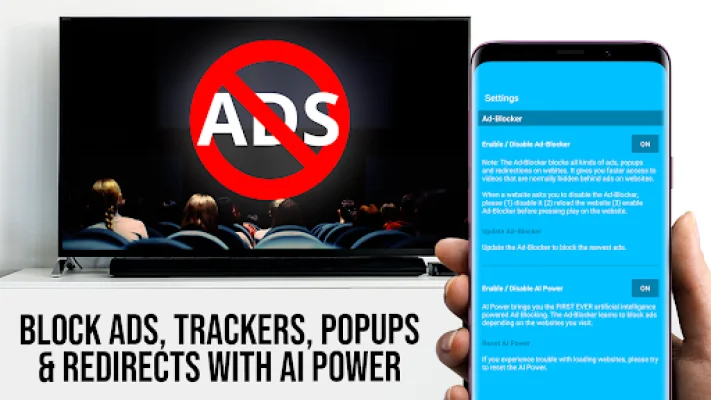
PRO FEATURES: - Remote Playbar: Use the Playbar for advanced video control while browsing, including video scrubbing, forward, rewind, play, pause, and stop. The Playbar is synced across all Android and iOS devices running Video & TV Cast. - Ad-Blocker + No Sponsoring Ads: The Pro app version has no ads and the Ad-Blocker blocks ads and popups on most websites. You can enable or disable it at any time in the settings. - Bookmarks: Add and manage as many bookmarks as you want, either in the bookmarks menu or directly in the browser. - Desktop Mode: Change the browser user-agent and disguise your Android device as a desktop PC to load the desktop version of a website instead of the mobile version. Please note that this will not enable video casting on websites that serve Flash videos in desktop mode. - Change Homepage: After purchasing, you can set your personal homepage in the settings.
Disclaimer: This app is not affiliated with Google or any other trademark mentioned here. Chromecast is a trademark of Google LLC. Please try to be original and SEO-oriented.
Rate the App















Popular Apps









