

tvQuickActions Pro
3.5.5 by tvDev (0 Reviews) November 17, 2025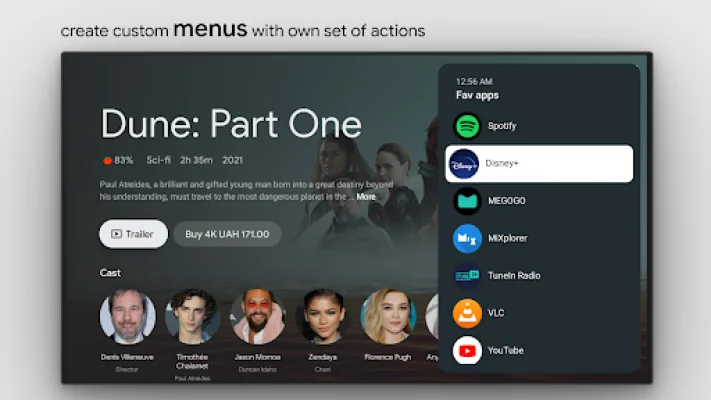
Latest Version
3.5.5
November 17, 2025
tvDev
Tools
Android
0
$3.99
dev.vodik7.tvquickactions
Report a Problem
More About tvQuickActions Pro
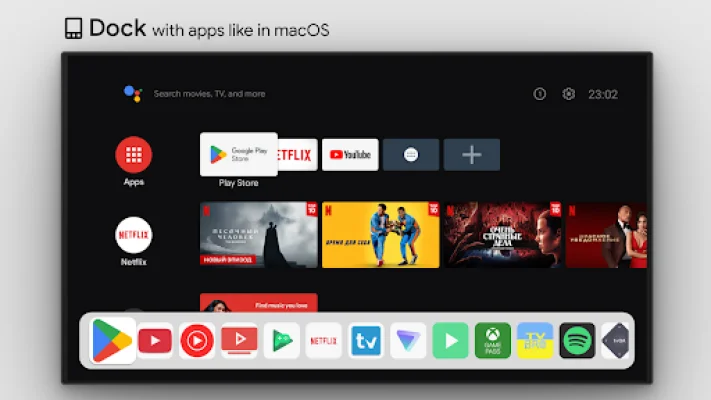
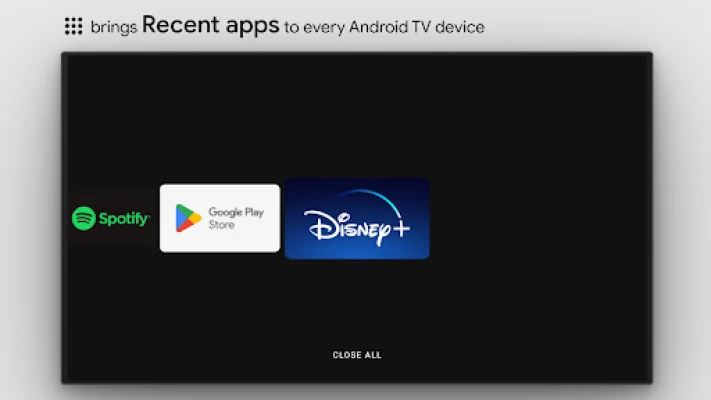
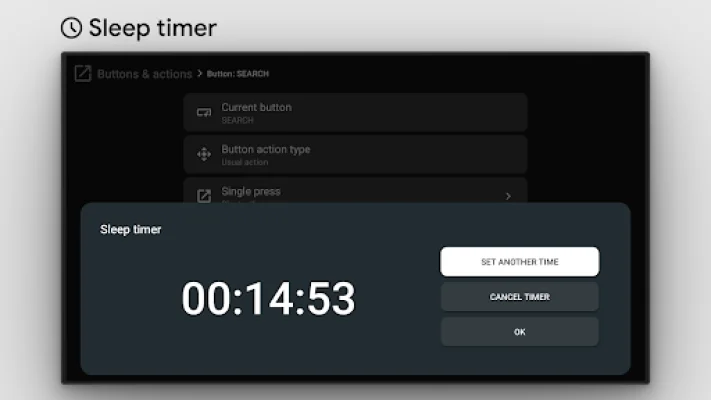
This application offers a unique feature that allows you to assign up to 5 actions to the button on your remote control. This means you can add a variety of useful functions to your device, making it more convenient and efficient to use. Some of the features include docking with apps, recent apps on any device, custom menus with any actions, and the ability to use user ADB commands as actions. You can also enable a mouse toggle on any remote, set a sleep timer, use a dialpad, and even record your screen. Other features include a night mode for screen dimming, a Bluetooth manager, and a media control panel. Additionally, the app supports quick TV input changes and has an auto framerate feature for certain devices.
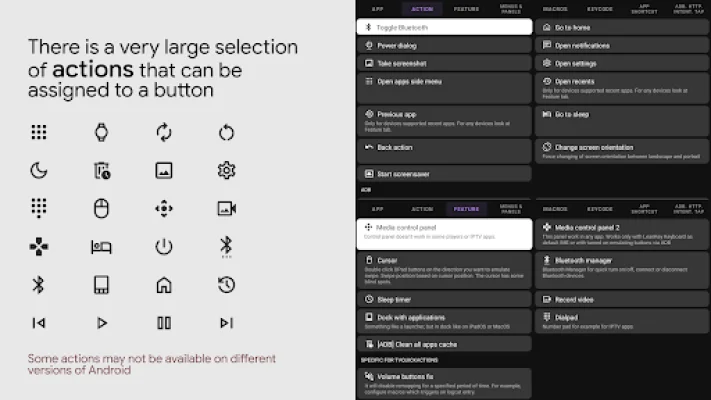
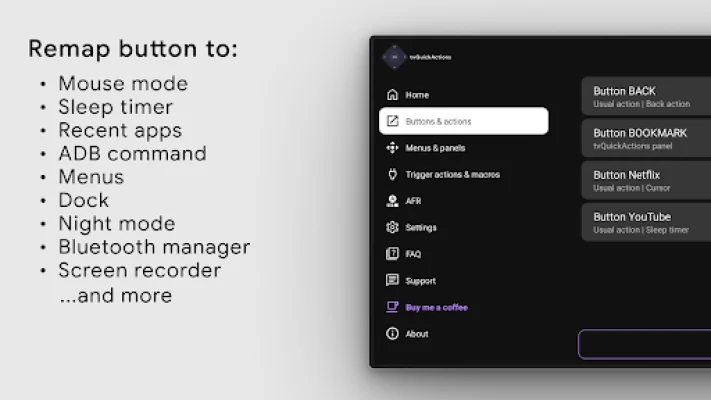
One of the most interesting aspects of this app is its ability to remap buttons on your TV device. Even if you have a button that you rarely use, you can assign it a new function with just a double click. The app also offers a variety of actions to choose from, such as opening an app or app activity, using shortcuts and intents, or even opening the power dialog. You can also go home, open recent apps, or go to the previous app with just a click of a button. The app also supports voice assistant activation, WiFi and Bluetooth toggles, media control, and even taking a screenshot.
It's important to note that the app uses the AccessibilityService API to remap buttons, which is a basic requirement for the feature to work. This allows the app to listen to and block key events. The app also uses AutoFrameRate, which is needed to get views on the screen and emulate presses for automatizing mode selecting. However, some actions may not work on all devices due to various factors such as firmware and Android version. If you encounter any issues, it's best to notify the developer instead of giving the app a poor rating, as the issue may be out of their control. The app also encourages users to be original and SEO-oriented when using the app.
Rate the App















Popular Apps









