
Twinkl Rhino Readers
1.6.5 by Twinkl Educational Publishing (0 Reviews) September 23, 2024

Latest Version
1.6.5
September 23, 2024
Twinkl Educational Publishing
Education
Android
0
Free
co.uk.twinkl.rhinoreaders
Report a Problem
More About Twinkl Rhino Readers
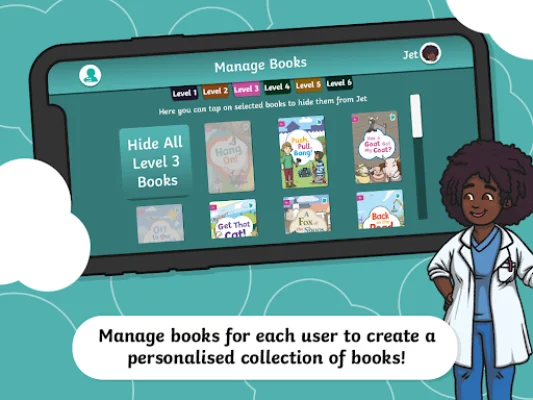
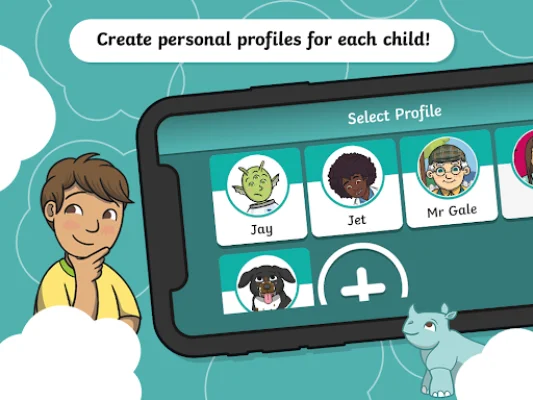
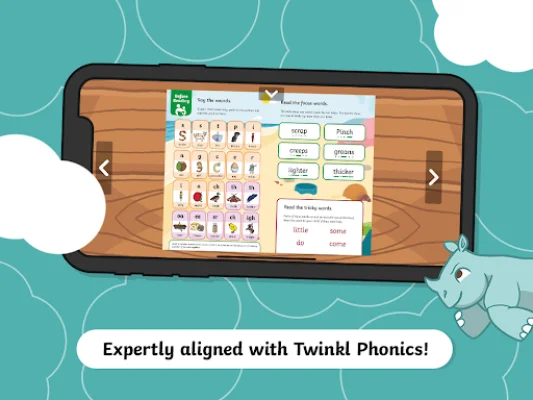
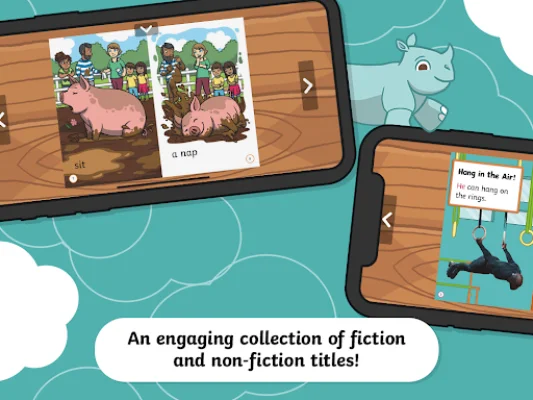
This application is designed to make reading easier and more enjoyable for users. It offers zoom controls that allow readers to focus on specific content and adjust the size of the text for better readability. Additionally, there are content controls that allow users to hide or un-hide books from their library, giving them more control over their reading experience. One of the unique features of this app is the ability to navigate the library by switching between reading levels. This makes it easier for users to find books that are appropriate for their reading level, with levels ranging from 1A to 6C. The app also supports both portrait and landscape modes, giving users the flexibility to read in their preferred orientation. The app allows for up to five user profiles, which can be personalized by "favoriting" books and keeping track of progress with a progress indicator. This feature also allows users to easily pick up where they left off and continue reading. Another convenient aspect of this app is that it is fully accessible offline, meaning users can take their library with them wherever they go. Users have the option to sign in with their Twinkl Ultimate member account or use the "Guest" mode for access. The app also offers a "Try mode" for users to download and try out the app for free. For full functionality, users can log in with their Twinkl Ultimate member account or purchase/restore an in-app subscription. For any questions or assistance, users can visit twinkl.com/contact-us or email [email protected]. The app developers value user feedback and encourage users to reach out with any problems or suggestions for new features. The app also prioritizes user privacy and has a privacy policy in place to protect user information. Additionally, there are terms and conditions that users must agree to when using the app. Overall, this app offers a user-friendly and customizable reading experience for all ages and reading levels.
Rate the App








Popular Apps









