

UBA Mobile App
4.2.9 by United Bank for Africa Plc (0 Reviews) August 23, 2024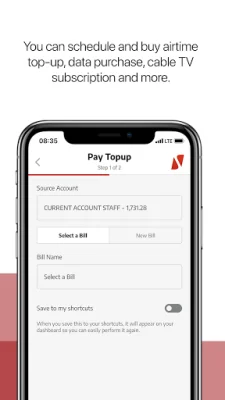
Latest Version
4.2.9
August 23, 2024
United Bank for Africa Plc
Finance
Android
0
Free
com.ubanquity.redd.uba
Report a Problem
More About UBA Mobile App
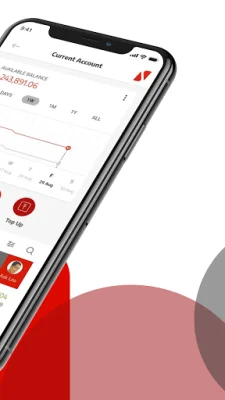
The UBA Mobile App is a personal financial management tool designed specifically for you. It offers a wide range of features and capabilities that make managing your finances easier and more convenient than ever before. With this app, you can set spending limits, schedule and pay bills, make transfers, receive instant notifications, save for your goals, open new accounts, and even interact in multiple languages. It truly has everything you need to stay on top of your finances.
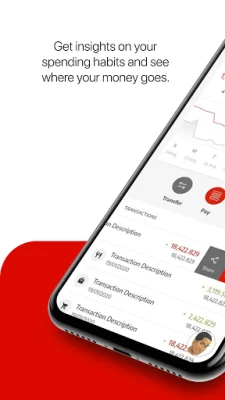
One of the most useful features of the UBA Mobile App is the ability to set spending limits. This allows you to track your expenses and stay within your budget. You can also schedule and pay bills directly from the app, saving you time and hassle. And with the ability to make transfers, you can easily move money between your accounts or send money to others.
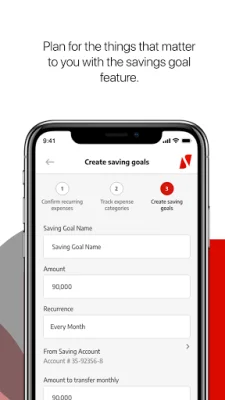
The app also offers instant notifications, so you can stay updated on your account activity in real-time. This is especially useful for monitoring your spending and detecting any fraudulent transactions. Additionally, you can use the app to save for your financial goals, whether it's a vacation, a new car, or a down payment on a house.
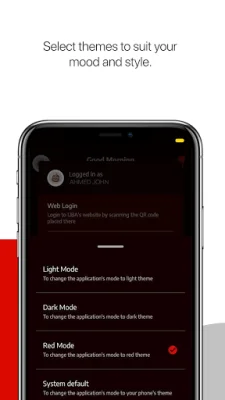
For those who prefer to bank in person, the UBA Mobile App also allows you to find the nearest branch or ATM. And if you ever need to take action on your account, such as locking or blocking your card, you can easily do so through the app. You can even customize your dashboard and choose from different themes to suit your mood.
Getting started with the UBA Mobile App is easy. If you already have a UBA account, you can simply sign up and register as a new user. You have the option to choose from various methods, such as using your UBA debit or prepaid card, UBA Secure Pass, USSD PIN, or an activation code. If you don't have a UBA account, you can easily open one through the app by selecting "Open an Account" from the menu and following the steps provided. Once your account is set up, you can start banking right away.
In conclusion, the UBA Mobile App is a comprehensive and user-friendly tool that makes managing your finances a breeze. With its various features and capabilities, you can easily stay on top of your spending, save for your goals, and access your accounts anytime, anywhere. So why wait? Download the app and start banking today!
Rate the App














Popular Apps









