

Uzum Business | Kapitalbank
1.52.0-543-release by KAPITALBANK, ATB (0 Reviews) April 22, 2026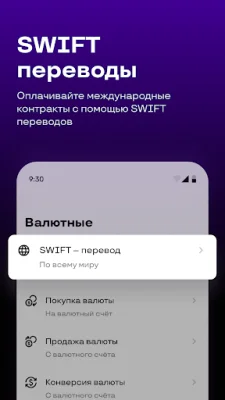
Latest Version
1.52.0-543-release
April 22, 2026
KAPITALBANK, ATB
Finance
Android
0
Free
uz.kapitalbank.mobile24
Report a Problem
More About Uzum Business | Kapitalbank
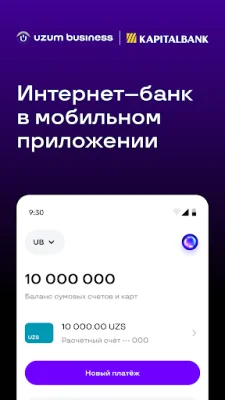
Manage your organization's finances with our convenient mobile application. With us, you can easily control your account balances and transactions, send transfers to other banks and government organizations, and perform currency operations. Our app allows you to access your finances anytime and anywhere.
In our mobile app, you can:
Conveniently and quickly log in
All you need to do is enter your login and password once, set up a code or use biometric authentication, and then you can access the app using a passcode, fingerprint, or face recognition.
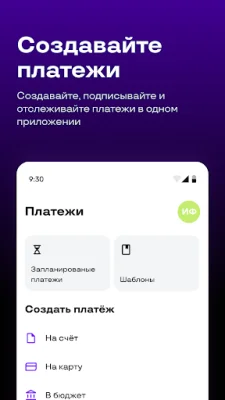
Quickly create payments
With our user-friendly forms and ready-made templates, you can quickly create payment templates and sign all necessary payments.
Perform currency operations
Send swift transfers, exchange currency, and view information about currency contracts.
Monitor transactions for all accounts
All your checking accounts and cards are gathered in one section. You can create statements and track your account balance. In the History section, where all your incoming and outgoing payments are stored, you can find details of each transaction.
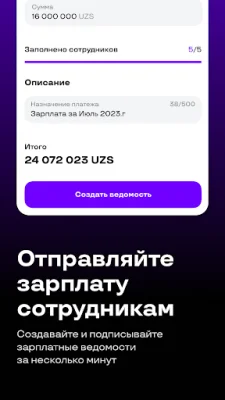
Send salaries to employees
Create a payroll, enter payment amounts, and sign the payment. Salaries will be credited to employees on the same day.
Mobile app and internet banking now work together
Our mobile app and internet banking now work together. It doesn't matter which platform you are currently using. We have combined the web version and mobile app so that you can easily view business information from any device.
For example, if you create a payment in the web version, it will automatically appear in the mobile app, where you can sign it. And vice versa, if you create a template in the mobile app, it will also be displayed in the web version, where you can sign it.
Our mobile app also offers other useful features:
Sign multiple payments at once or all available payments at once.
Schedule payments: create a payment, specify the execution date, and sign it. We will send the payment to the bank at the designated time.
Create payment requests and view incoming ones in Card Files 1 and 2.
All your payments are easily accessible in the Transaction History.
Share account and card details with just one click.
Receive push notifications about account transactions.
Rate the App















Popular Apps









