

VPN Hotspot & Proxy
5.8 by OS Technologies (0 Reviews) August 04, 2024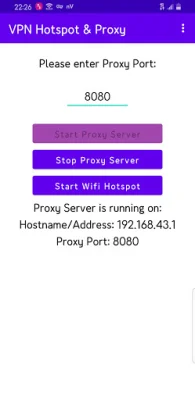
Latest Version
5.8
August 04, 2024
OS Technologies
Tools
Android
0
Free
com.ostechnologies.vpnhotspotproxy
Report a Problem
More About VPN Hotspot & Proxy
This application allows you to share your VPN's connection with other devices through your mobile hotspot. This means you can use your VPN on devices like your laptop or TV without having to install additional VPNs on those devices. It also allows you to bypass any limitations set by your internet service provider (ISP) on your hotspot.
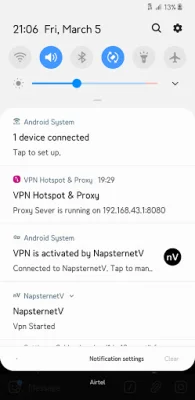
To use this feature, simply enable your hotspot and then start the app. You can connect your VPN before or after starting the hotspot. If you want to bypass your ISP's limitations, start the hotspot first and then start the app.
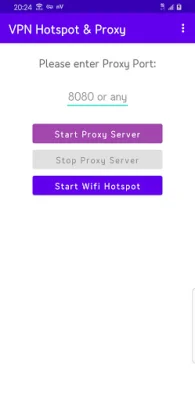
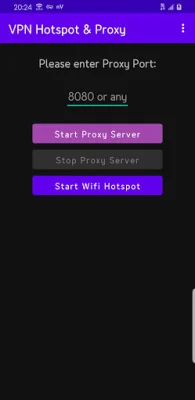
The app creates a proxy server that binds your connection to the IP address of your Android device. This allows you to use the VPN connection on any connected device. The app also supports both Light and Dark mode, depending on your system's settings.
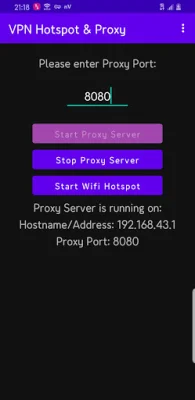
If you're unsure how to use the app, there is a detailed guide provided. First, start your wifi hotspot on the device with the internet connection you want to share. Then, connect your VPN (if you want to share the VPN connection). Next, open the VPN Hotspot & Proxy app and enter the proxy port. Once you tap on "Start Proxy Server," the service will begin.
If you want to share the connection with another Android phone or TV, you will need to install the "Proxy My Apps" app on the second device. Then, open the app and enter the proxy address and port shown on the VPN Hotspot & Proxy app. Once connected, all apps on the second device will be able to use the proxy.
After setting up the connection, you can test it by opening apps on the connected devices. It's important to remember to remove the proxy changes made on your PC when you're not using the VPN Hotspot & Proxy app or when connected to other wifi hotspots. And if you appreciate the work of the developers, don't forget to rate and provide feedback for future improvements.
Rate the App















Popular Apps









