
Walkie Talkie Wear OS
by Arbel Solutions (0 Reviews) September 25, 2024

Latest Version
September 25, 2024
Arbel Solutions
Communication
Android
0
Free
com.arbelsolutions.pttwearos
Report a Problem
More About Walkie Talkie Wear OS
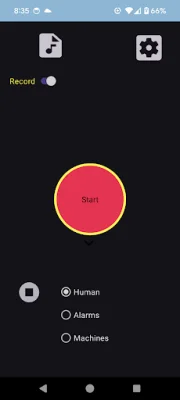
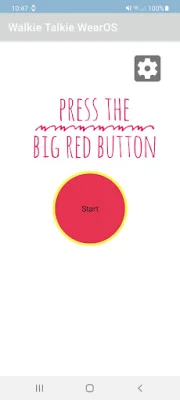
This application allows users to send audio messages from their phone to their Wear OS device and vice versa. The process is simple - just press the big red button. The app also offers additional features such as two-way audio stream recording and automatic conversion of the audio to a recognized format (WAV) for easy sharing. Users are encouraged to provide feedback and report any bugs to the developer via email.
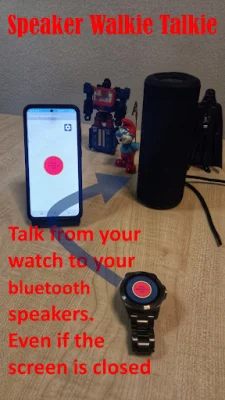
One bonus feature of this app is that the phone can be closed after activation, making it convenient for users to use their Wear OS device without having to constantly hold their phone. Another bonus feature is the ability to talk from the Wear OS device to Bluetooth speakers, providing a hands-free experience.
A tutorial is available on YouTube for users who need assistance with using the app. The Wear OS device also has an additional screen where users can access six built-in sounds on their phone by pressing buttons on the Wear OS device. This adds a fun element to the app and can be seen in action in another YouTube video.
The only devices needed for this app to work are a phone and a connected Wear OS device. The app requires permission for audio recording in order to capture audio messages.
It is important to note that some features of the app are only available for a limited time trial. Users are advised to make sure their volume level is at its maximum in order to hear incoming messages. They can also use Wear OS connected Bluetooth speakers for a better audio experience. On the Wear OS device, the button will pulse when there is an incoming audio message.
For any suggestions, users can contact the developer via email and are encouraged to be original and SEO-oriented in their suggestions. This app is a convenient and fun way to send and receive audio messages between a phone and a Wear OS device.
Rate the App















Popular Apps









