

WalkieTalkie
2.5.01.12 by Samsung Electronics Co., Ltd. (0 Reviews) November 02, 2025

Latest Version
2.5.01.12
November 02, 2025
Samsung Electronics Co., Ltd.
Communication
Android
0
Free
com.samsung.android.wear.walkietalkie
Report a Problem
More About WalkieTalkie
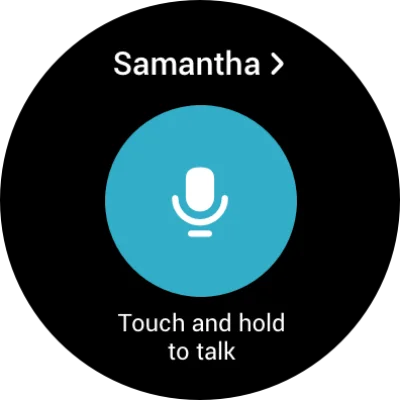
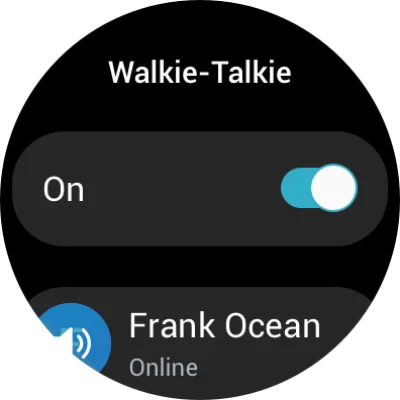
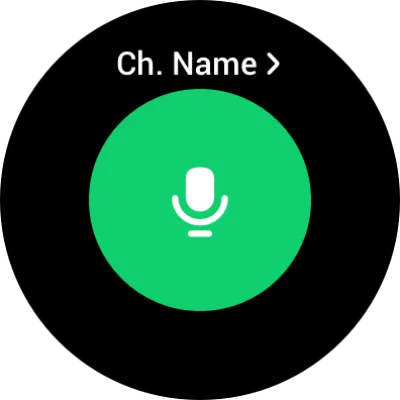
The Walkie-Talkie app for Galaxy Watch allows you to easily create a channel for instant conversations with your friends, colleagues, or family members who are also using the Watch. With just a few simple steps, you can create a one-on-one or group chat room and start talking right away. This app is perfect for staying connected and having quick conversations on the go. To create a chat room, simply open the Walkie-Talkie app and choose from two methods: inviting friends from your Contacts list or inviting nearby friends using a PIN code. Once you have selected your friends and set a chat room name, you can start chatting immediately. You can also join chat rooms that you have been invited to by clicking on the notification message or selecting it from the "Invitations" list on the main screen. Additionally, you can search for nearby channels and join them by entering the PIN code. When in a chat room, simply tap and hold the Speak button to talk and release it to stop. You can also change the Speak button to a toggle-type button for easier use. To do this, go to the app settings and select "How to talk -> Tap." To use the Walkie-Talkie app, you will need to register your Samsung account on a Galaxy smartphone connected to your Galaxy Watch. The app is compatible with Galaxy smartphones running Android version 8.0 or higher. You can use the app with your Watch's network connection or the network connection of your connected smartphone. It is not necessary to install a separate Walkie-Talkie app on your smartphone. In order to provide this service, the app requires certain access permissions. These include microphone access for voice input and transmission, access to your Contacts to identify friends to chat with, and access to your phone calls to limit the Walkie-Talkie feature during a call. Optional permissions, such as location and nearby device access, can enhance the app's features but are not necessary for basic use. With the Walkie-Talkie app, you can easily stay connected and have instant conversations with your friends and loved ones.
Rate the App















Popular Apps









