

Wifi File Manager
1.15 by Turkhan Badalov (0 Reviews) August 06, 2024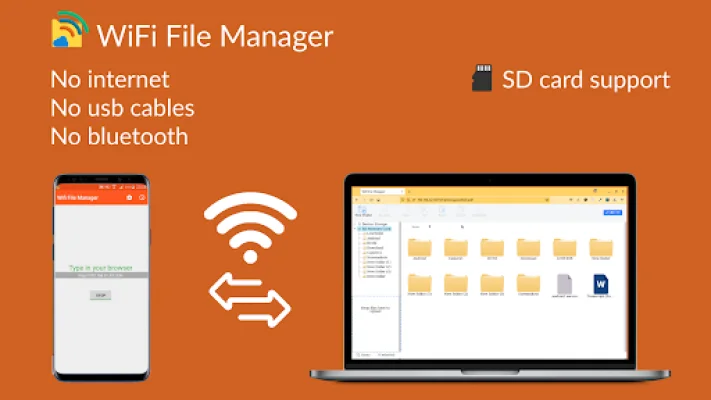
Latest Version
1.15
August 06, 2024
Turkhan Badalov
Tools
Android
0
Free
com.chiefcomma.wfm.app
Report a Problem
More About Wifi File Manager
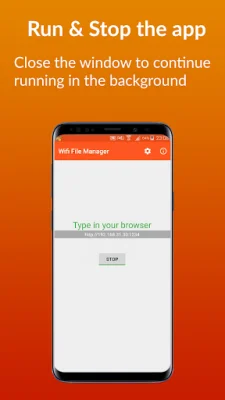
This application allows you to manage your files in bulk by providing various operations such as uploading, downloading, copying, moving, and deleting. These operations can be run in the background, allowing you to continue navigating through directories and performing other tasks without interruption. You can even close your browser and the processes will continue running in the background, with notifications displayed in a panel.
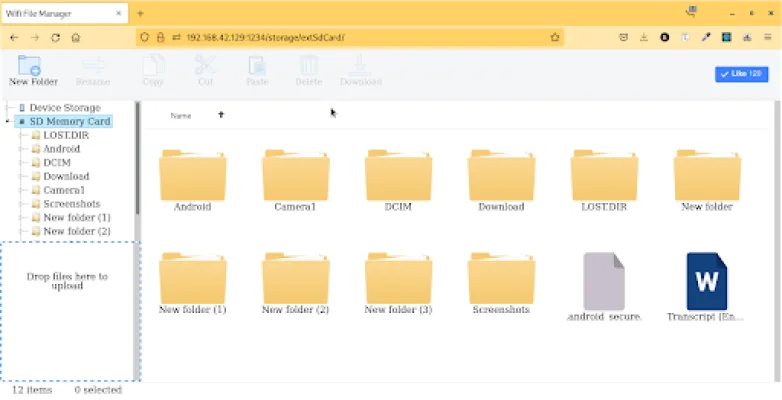
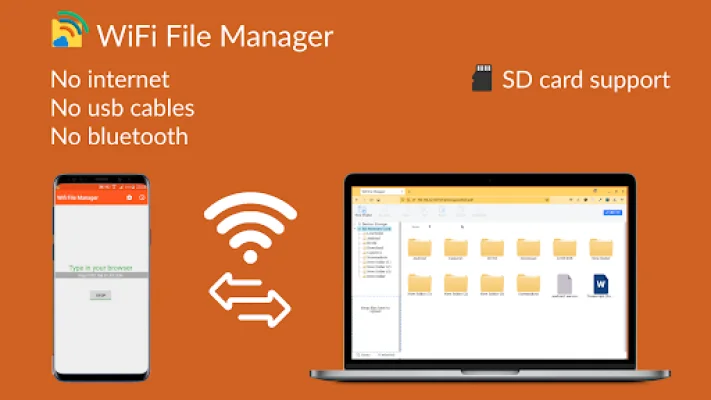
To navigate and select directories, you can use a mouse or touchpad on PC devices. Additionally, there is a file tree on the left side of the user interface, making it easy to navigate through directories even on mobile devices.
All available operations are conveniently located at the top of the interface, and can also be accessed through right-clicking. This makes it easy to quickly perform the desired action on your files.
In order to improve file transfer speed, you can create a hotspot on your device and use a direct connection instead of relying on devices like routers which may slow down the speed. This can result in a significant increase in transfer speed.
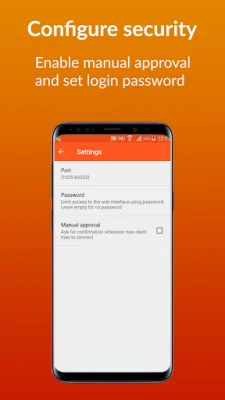
To ensure the security of your files, you can set a password to protect the user interface from unauthorized access. If this is not enough, you can also enable manual access and approve or deny access requests from other users.
All settings are applied dynamically, except for the port number which requires a service restart to take effect. The application is still in development, with plans to enhance the user interface and provide more configuration flexibility. So stay tuned for updates and improvements!
Rate the App















Popular Apps









