
XSplit Connect: Webcam
1.16.2402.1900 by SplitmediaLabs Limited (0 Reviews) August 13, 2024
Latest Version
1.16.2402.1900
August 13, 2024
SplitmediaLabs Limited
Communication
Android
0
Free
com.xsplit.webcam
Report a Problem
More About XSplit Connect: Webcam
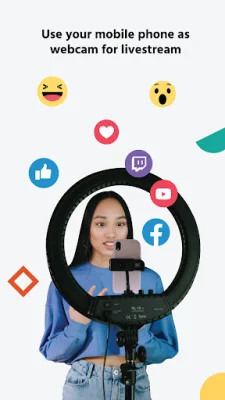
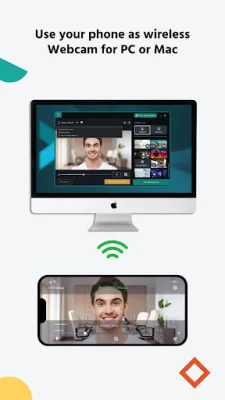
If you're a content creator, streamer, or need a professional webcam for business purposes, XSplit VCam is the perfect solution. This innovative app allows you to connect your phone to your computer and use it as a webcam, providing you with a wide range of features and tools to enhance your video quality.
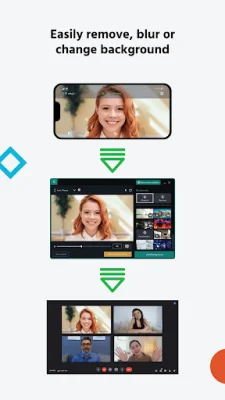
With XSplit VCam, you can do more than just video chat. The app offers a powerful suite of tools, including green screen, background blur, depth of field, and background removal. Whether you're live streaming video games or having a video conference with colleagues, XSplit VCam has everything you need to make your videos stand out.
One of the standout features of XSplit VCam is its depth of field and background blur options. These tools allow you to add a high-quality blur effect to your webcam and background without the need for extra hardware. You can even adjust the blur slider to achieve a DSLR or Portrait Mode style effect. This is perfect for hiding a messy room, maintaining privacy, and improving the overall production value of your broadcast.
Another impressive feature of XSplit VCam is its ability to replace your video background with an image or webpage. The app supports various file types, including JPEGs, GIFs, PNGs, and even full web pages, giving you unlimited personalization options for background replacement. You can also apply background blur to further enhance your video quality, making it the fastest alternative to a green screen.
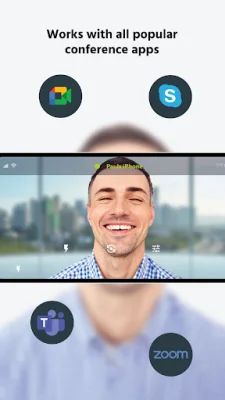
XSplit VCam is not just for content creators, but also for businesses. It works seamlessly with all major video calling applications and conferencing solutions, making it a powerful tool for remote work, virtual interviews, customer support, sales meetings, teaching, and consultation services. With XSplit VCam, you can give your colleagues high-quality video presentations, whether you're in the office or working remotely.
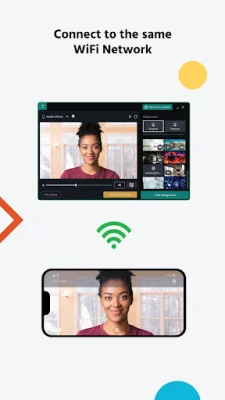
So how does XSplit VCam work? It's simple! First, download the mobile app. Then, launch the app and follow the prompts to download the desktop app from XSplit.com. Once the desktop app is installed, your PC will automatically be visible as a connection for the mobile app. Once the connection is established, you can use your phone camera as a webcam on your PC.
Don't settle for a mediocre webcam. Turn your phone into a high-quality webcam with XSplit VCam. Download it today and take your content creation, streaming, and business video calls to the next level!
Rate the App














Popular Apps









