

Yahoo Mail – Organized Email
by Yahoo (0 Reviews) July 24, 2024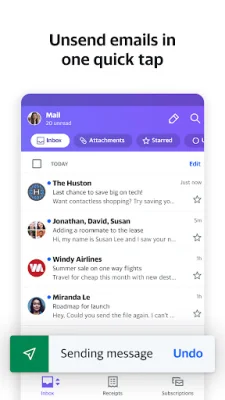

Latest Version
July 24, 2024
Yahoo
Communication
Android
0
Free
com.yahoo.mobile.client.android.mail
Report a Problem
More About Yahoo Mail – Organized Email
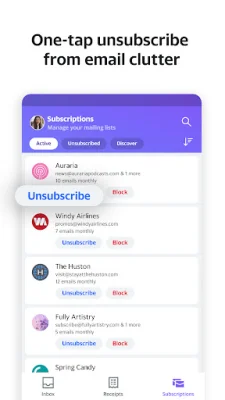
The Yahoo Mail app offers a variety of features to help users manage their email inbox with ease. One of the favorite features is the ability to quickly unsubscribe from pushy promotional emails with just one tap. This eliminates the hassle of searching for tiny unsubscribe links at the end of long emails. The app also organizes all of your mailing lists in one place, making it easy to unsubscribe from noisy newsletters and promos.
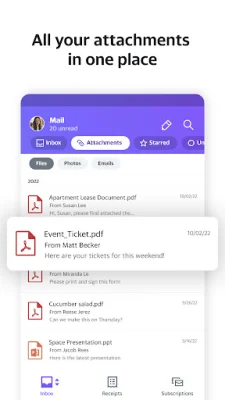
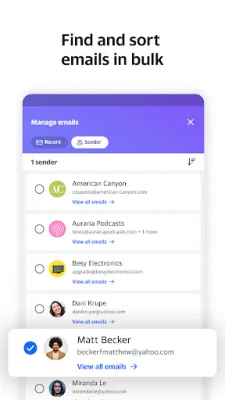
Another useful feature is the ability to organize and navigate your inbox with ease. The app offers inbox filters that can sort emails by attachments, starred, unread, travel, sent to myself, and more. This makes it easy to find what you need quickly and stay organized. Additionally, users can delete or move up to 10,000 emails at once from a particular sender or category, helping to clear out the clutter in their inbox.
The Yahoo Mail app also helps users stay on top of their receipts and package deliveries. All receipts are organized in one place, making it easy to find a specific one. Plus, users can see the status of all their upcoming deliveries at a glance, thanks to top-of-inbox package tracking alerts. This ensures that no deliveries are missed.
The app also offers a convenient way to pull up the best deals from your inbox. Instead of searching through countless promotional emails, the app organizes your inbox around your favorite stores and categories, making it easy to find all your favorite deals without the clutter. This feature helps users stay organized and never miss out on a good deal again.
For those who use free trials, the Yahoo Mail app offers a helpful reminder message before the trial expires. This allows users to update their subscription plan or cancel before the trial ends. Additionally, users can customize their notifications and choose which ones they want to receive, such as emails from specific people, bills and receipts, deals, travel, reminders, or general messages.
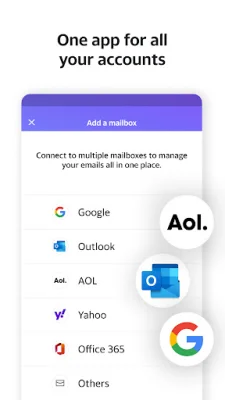
The app also allows users to connect their other email accounts, such as Gmail, AOL, Outlook, MSN, or Hotmail, and take advantage of extra features. These include setting swipe actions, changing sounds, and choosing a favorite color. The app also prioritizes accessibility, with high contrast themes, dynamic text resizing, and compatibility with VoiceOver screen readers. The folders at the bottom of the inbox also make it easier for assistive technology users to navigate.
In addition to these features, the Yahoo Mail app offers 1,000GB of free storage, which is significantly more than other inboxes like Outlook or Gmail. For those who want even more features, there is the option to upgrade to Yahoo Mail Plus for ad-free mail, extra organization and privacy features, and 24/7 tech support across Android mobile devices. This can be purchased as an in-app subscription for $1.99 per month, which will auto-renew unless canceled. Users can manage or cancel their subscription through their account settings. The app also provides links to the terms of service and privacy policy for users to review.
Rate the App















Popular Apps









