
Contacts Transfer
by Zavi Studio (0 Reviews) July 14, 2026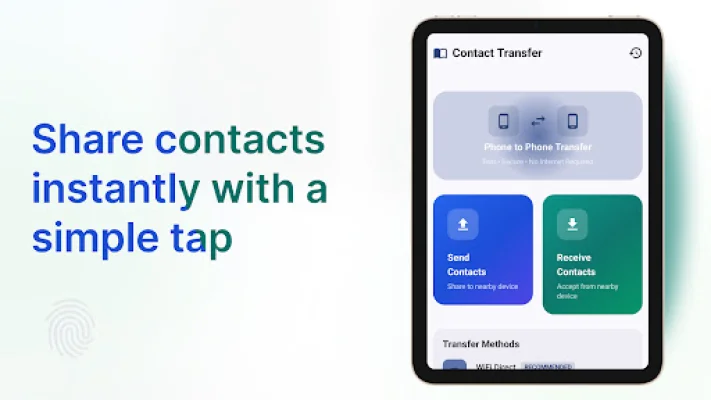
Latest Version
July 14, 2026
Zavi Studio
Tools
Android
0
Free
com.scriptupsolutions.contactstransfer
Report a Problem
More About Contacts Transfer
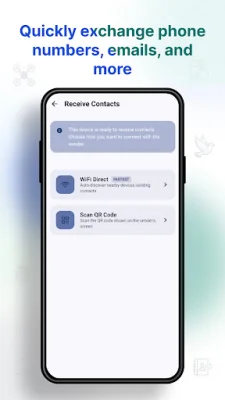
This application allows you to transfer your phonebook from one device to another without the need for an internet connection. It uses a direct WiFi connection to ensure a secure and fast transfer process. The transfer speeds are significantly faster than traditional methods, making it a lightning-fast option for moving your contacts.
The app is lightweight and simple, making it the perfect alternative to other Smart Switch apps. It focuses solely on your address book, avoiding any unnecessary bloated software and providing quick results. Your data stays within your local network, ensuring true privacy and secure contact sharing.
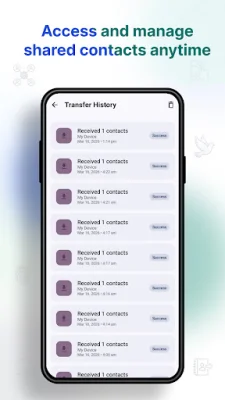
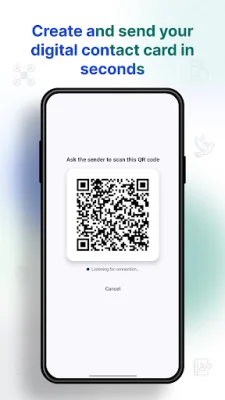
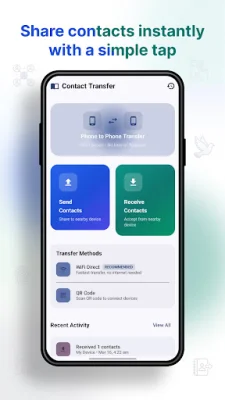
With this app, you can instantly backup and move your entire address book to a new device in just a few seconds. There are no file size limits, so you can transfer as many contacts as you need without any restrictions. The process is simple and can be completed in just three steps: open the app on both devices, select "Send" on your old phone and "Receive" on your new phone, and connect via the secure WiFi prompt to watch your contacts transfer instantly.
There are many reasons to choose Contacts Transfer for your contact transfer needs. It is a fast and hassle-free option, unlike other heavy Phone Clone apps that take a long time to set up. It also saves your mobile data plan as it is completely free and offline. You don't need to remember any passwords or sync to third-party servers, as no cloud accounts are needed. The user-friendly interface makes it easy for anyone to use, regardless of their technical knowledge.
This app is perfect for various use cases, such as when you buy a new phone and need an immediate contact backup and transfer, or when you want to share a large batch of business contacts with a partner at an event. It is also a reliable and quick tool for when you don't have internet access or cell service.
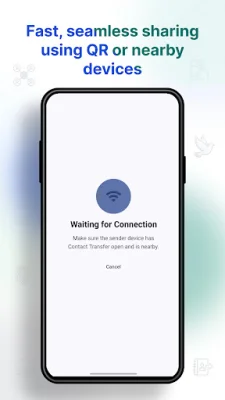
Some important tips and notes to keep in mind when using this app include ensuring that both devices have the Contacts Transfer app installed and open, keeping both phones close to each other during the transfer for the best WiFi connection, and allowing location/nearby devices permissions as required by Android to establish the direct WiFi connection. The app respects your privacy and does not track your location.
Overall, Contacts Transfer offers a convenient and efficient way to move your phonebook from one device to another. Download it today and experience the easiest way to transfer your contacts!
Rate the App















Popular Apps









