
My Files
by Maheta Developers inc. (0 Reviews) May 16, 2026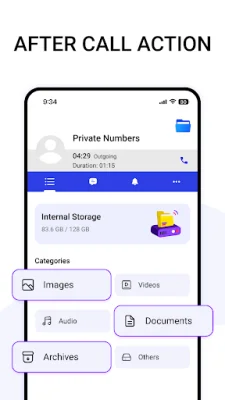
Latest Version
May 16, 2026
Maheta Developers inc.
Tools
Android
0
Free
com.myfiles.app
Report a Problem
More About My Files
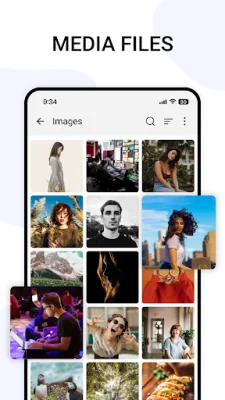
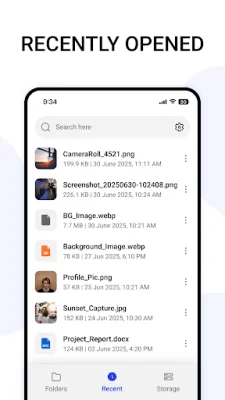
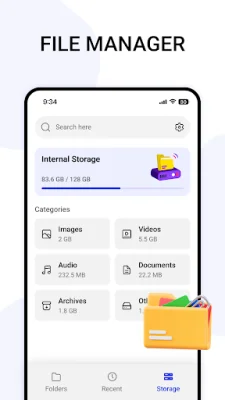
Samsung My Files is a file manager application that offers an efficient, seamless, and lightweight way to manage your files. It allows you to organize your files into different categories such as photos, videos, audio, documents, APKs, and archives. You can also filter files by their format. This app also helps you manage and organize files stored on your device, Samsung Cloud, Google Drive, or SD card. You can view, move, and delete files easily using My Files.
The app also features a powerful file manager, network manager, media manager, and application manager. It allows you to view all files on your device, including hidden files, and provides information about the number of Google files and apps you have. You can also transfer files between internal and external storage and free up space on your phone by transferring files to an SD card.
One of the key features of My Files is its ability to analyze and free up storage space on your device. It also supports recovering deleted files and compressing and decompressing ZIP/RAR archives. You can select multiple files for the same operation, making it easy to manage all your files. The app also has a feature to manage APK files and acts as a device manager and optimization tool.
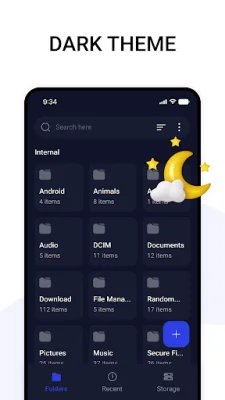
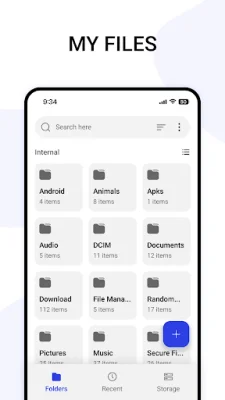
My Files also offers a user-friendly file browser that allows you to organize your files into folders, rename, copy, move, or delete them. You can also access files stored on SD cards, USB drives, and cloud storage connected to your device. The app supports various file types and allows you to access the content on your phone.
Another useful feature of My Files is the After-Call feature, which allows you to quickly access and manage your recent files after a phone call. This makes it easy to view, organize, or share your latest documents. Overall, My Files is a simple yet professional file manager that offers a convenient way to manage and organize your files on your Android device.
Rate the App










Popular Apps









