PlayStation Controller PS4 PS5
2.9.2 by Solu-Techs (0 Reviews) July 13, 2026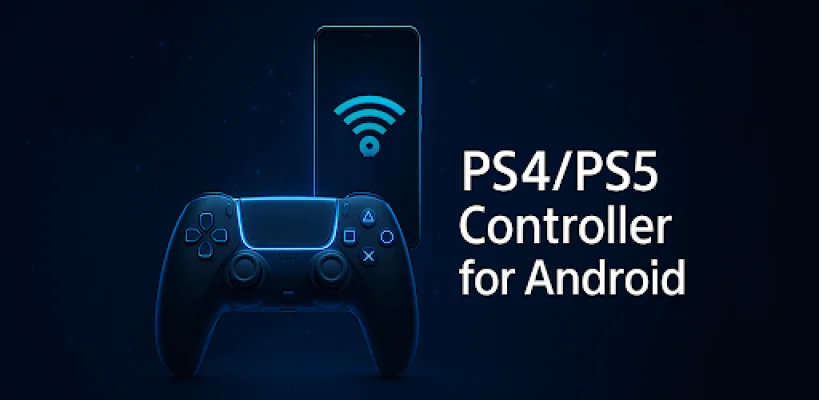
Latest Version
2.9.2
July 13, 2026
Solu-Techs
Tools
Android
0
Free
com.play.remote.controller
Report a Problem
More About PlayStation Controller PS4 PS5
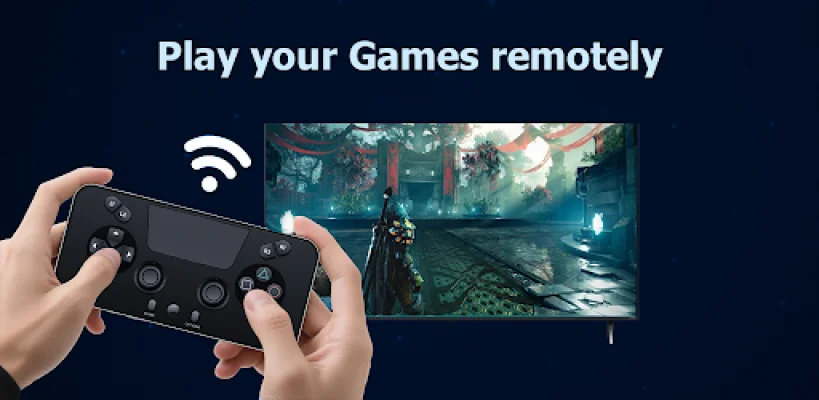
Transform your Android device into a virtual DualShock or DualSense controller with this app. It allows you to use your phone as a wireless controller for PS4 and PS5, making it perfect for situations where you may have lost your controller, need an extra one for multiplayer, or simply want to play from another room. This app gives you full control of your PlayStation, instantly.
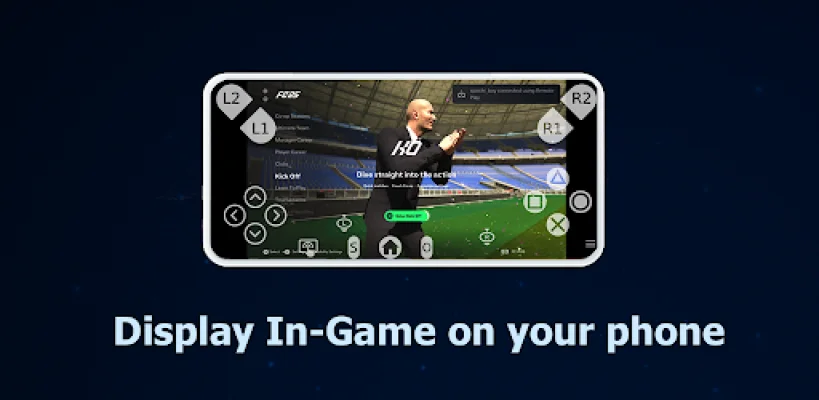
The main features of this app include the ability to use your phone as a virtual PS controller, support for remote play, low-latency gameplay, two available modes (gamepad and screen), touchpad and joystick support, easy setup, and the option to customize your controller design with custom skins and layouts (coming soon).
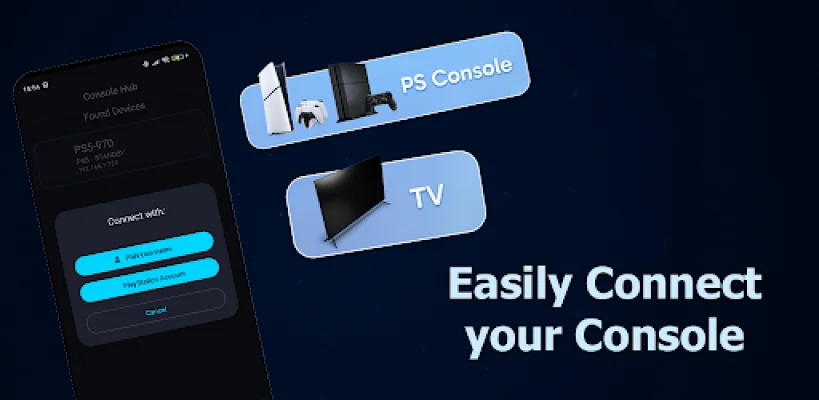
To use this app, you must ensure that your PS4 or PS5 and phone are connected to the same Wi-Fi network. Then, open the app and select your console. You will need to log in through your PlayStation Remote Play setup and choose between Remote Play or Controller Mode. Once set up, you can start gaming instantly without the need for a physical controller.
This app is a great choice for gamers who want flexibility, simplicity, and performance. It eliminates the need for expensive replacement controllers and is designed for multiplayer sessions, quick gaming, or mobile Remote Play. You can play your favorite games like Spider-Man, FIFA, Call of Duty, God of War, or Horizon anytime and anywhere, right from your phone.
It's important to note that this app is an independent tool and is not affiliated with Sony Group Corporation. All trademarks, such as PlayStation, DualShock, DualSense, PS4, PS5, and PS Remote Play, belong to their respective owners. If you need support, you can contact the app developers at [email protected].
Rate the App













Popular Apps









