Remote Control for Android TV
1.1.7 by FutureAppsTechnology (0 Reviews) July 14, 2026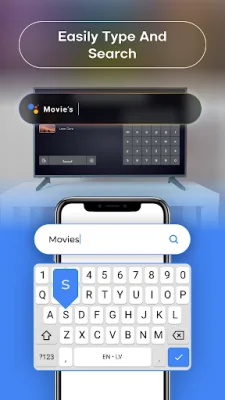
Latest Version
1.1.7
July 14, 2026
FutureAppsTechnology
Tools
Android
0
Free
com.smart.tv.remote.control.screen.casting.mirroring
Report a Problem
More About Remote Control for Android TV
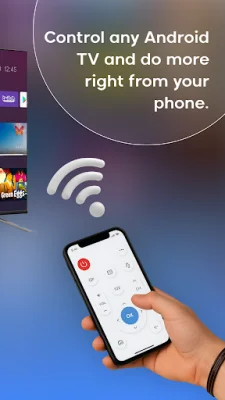
This Universal Android TV Remote app allows you to use your Android phone or tablet as a remote for your Android TV and Google TV platforms. With this app, you can easily control your smart TV using Wi-Fi, infrared (IR), or Bluetooth. It also offers seamless screen mirroring and casting capabilities, making it a versatile tool for your TV viewing experience.
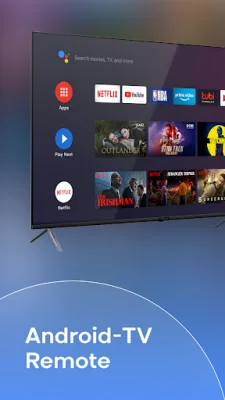
The app supports a wide range of TV brands and models, including Sony Bravia, TCL, Philips, Hisense, Xiaomi, OnePlus, and more. It is compatible with all Android-based and Google TV devices, allowing you to control multiple TVs with just one app.
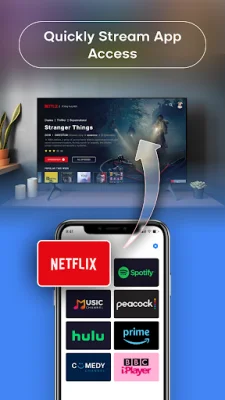
One of the key features of this app is its flexible connectivity options. You can choose to control your TV over Wi-Fi, IR (if your phone has an IR blaster), or Bluetooth, depending on your setup and preferences. It also has voice command and built-in keyboard capabilities, making it easy to search for content and navigate through apps like YouTube, Netflix, and Prime Video.
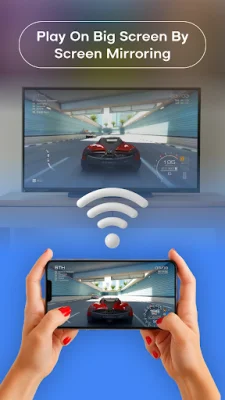
The app also has a touchpad for smooth navigation and a floating remote widget that allows you to access volume, channel, and power controls from anywhere on your screen. It also offers screen mirroring and casting features, allowing you to share your phone or tablet's screen in real-time with minimal latency. This is perfect for sharing photos, videos, playing games, giving presentations, or collaborating on documents.
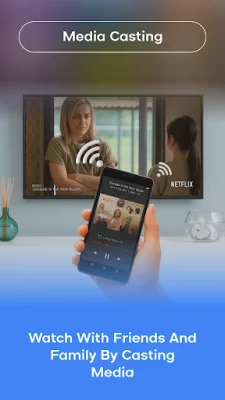
In addition to screen mirroring, the app also allows you to cast local media, such as photos, videos, and music files, directly to your TV. You can also browse and cast online videos from popular websites, giving you access to a wider range of content on a larger display.
The app also has a premium mode that you can upgrade to for an ad-free experience, access to advanced features, and enhanced performance. It is regularly updated with new features, stability fixes, and UI improvements to provide the best user experience.
To use this app, your phone and TV must be connected to the same network for Wi-Fi connectivity. If you want to use IR, your phone must have an IR emitter, and for Bluetooth, you can pair through your TV's Bluetooth settings if supported.
To get started, simply download and install the app, choose your preferred connection mode, and detect or manually add your Android/Google TV. Then, you can start controlling and casting instantly. It's important to note that this app is independently developed and not affiliated with Google, Android TV, or any TV manufacturer.
Rate the App











Popular Apps









