

Speaking Alarm Clock - Hourly
5.6.25.s by Comostudio (0 Reviews) May 24, 2026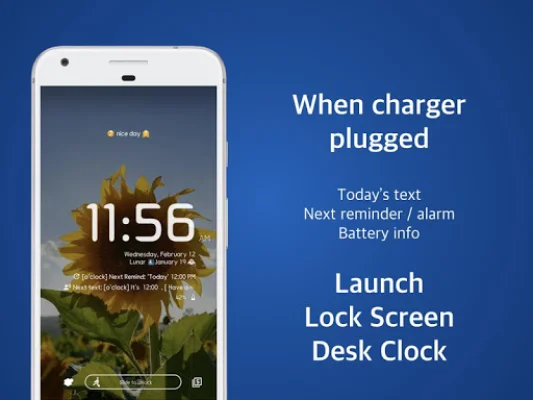
Latest Version
5.6.25.s
May 24, 2026
Comostudio
Tools
Android
0
Free
com.comostudio.hourlyreminder
Report a Problem
More About Speaking Alarm Clock - Hourly
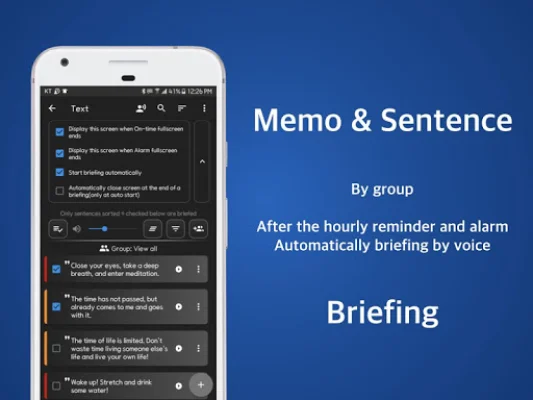
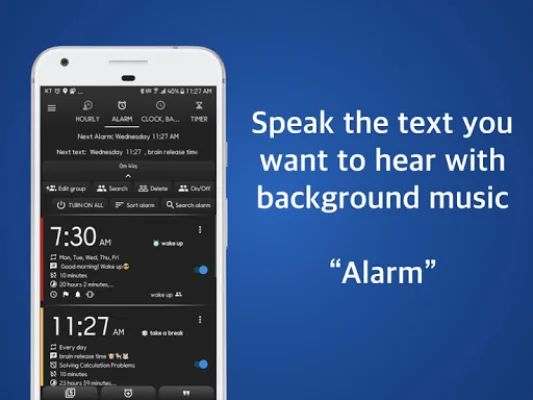
This application is a customizable alarm clock that offers a variety of features to help users stay on track with their daily tasks and routines. It allows users to set alarms for specific days or dates, including the last day of the month and the same day of the month. The alarm can be set to play a math calculation game to dismiss it, gradually increase in volume, and repeat a spoken text at a set interval. Users can also choose to have the alarm play until the end of a selected music track or automatically dismiss and switch to silent mode.
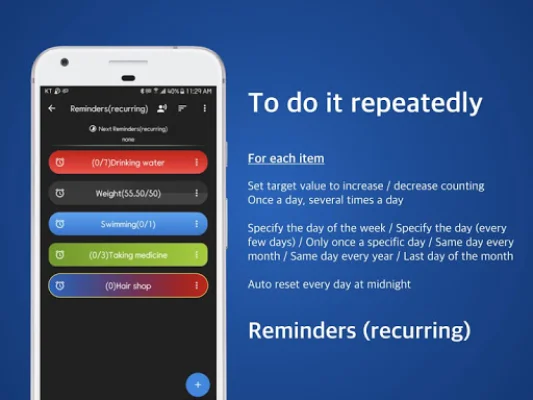
The app also offers the option to set different languages for each alarm, making it convenient for users who speak multiple languages. It also has a unique feature that allows users to set reminders in the form of a baby's voice, a bell, LED lights, vibration, or a combination of these options. These reminders can be set to repeat at specific intervals throughout the day, making it easy for users to stay on top of their tasks and schedules.
In addition to alarms and reminders, the app also has a counting/counter feature that allows users to track their progress in various units such as weight, distance, and rotations. Users can set the increment or decrement value and choose from a variety of basic units to suit their needs.
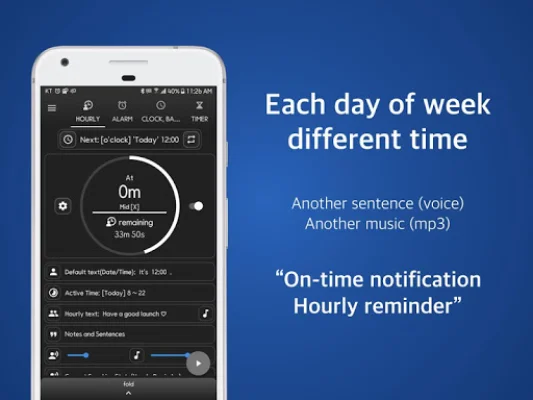
The app is user-friendly and easy to use, with a default setting that will automatically sound an alarm every hour from 8 am to 10 pm. Users can also customize the time and days for these hourly reminders. The app also has a timetable feature where users can easily input their daily schedules and manage them on a day-to-day basis.
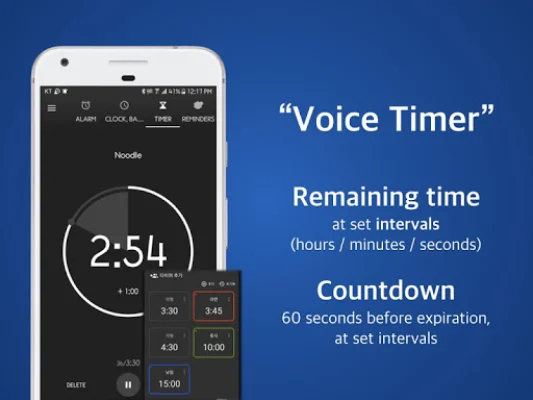
Other features of the app include a reminder timer, a screen lock/desk clock mode, and a manner mode that allows the alarm to sound even in vibration or silent mode. Users can also choose to have full-screen notifications that can be automatically or manually dismissed. The app only requires the necessary permissions to function and does not collect any personal information.
Overall, this app is designed to help users stay organized and on track with their daily tasks and routines. With its customizable features and user-friendly interface, it is a useful tool for anyone looking to improve their time management and productivity.
Rate the App











Popular Apps









