TV Remote for Fire TV
8.0 by FIRE Ltd (0 Reviews) July 16, 2026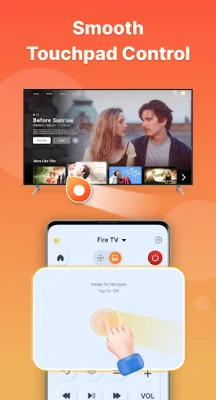
Latest Version
8.0
July 16, 2026
FIRE Ltd
Tools
Android
0
Free
com.firetvremote
Report a Problem
More About TV Remote for Fire TV
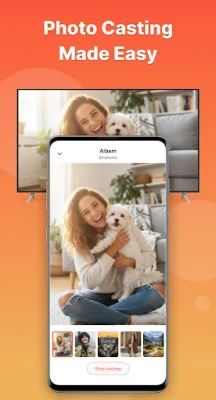
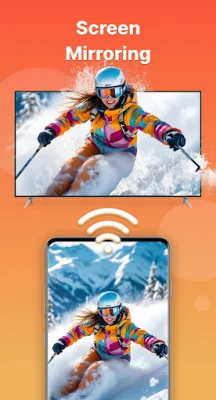
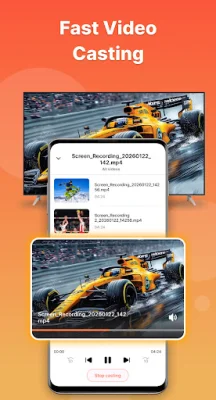
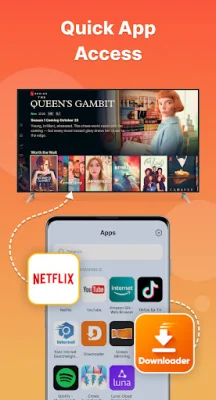
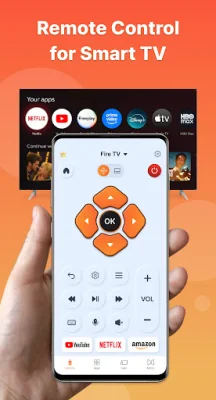
Simply put, this application allows you to control your Fire TV using your phone. By connecting both devices to the same Wi-Fi network, you can easily navigate menus, switch channels, and access all TV functions with just a few taps on your phone. Additionally, the app offers a built-in screen mirroring feature, allowing you to cast videos, photos, and other media from your phone to your TV in high quality. One of the key features of this app is its smart remote for Fire TV. This allows for easy control of volume, channel switching, and other TV functions. The screen mirroring feature is also fast and stable, ensuring a seamless and smooth performance when casting your phone screen to your TV. This results in a high-quality viewing experience on the big screen. The app also offers quick access to your favorite apps and channels, eliminating the need for extra steps. You can also use your phone's keyboard or voice commands for effortless typing and searching. The touchpad navigation feature allows for smooth and intuitive navigation on your TV. Setting up the app is easy and can be done in seconds without any complicated configurations. Simply turn on your Fire TV, connect your phone and TV to the same Wi-Fi network, and tap to connect. The app will automatically search for available Fire devices. To use the screen mirroring feature, connect the app to your Fire TV, tap on "Screen Mirroring," select your TV from the available devices, and start casting your content on a bigger screen. It's that simple. It's important to note that this application is not affiliated with, endorsed by, or sponsored by Amazon.com, Inc. or any of its affiliates. The "Fire TV" trademark belongs to Amazon.com, Inc. or its affiliates, and this app is not an official Amazon product.
Rate the App












Popular Apps









