

4g/5g lte mode & Wifi tools
by EchoTech Studios (0 Reviews) July 17, 2026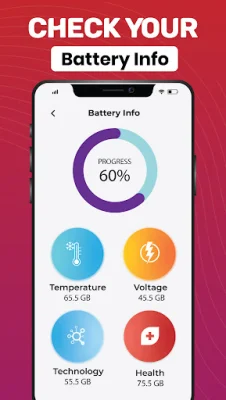
Latest Version
July 17, 2026
EchoTech Studios
Tools
Android
0
Free
com.fiveg.fourg.ltemode.networkonly.speed.test
Report a Problem
More About 4g/5g lte mode & Wifi tools
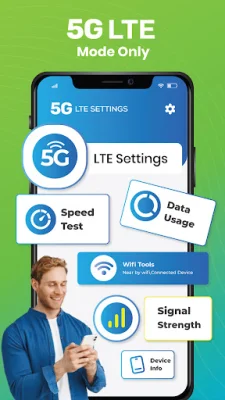
The 5G LTE switch technology offers a range of benefits for mobile users, including faster downloads, reduced delays, clearer voice calls, smoother streaming, and improved online gaming performance. This is made possible through the key features of the 5G Switcher app, which include the ability to enable 4G/5G LTE mode and switch between different network types, such as 2G, 3G, 4G, and 5G. Users can easily set their preferred network type and enjoy ultra-fast internet speeds with lower ping and reduced network delays.
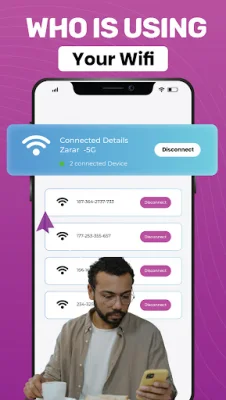
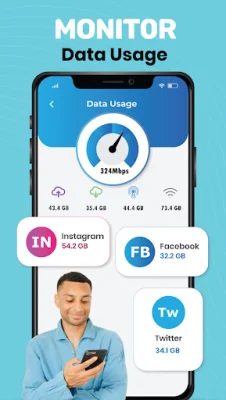
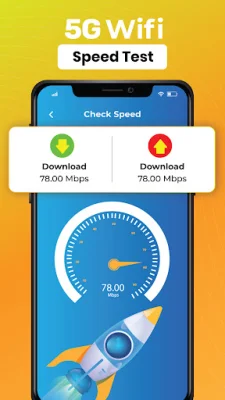
The app also allows users to check their SIM information, view signal strength and network details, monitor data usage, and adjust WiFi settings. It even includes a built-in Internet Speed Test to measure ping, download, and upload speeds. The interface is simple, clean, and easy-to-use, making it accessible for all users.
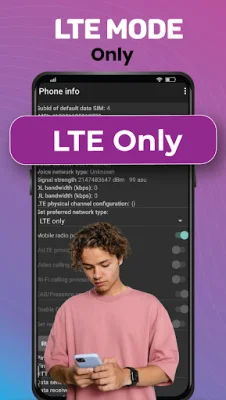
One of the standout features of the 5G Switcher app is the ability to switch to 5G or 4G LTE Only mode. This helps to stabilize the network and reduce network switching, resulting in a more stable connection. This is particularly useful for activities such as gaming, streaming, and fast downloads.
To use the 5G/4G LTE Only mode, users simply need to open the app and tap on the Switch Network option. From there, they can select their preferred network type. The app also includes an Internet Speed Test tab, where users can measure their internet performance by tapping on the Start Test button.
It's important to note that the 5G LTE switch app is completely free and supported by non-personalized ads. The app does not collect, store, or share any personal user data without permission. However, some features may vary depending on device compatibility. If any content violates copyright, users are encouraged to contact the app developers.
Rate the App













Popular Apps









