

AIDA64
2.03 by FinalWire Ltd (0 Reviews) August 15, 2024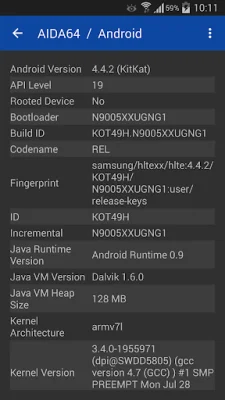
Latest Version
2.03
August 15, 2024
FinalWire Ltd
Tools
Android
0
Free
com.finalwire.aida64
Report a Problem
More About AIDA64
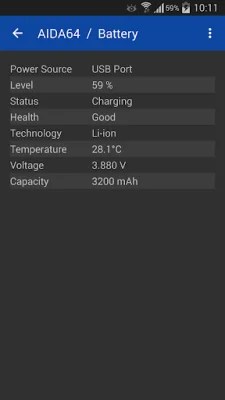
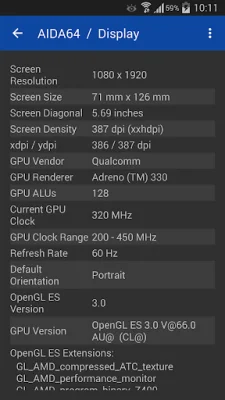
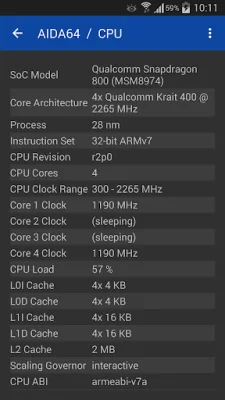
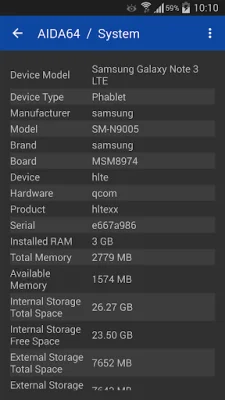
This application, called AIDA64, is designed to provide users with detailed information about their Android devices. It can detect the type of CPU being used and measure its core clock speed in real-time. It also provides information about the device's screen dimensions, pixel density, and camera capabilities. Users can also monitor their battery level and temperature, as well as view information about their WiFi and cellular network connections. The app also displays details about the Android operating system and Dalvik properties, as well as identifying the device's SoC and model.
In addition to hardware information, AIDA64 also provides details about memory and storage usage. It can also show real-time measurements of the GPU clock speed for devices using OpenGL ES. The app also lists information about other graphics technologies such as Vulkan, OpenCL, and CUDA, as well as PCI and USB devices. Users can also view sensor data and see a list of installed apps, codecs, and system directories.
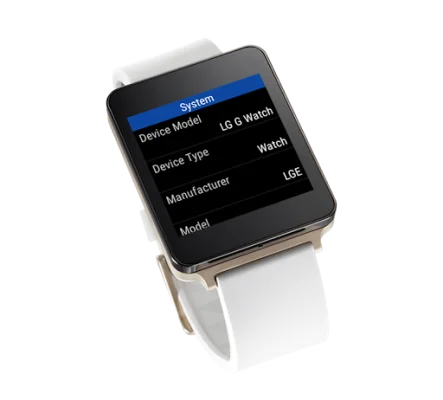
For users with Android Wear devices, there is a native app specifically designed for watches. The app requires Android 4.4 or later to run. In order to access certain information, AIDA64 requires permissions such as ACCESS_NETWORK_STATE, ACCESS_WIFI_STATE, INTERNET, and CAMERA. These permissions allow the app to display WiFi network information, camera details, and access the internet. It is important to note that AIDA64 does not take any photos or videos.
There are a few known issues with the app, such as incorrect screen size calculations and camera capabilities due to incorrect values being encoded by the manufacturer. If users encounter these issues, they can send a report from the About page and the developers will work to fix them in the next app update. It is also important to note that battery capacity can only be reported for factory default batteries, and the battery charge rate may be incorrect for devices that do not properly support the new battery API calls introduced in Android 5.0.
Rate the App















Popular Apps









