
AirDroid Cast-screen mirroring
1.1.5.1 by SAND STUDIO (0 Reviews) July 29, 2024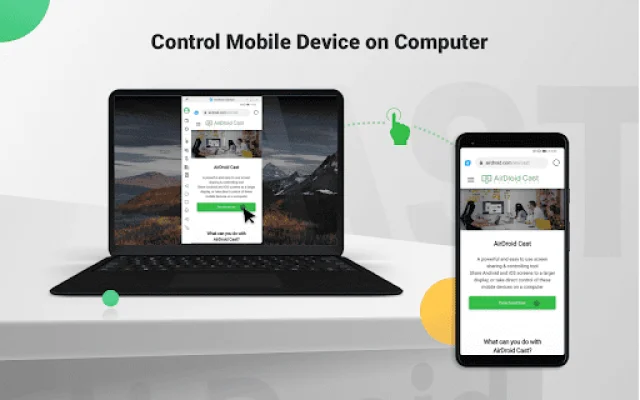
Latest Version
1.1.5.1
July 29, 2024
SAND STUDIO
Tools
Android
0
Free
com.sand.aircast
Report a Problem
More About AirDroid Cast-screen mirroring
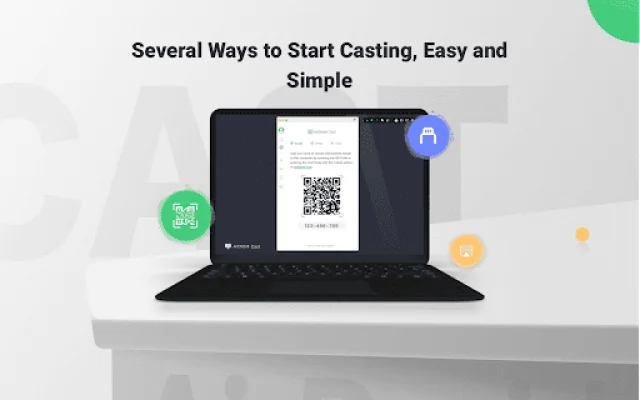
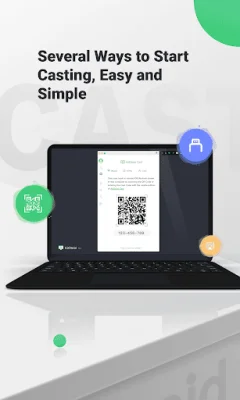
AirDroid Cast is an application that allows you to easily and simply cast your mobile device screen onto a computer. There are several ways to start casting, including scanning a QR code, inputting a Cast Code, or using a USB cable. This eliminates delays and provides clear images, making it suitable for game streaming and entertainment purposes.
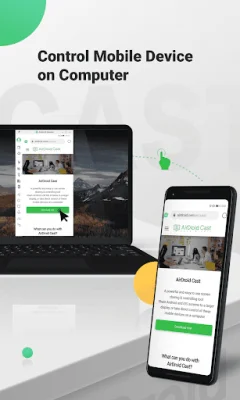
One of the main features of AirDroid Cast is the ability to control your mobile device on a computer. Whether you are in the office or at home, you can use this application to view and control your surroundings on a computer. As long as AirDroid Cast is installed on a macOS or Windows computer, you can click, scroll, and type on your mobile device through the desktop, without having to physically hold your phone.
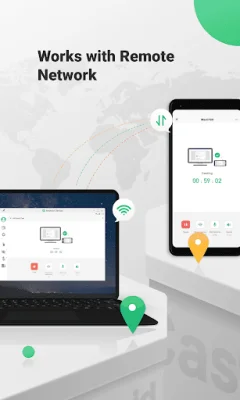
In addition to screen mirroring, AirDroid Cast also streams the device's microphone audio. This allows for direct communication with meeting attendees using the two-way audio feature, enhancing work efficiency. The application also works with a remote network, making it suitable for scenarios such as remote meetings. Even as a free user, all features are available under the local area network, but upgrading to a Premium user removes the network type limitation.
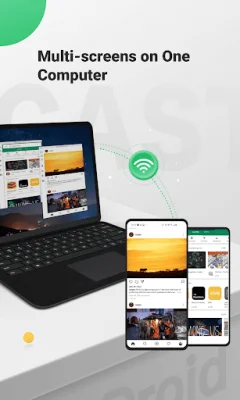
AirDroid Cast also supports casting a maximum of 5 devices onto a computer simultaneously. This feature is useful for multiplayer gaming or viewing all attendees' PowerPoint slides during a meeting. With this application, you can easily host remote and multi-attendee meetings, nail in-house meetings, training, or product demonstrations, and even use it for remote online teaching.
For instructors, AirDroid Cast can turn a mobile device into a handy whiteboard. You can type down key points or draw formulas directly onto your device and share the screen with the computer. The two-way audio feature also allows for immediate feedback from students. Additionally, the application supports gaming and live-streaming, allowing you to easily share your Android or iOS device screen and audio to your computer via Wi-Fi. With support for up to 5 devices casting at the same time, your friends can join in and show their skills with you. Overall, AirDroid Cast offers a variety of features that make it a versatile and useful tool for various purposes.
Rate the App















Popular Apps









