

All Contacts Backup & Restore
by Nexora Universe (0 Reviews) December 08, 2025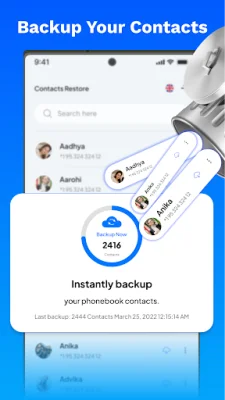


Latest Version
December 08, 2025
Nexora Universe
Tools
Android
0
Free
com.call.name.anouncer.contacts.backupnumbers.messagesrecovery
Report a Problem
More About All Contacts Backup & Restore
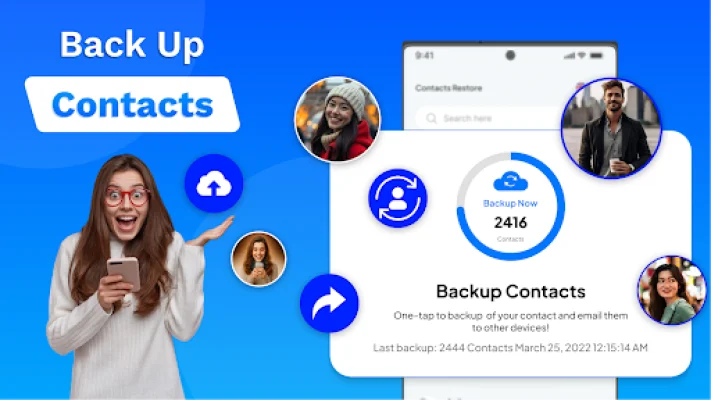
The Contacts Backup & Restore app allows users to easily backup their contacts to Google Drive and keep them safe for the long term. It works as a secure tool to backup and restore all phone numbers in a single file. Whether you need to restore deleted contacts, transfer them to a new phone, or create a backup on Google Drive, this app makes the process fast and reliable. With just one tap, users can backup all their contacts to Google Drive and restore them whenever needed.
The Caller Name Announcer feature of the app speaks the name of incoming callers, making it perfect for situations where users cannot look at their phone, such as while driving or working. The app announces the caller ID in real time, helping users decide whether to answer or ignore the call. Users can also personalize their experience with multiple caller themes and voice options, ensuring they stay hands-free and informed.
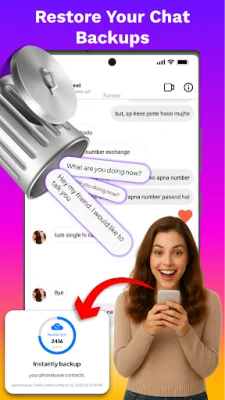
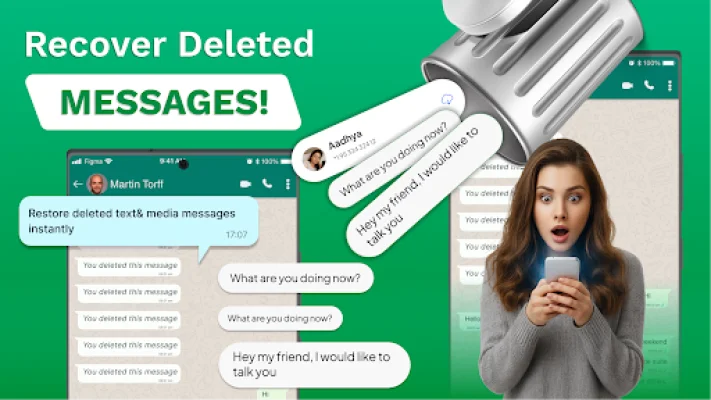
The Deleted Messages Recovery & Message Backup feature ensures that users never miss a message again. It allows users to easily view and restore texts that have been deleted by the sender. The app can recover deleted messages from WhatsApp and Instagram, even after they have disappeared. It also serves as a message saver app, storing all notifications within the phone and allowing users to backup messages from WhatsApp, Instagram, and more. This feature also helps users undelete messages and maintain a chat history backup.
All recovered messages are stored within the app, so users can read them later, even if the sender deletes them. This makes the app a personal message backup tool, using the notification history as a backup. The app also includes a Frequently Asked Questions section, where users can find answers to common queries about recovering deleted messages, backing up contacts, and using the caller name announcer feature.
Users can easily recover deleted messages on WhatsApp using the notification history recovery feature. The app also allows users to restore deleted Instagram chats from notifications. To backup contacts, users simply need to open the contacts backup section and choose the option to backup to Google Drive. And with the contacts backup & restore option, users can easily restore deleted contacts from Google Drive at any time. The caller name announcer feature works hands-free, automatically speaking the caller's name aloud. Users can also change their incoming caller theme and personalize their calls with multiple themes and styles within the app.
Download Call Name Announcer & Backup today and enjoy the convenience and security it offers. Please note that this app uses notification access to recover deleted messages and gives users the option to backup contacts to Google Drive. It does not collect or share any personal information.
Rate the App














Popular Apps









